KDE Plasma 6
A beautiful, flexible desktop that adapts to the way you work.

TR Linux 1.0 · Stable
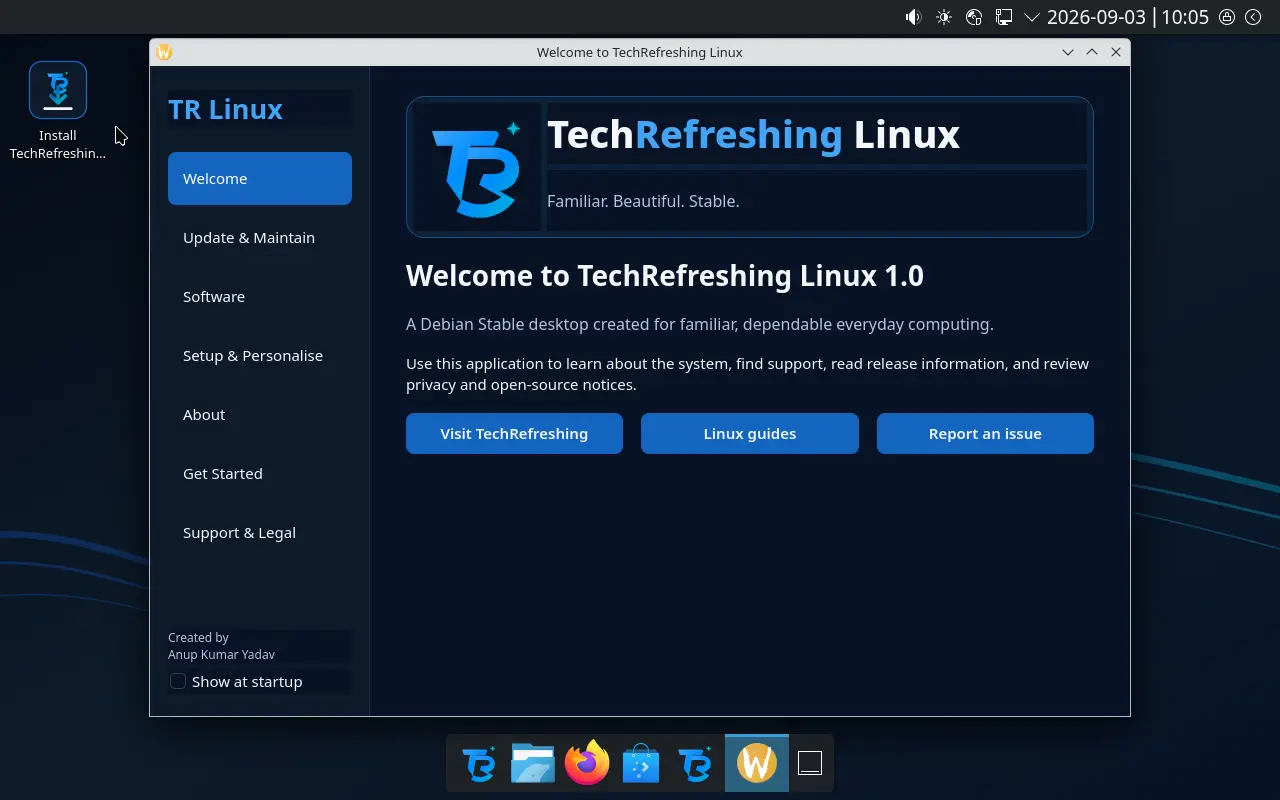
TechRefreshing Linux 1.0 is a Debian 13–based desktop with KDE Plasma 6, designed for everyday users who want a clean, dependable system.
Free, open source and no mandatory telemetry
Last updated: September 2, 2026
Built for everyday computing
TechRefreshing Linux brings Debian’s dependable foundation together with a carefully arranged KDE Plasma desktop. It is intended for everyday work, study and browsing, with a familiar layout that helps new Linux users settle in without taking control away from experienced users.
Powerful features
A beautiful, flexible desktop that adapts to the way you work.
Thousands of applications from Debian repositories and Flathub.
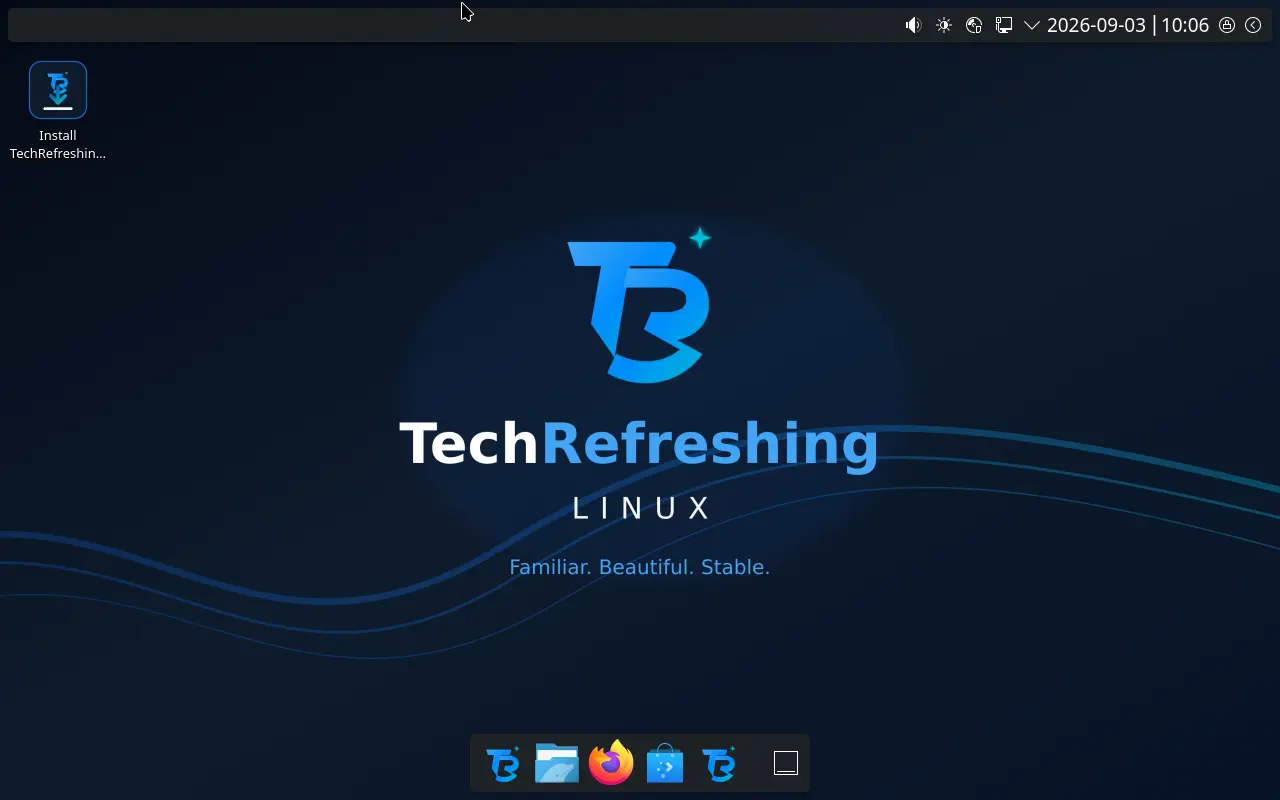
Clean, modern and organised for everyday tasks.
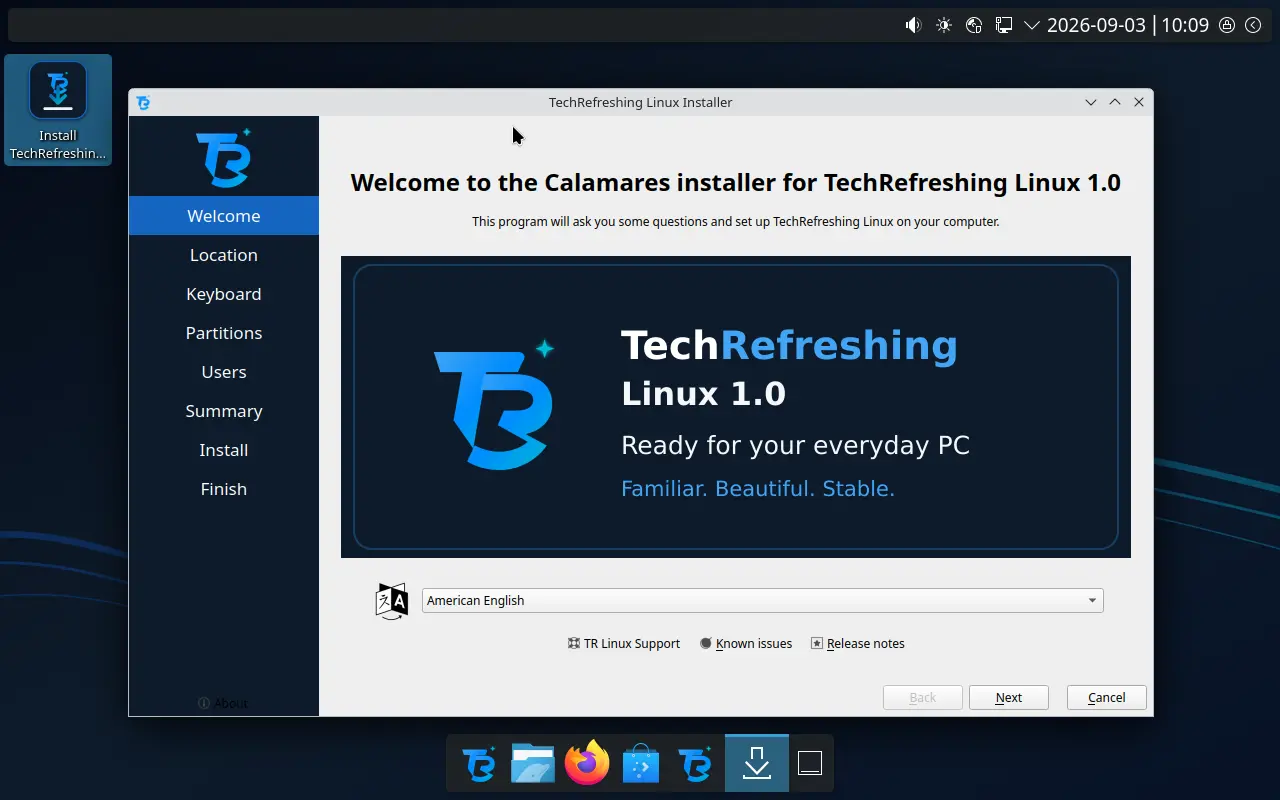
A simple guided installation for new and experienced users.
Install alongside Windows with practical guidance.
Tools to repair, back up and recover your system.
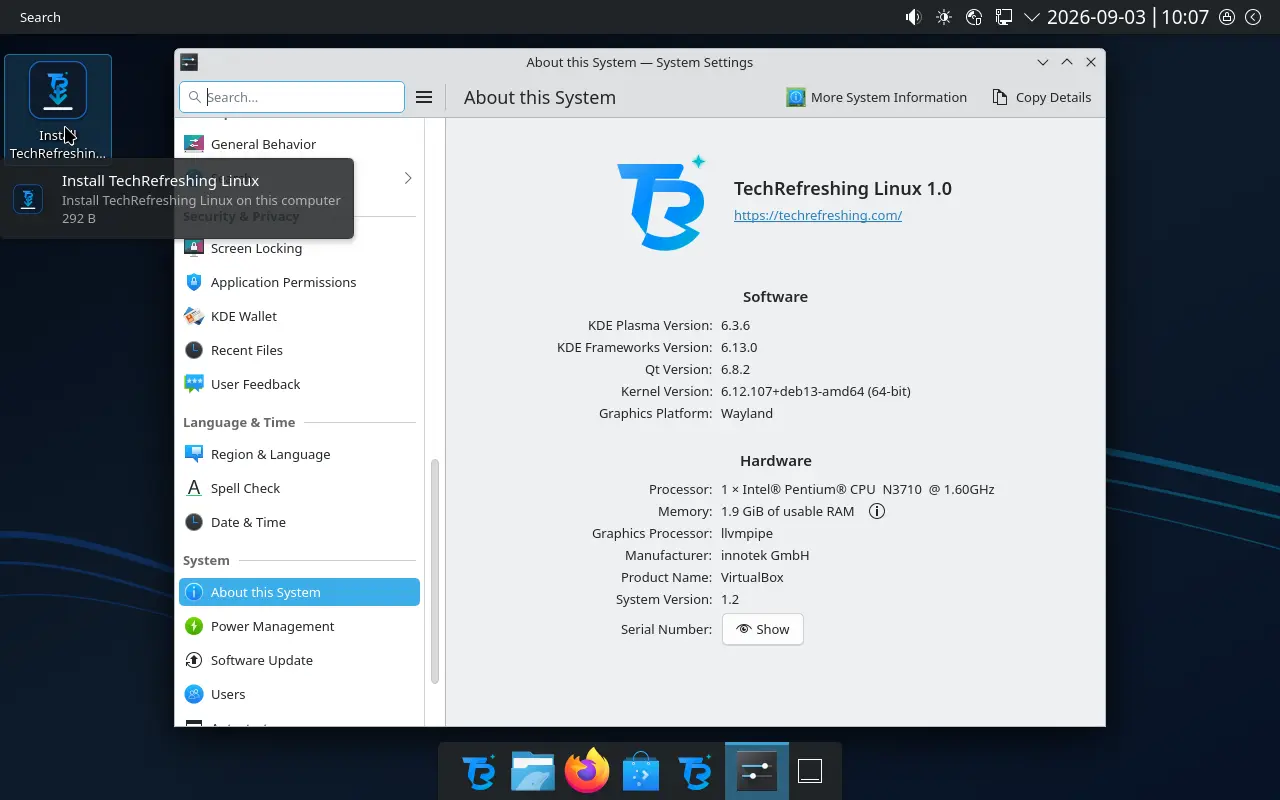
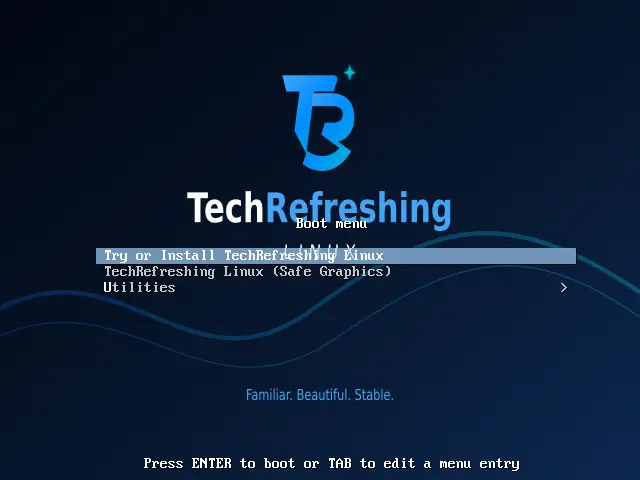
Real screenshots from the current release.
Ready to work
Dependable open-source applications for browsing, creating, communicating and staying productive.
Compatibility and setup
Confirm that the ISO is complete and untampered.
Before you begin
Clear answers to the questions new users ask most.
Yes. TechRefreshing Linux is free to download and use. Its distribution-specific build scripts and configuration are published under GPLv3, while included applications keep their own licences.
Yes. Start the computer from the USB drive and use the live session to check the desktop, Wi-Fi, sound, display and other hardware before opening the installer.
Yes, but back up your files first. Save your BitLocker recovery key if applicable, disable Windows Fast Startup and make sure Windows and the installer are both started in the same UEFI mode.
A 64-bit Intel or AMD processor, 4 GB of RAM and 25 GB of available storage are the practical minimum. Eight GB of RAM and at least 40 GB of storage are recommended.
Use the public GitHub issue tracker. Include the computer model, firmware mode, installation type, exact error message and the steps that led to the problem.
A clean, modern desktop experience that feels familiar from day one.
TechRefreshing Linux is an independent project based on Debian. It is not produced, endorsed or supported by the Debian Project. Distribution-specific configuration is released under GPLv3; bundled software retains its respective licences. Back up important data before installation.