Linux Tutorials
How to Fix Permission Denied Errors in Linux
A practical guide to diagnosing and fixing Linux permission errors on Ubuntu, Debian, Fedora, RHEL, Arch and openSUSE.

Explore
Whether you’re new to Linux or already comfortable with the terminal, our Linux Tutorials at TechRefreshing make learning easy and enjoyable. We share step-by-step guides on installing distros, using essential commands, fixing common errors, customizing your desktop, setting up servers, and improving system performance. Everything is written in simple language with screenshots and real examples, so you’ll never feel lost. From beginners looking for basic tips to advanced users wanting to sharpen their skills, this category has helpful tutorials for everyone. Learn Linux at your own pace — one clear guide at a time.
A practical guide to diagnosing and fixing Linux permission errors on Ubuntu, Debian, Fedora, RHEL, Arch and openSUSE.
A failed update doesn’t mean a dead system. Here’s a clear, step-by-step recovery path for Ubuntu, Debian, Fedora and Arch,…
Linux file manager won’t open? Here are 9 common causes and step-by-step fixes for Ubuntu, Fedora, Debian, Mint and KDE.
Monitor not showing up on Linux? Follow these 2026-ready steps to diagnose cables, drivers, EDID and Wayland issues fast.
Fix common Debian 13 problems fast, from Secure Boot and GRUB errors to Wi-Fi, NVIDIA and APT issues, with clear…
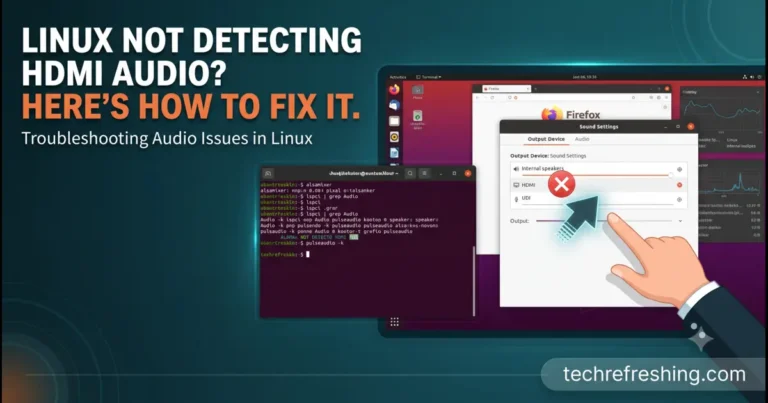
No sound over HDMI on Linux? Diagnose the cause and fix it on Ubuntu, Debian, Fedora, Arch and openSUSE.
Stuck on a dark screen after typing your password? Here's how to find the cause and get your Linux desktop…
Bluetooth adapter missing on Linux? Here's how to diagnose and fix it — from rfkill blocks to missing firmware and…
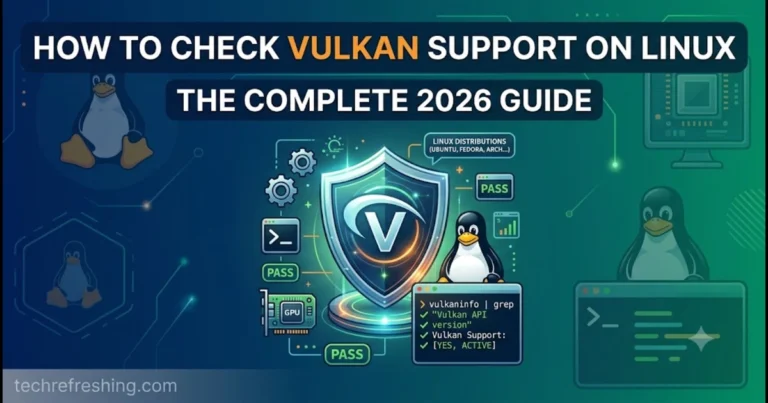
A quick, practical walkthrough for checking Vulkan support on Linux using vulkaninfo, vkcube, and driver diagnostics — plus fixes for…
Missing the Wi-Fi option on Linux? Here's a practical, step-by-step guide to find and fix the real cause fast.