

Tails 7.4 Is Out Now What’s New for Privacy-Focused Linux Users
For anyone who takes online privacy and digital anonymity seriously, Tails 7.4 Is Out Now represents a meaningful step forward. Released on January 15, 2026, this latest minor update in the Tails 7.x series delivers practical enhancements, important security updates, and a few strategic adjustments that reflect the project’s ongoing commitment to balancing usability with uncompromising protection. Whether you’re a journalist protecting sources, an activist evading censorship, a researcher handling sensitive data, or simply someone who refuses to leave digital footprints, Tails remains one of the most reliable tools available.
Tails, short for The Amnesic Incognito Live System, is a live operating system you run from a USB stick or DVD. It forces all internet traffic through the Tor network, erases all activity from the host computer upon shutdown, and comes preconfigured with privacy-respecting applications. Nothing is installed permanently unless you explicitly enable the encrypted Persistent Storage feature. Built on Debian, it’s designed for situations where ordinary browsing—even with Tor Browser—carries too much risk.
In this in-depth post, we’ll explore every aspect of the Tails 7.4 release based on the official notes from tails.net. We’ll cover the standout new feature, software updates, the deliberate removal of BitTorrent support, bug fixes, upgrade paths, historical context within the 7.x series, and why these changes matter in today’s threat landscape. By the end, you’ll have a clear picture of whether (and how) to adopt or upgrade to this version.
The Star of Tails 7.4: Persistent Language and Formats
The headline addition in Tails 7.4 is the ability to save your language, keyboard layout, and regional formats directly to the USB stick from the Welcome Screen (also called the Tails Greeter). Previously, every boot required re-selecting these preferences—language (e.g., English, French, Spanish), keyboard layout (US QWERTY, German, etc.), and formats like date style (MM/DD/YYYY vs. DD/MM/YYYY), time format (12-hour vs. 24-hour), and measurement units.
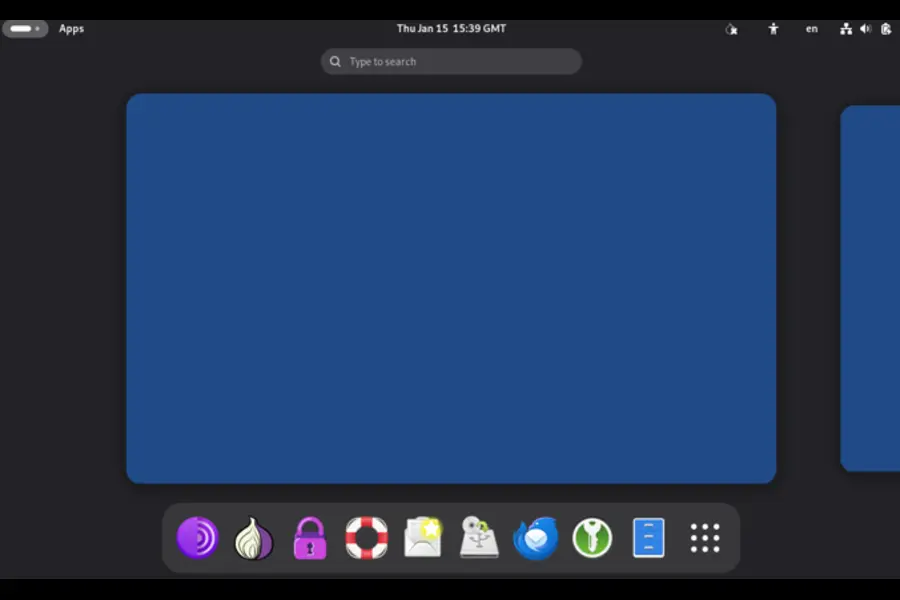
Now, a straightforward checkbox lets you make these choices persistent. On subsequent boots, Tails loads them automatically before you even reach the Persistent Storage unlock prompt. This saves time and reduces friction, especially valuable if you boot Tails often or in high-stress situations where every second counts.
There’s a deliberate security trade-off here that the developers handled transparently: these settings are stored unencrypted on the USB stick. The reason is practical—your keyboard layout needs to be active so you can correctly type the passphrase to unlock the encrypted Persistent Storage volume. Encrypting these settings would create a catch-22: you’d need the correct keyboard to unlock the settings needed to type the passphrase correctly.
The Tails team stresses that only these basic preferences are saved this way—no documents, no browsing history, no passwords, no metadata. For the vast majority of users, the convenience far outweighs the tiny additional exposure. In extremely high-threat models (e.g., nation-state adversaries who might seize your USB stick), you can simply leave the option disabled and continue selecting manually each time. This kind of nuanced, user-aware decision-making is one reason Tails enjoys such trust.
This feature addresses a long-standing user request and shows how the project evolves: strong defaults first, then thoughtful opt-in improvements that don’t weaken core protections.
Core Software Updates Keep Tails Hardened and Modern
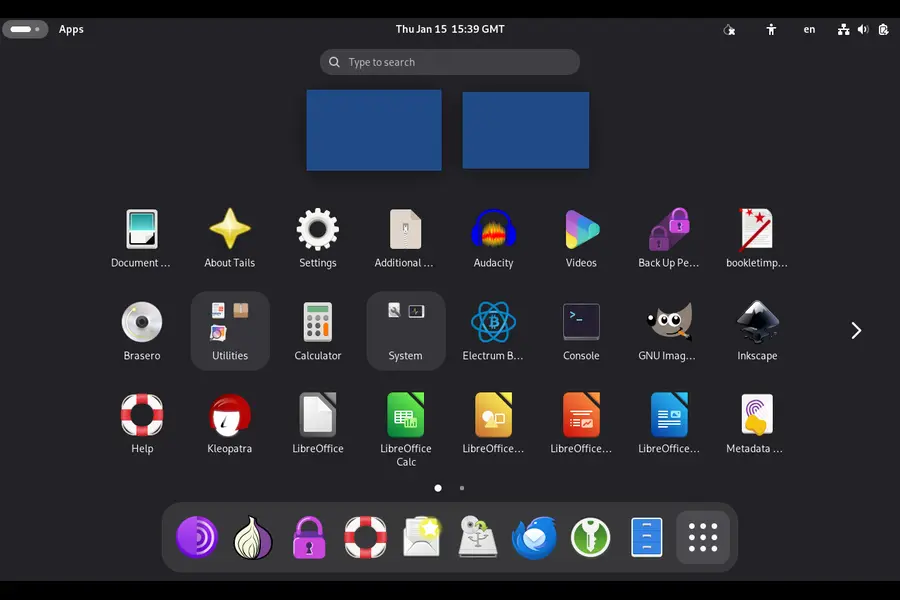
Tails 7.4 pulls in several critical component updates that ensure the system stays ahead of vulnerabilities and remains compatible with current hardware.
Tor Browser 15.0.4
The heart of Tails’ anonymity gets refreshed. Built on Mozilla Firefox 140 ESR, this version introduces user-friendly features like vertical tabs, tab groups for organizing multiple anonymous sessions, and a unified search button in the address bar. These additions make power usage easier without introducing fingerprinting risks. All Tor-specific hardening remains intact, including resistance to JavaScript-based tracking, canvas fingerprinting defenses, and letterboxing to standardize window sizes. Security patches from the Firefox ESR branch are applied, closing any recently discovered browser vulnerabilities.
Thunderbird 140.6.0
The default email and news client receives its matching update. This brings stability improvements, bug fixes, and continued support for secure protocols like OpenPGP for end-to-end encrypted mail. For users relying on Tails for sensitive correspondence—whether receiving tips anonymously or communicating securely—this keeps the tool reliable.
Linux kernel 6.12.63
Pulled from the Debian 13 “Trixie” long-term support repositories, this kernel version delivers better hardware support (especially for newer Wi-Fi chipsets and graphics), improved power management on laptops, and ongoing security hardening. Kernel updates are crucial because many exploits target low-level system components. Staying current reduces attack surface without requiring users to understand kernel internals.
These updates follow Tails’ predictable six-week release cadence, ensuring timely patches without unnecessary major overhauls.
A Security-First Decision: Removing BitTorrent Support
One of the bolder changes in Tails 7.4 is the complete removal of BitTorrent download functionality. Earlier versions included a client for torrenting, but the Tails developers concluded the risks no longer justified maintenance.
The main concern stems from BitTorrent’s transition from v1 to v2 protocols. Many legacy torrents still rely on v1, which has documented weaknesses—including hash collision attacks and potential deanonymization when used over Tor. Implementing full v2 support would demand significant ongoing work from a small volunteer-driven team. Rather than maintain a half-supported feature that could become a liability, they chose to drop it entirely.
The recommendation is simple: download files directly from mirrors or trusted HTTPS sources. This approach is often faster (Tor throttles peer-to-peer traffic anyway) and avoids the privacy pitfalls of torrent swarms. For users who truly need large-file sharing anonymously, tools like OnionShare (already included in Tails) provide a safer, Tor-native alternative.
This removal underscores Tails’ philosophy: if a feature can’t be kept secure without disproportionate effort, it’s better gone. Convenience never trumps safety.
Everyday Reliability: Bug Fixes in Tails 7.4
Minor releases like 7.4 focus heavily on polish. Several frustrating issues are resolved:
- Double-clicking or right-click “Open with Kleopatra” on .gpg encrypted files now works reliably in the file manager.
- Attempting to unlock a VeraCrypt volume with the wrong password no longer crashes the desktop environment.
- The top navigation bar and lock screen now consistently display time in 24-hour format when selected, eliminating visual inconsistencies.
These fixes may seem small, but in high-stakes workflows—decrypting a sensitive document quickly or mounting a hidden volume under time pressure—they prevent disruptions that could lead to mistakes or stress.
Upgrade and Installation Paths
Getting to Tails 7.4 is designed to be painless for existing users. Automatic upgrades are enabled by default from Tails 7.0 and later. Connect to the internet, wait for the notification, and follow the prompts—your Persistent Storage remains intact.
If automatic upgrades fail (e.g., due to connectivity issues or a corrupted install), use the manual upgrade process: download the latest image, verify its OpenPGP signature, and apply it via the Tails Installer or by recreating the USB stick.
New installations follow the same secure workflow:
- Download the ISO or USB image from https://tails.net.
- Verify the signature using the instructions provided (essential to avoid supply-chain attacks).
- Use tools like Rufus (Windows), balenaEtcher, or the built-in Tails Installer to write the image to a USB stick (at least 8 GB recommended).
- Boot the stick, configure the Welcome Screen, and optionally set up Persistent Storage.
Always use the official site—mirrors can be compromised, though signature verification mitigates this risk.
How Tails 7.4 Fits in the 7.x Series
To appreciate the incremental progress, here’s a comparison of recent releases in the Tails 7 series:
| Version | Approximate Release Period | Base Debian / Desktop | Key New Feature or Focus | Major Updates | Removals / Notable Changes |
|---|---|---|---|---|---|
| Tails 7.0 | September 2025 | Debian 13 “Trixie”, GNOME 48 | Major base upgrade, faster boot via zstd compression | Tor Browser 14.5.7, Tor 0.4.8.17, new GNOME apps | Switched compression algorithm |
| Tails 7.1 | October 2025 | Same | Minor refinements, improved admin messages | Tor Browser 14.5.8, Thunderbird 140.3.0 | Removed ifupdown package |
| Tails 7.2 | November 2025 | Same | Enhanced Tor Browser homepage, notifications | Tor Browser 15.0.1, kernel 6.12.57 | Removed Root Console, disabled Thunderbird telemetry |
| Tails 7.3.1 | December 2025 | Same | Emergency security fix in library | Tor Browser 15.0.3, Tor 0.4.8.21 | Re-release for vulnerability patch |
| Tails 7.4 | January 15, 2026 | Same | Persistent language/formats | Tor Browser 15.0.4, Thunderbird 140.6.0, kernel 6.12.63 | Dropped BitTorrent support |
Broader Context: Why Tails Matters in 2026
Surveillance capitalism, state-level monitoring, and corporate data harvesting continue to accelerate. Tools like Tails counter this by design: Tor routing hides your IP, amnesic behavior prevents forensic recovery, and vetted applications minimize third-party leaks.
Unlike hardened browsers on a daily OS, Tails provides full-system isolation. Edward Snowden famously relied on it; journalists worldwide use it for source protection; dissidents in repressive regimes access uncensored information through it. Even casual users benefit when researching controversial topics without employer or ISP tracking.
Tails isn’t perfect—Tor can be slow, some hardware lacks support, and it’s not meant for daily general-purpose computing. But for high-risk scenarios, no free tool matches its threat model coverage.
Closing Thoughts on Tails 7.4
Tails 7.4 Is Out Now, and it delivers exactly what privacy-focused users need: smoother day-to-day operation via persistent settings, up-to-date defenses against emerging threats, and ruthless prioritization of security over marginal features. The persistent language option alone will reduce tedium for regular users, while kernel and browser updates quietly close doors to attackers.
If you’re on an older 7.x version, upgrade today—automatic updates make it effortless. If you’re new, grab the image, verify it, boot it, and explore. Spend time with OnionShare, MAT2 metadata remover, KeePassXC, and the secure file deletion tools. You’ll understand quickly why Tails has earned its reputation. In an age where privacy is under constant assault, Tails 7.4 reaffirms that strong, usable anonymity tools are still actively developed and supported by a dedicated community. Download it, use it wisely, and stay safe.
Disclaimer
This blog post is based entirely on the official Tails release announcement and release notes published on tails.net as of January 15, 2026. It is not an official Tails project publication and does not replace the original documentation. Always download Tails exclusively from the official website, verify every image signature, and follow the project’s security instructions. Privacy tools like Tails are only as strong as your operational security practices—using them does not make you invincible. The author is not affiliated with the Tails project.
Frequently Asked Questions (FAQ)
Is Tails 7.4 a major release or just a small update?
Tails 7.4 is a minor point release in the 7.x series. It brings usability improvements (like persistent language settings), security updates, bug fixes, and one feature removal (BitTorrent support). It is not a major version change like the jump from 6.x to 7.x, so upgrades are usually quick and automatic.
How do I upgrade to Tails 7.4 safely?
If you’re already running Tails 7.0 or newer, connect to the internet and wait for the automatic upgrade notification—it’s the easiest and safest method. If automatic upgrades don’t work, download the latest image from tails.net, verify the OpenPGP signature, and follow the manual upgrade instructions on the official site. Never skip signature verification.
Does the new persistent language feature make Tails less secure?
Not significantly for most users. The language, keyboard, and format settings are stored unencrypted on the USB stick so you can type your Persistent Storage passphrase correctly. No sensitive data (files, history, passwords) is saved this way. In very high-risk scenarios you can disable the persistence option and select settings manually each boot.
Why did Tails remove BitTorrent support in 7.4?
The Tails team removed it because maintaining secure BitTorrent functionality (especially with the v1-to-v2 protocol transition) required too much effort for a small project. Older v1 torrents have known deanonymization risks when used over Tor. They recommend direct downloads or OnionShare for secure file sharing instead.
Can I use Tails 7.4 as my everyday operating system?
No—Tails is designed specifically for high-privacy, high-security tasks where you need strong anonymity and no traces left behind. It’s intentionally slow on some connections (due to Tor), lacks convenience features of regular Linux distributions, and erases everything on shutdown unless you use encrypted persistence. For daily use, pair Tor Browser with a hardened regular OS instead.
Also Read
macOS vs Linux for developers in 2026?
About the Author





