The Best Free AI Writing Tools Compared (2026)
So you want a capable AI writing assistant without pulling out your credit card. Fair enough — and the good news is that 2026 is probably the best year in history to be a writer on a budget. The landscape has shifted dramatically. Free tiers that felt like afterthoughts two years ago have matured into genuinely useful tools. In this deep-dive guide on the best free AI writing tools compared, you’ll find honest breakdowns of what each tool actually delivers for free, where the limits bite, and which one makes the most sense for your specific workflow.
No generic rankings. No affiliate-driven fluff. Just real information based on current data, tested and verified as of April 2026.
Why Free AI Writing Tools Are Actually Useful Now
For a long time, “free AI writing tool” meant low-quality output, constant upsell prompts, and word limits that ran out before you finished a single article. That’s mostly changed. The major players — OpenAI, Anthropic, Google — are now using their free tiers as genuine acquisition funnels, which means they’re actually investing in making them good.
The result? Writers, bloggers, marketers, and students can now produce solid drafts, paraphrase content, catch grammatical errors, and brainstorm ideas without spending a cent. The key is knowing which tool to reach for and what each one is genuinely capable of in its free version.
Let’s get into it.
1. ChatGPT Free — Best All-Rounder
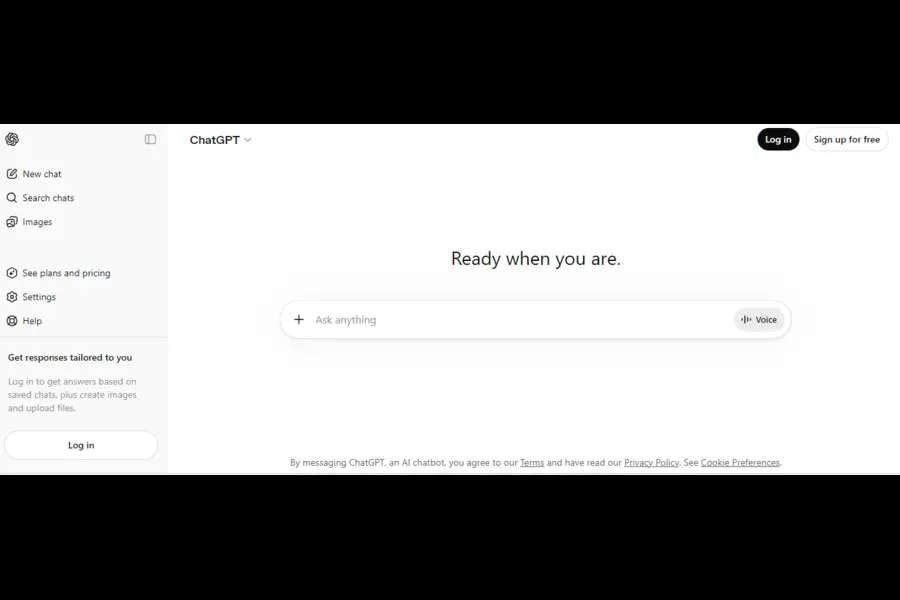
Best for: Everyday writing tasks, blog drafts, emails, social media copy
If you only try one free AI writing tool this year, make it ChatGPT. OpenAI has made significant changes to its free tier in early 2026. As of February 2026, GPT-4o was retired from ChatGPT and the platform moved to the GPT-5.3 family. Free users now get access to GPT-5.3 Instant — the same base model that paid users receive — with a cap of roughly 10 messages per 5-hour rolling window before the system falls back to the lighter GPT-5.3 Mini version.
That’s a meaningful upgrade from where the free tier was even a year ago. For casual use — a few blog sections, a quick email rewrite, a social media caption — you’ll rarely hit the ceiling.
What you get for free:
- GPT-5.3 Instant access (capped, then falls to Mini)
- Web browsing for up-to-date research
- Image uploads for analysis
- Access to the GPT Store custom apps
- Conversation history
What you don’t get:
- DALL-E image generation
- Advanced Data Analysis (running Python, processing spreadsheets)
- Custom memory persistence across sessions
- The newer GPT-5.4 Thinking model (Plus and above)
One thing worth noting: OpenAI started testing ads in the free tier for US users in early 2026 — a move that’s drawn mixed reactions. It doesn’t impact output quality, but it’s something to be aware of.
Canvas mode (OpenAI’s side-panel collaborative editor) is available to free users for targeted rewrites, which is a genuinely useful feature for editing existing drafts rather than generating from scratch.
Verdict: ChatGPT’s free tier is the most versatile free writing tool available right now. It handles the widest variety of tasks — blog posts, outlines, email copy, summaries, product descriptions — without needing templates or setup. Light and moderate users will get real value from it every day.
2. Claude Free — Best for Prose Quality
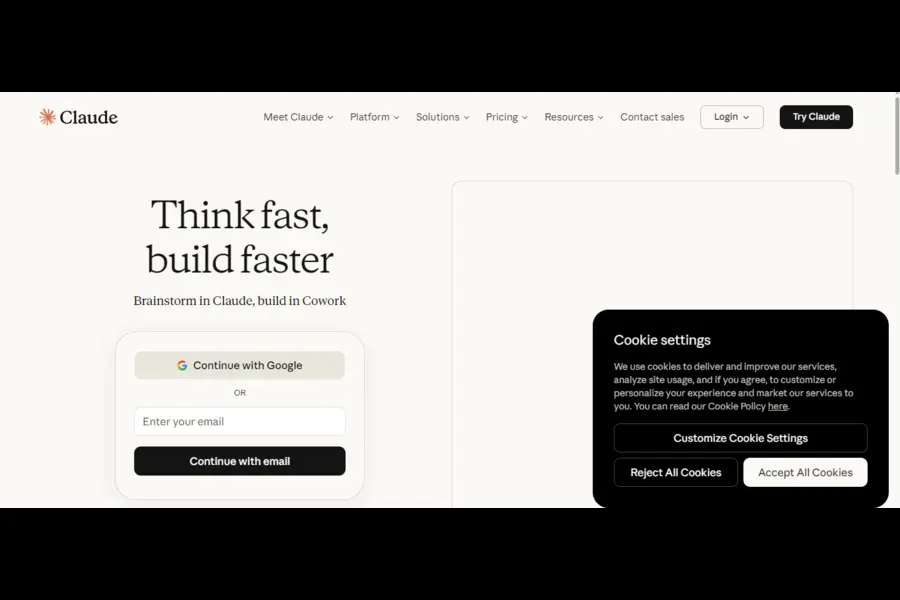
Best for: Long-form writing, blog posts, nuanced editorial content
If writing quality is your top priority, Claude’s free tier deserves serious attention. While ChatGPT wins on versatility and ecosystem, Claude consistently produces prose that sounds more natural and less formulaic. Writers who’ve used both often say Claude’s output requires less cleanup before it reads like something a human actually wrote.
The free plan gives access to Claude Sonnet 4.6, Anthropic’s mid-tier model, with daily usage limits. You won’t get the full horsepower of Claude Opus 4.6 (the flagship model released in February 2026), but Sonnet 4.6 is more than capable for most writing tasks.
What you get for free:
- Claude Sonnet 4.6 with daily rate limits
- Artifact generation (real-time document previews)
- File and image uploads
- Projects feature for organized context
- Multi-turn conversations with good context retention
What you don’t get:
- Claude Opus 4.6 access (Pro tier only)
- Unlimited messaging
- Priority access during peak hours
- Extended context windows for very long documents
Where Claude particularly shines: Editing and rewriting existing drafts, producing editorial-style long-form content, maintaining consistent tone across a piece, and handling nuanced writing requests that benefit from careful instruction-following.
The practical limitation is the daily cap — if you’re producing high volumes of content regularly, you’ll hit the ceiling before the day is out. But for a blogger writing one or two pieces a week, the free tier is genuinely sufficient.
Verdict: For sheer writing quality, Claude Free edges out the competition. It’s the go-to free option for blog posts, essays, and editorial content where you care about how the writing actually sounds.
3. Google Gemini Free — Best for Research-Heavy Writing
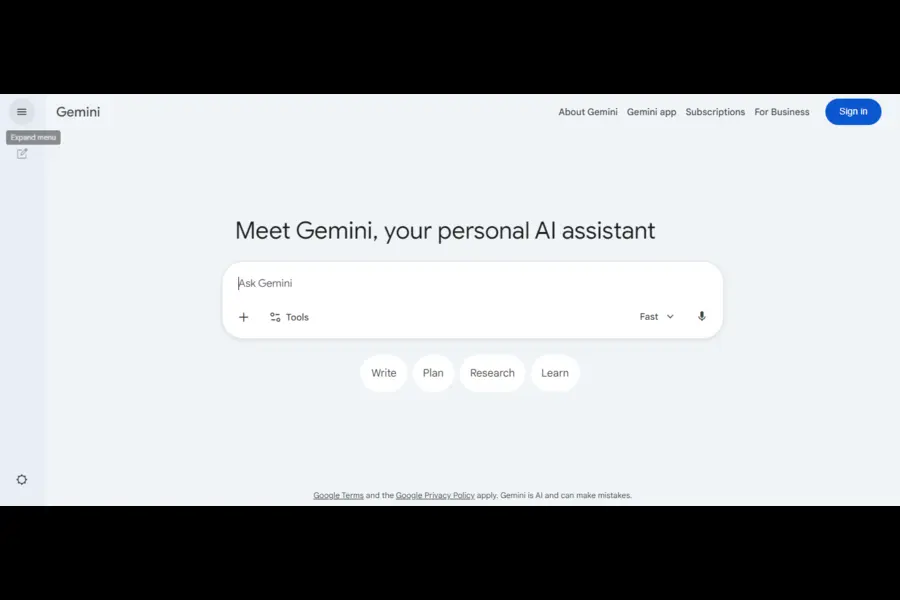
Best for: Research assistance, content brainstorming, writers inside the Google ecosystem
Google’s Gemini app offers a permanent free tier through any standard Google account — no credit card, no expiry. The free version has daily usage limits, but they’re structured around model quality rather than hard word counts. In practical terms, most users will find the free plan more than adequate for light-to-moderate writing assistance.
As of April 2026, free users in the US get access to Gemini 3 Flash as the default model (the “Auto” setting), with limited access to Gemini 3 Pro’s thinking capabilities for complex reasoning tasks. The free tier is genuinely usable for text-based writing work — generating blog outlines, drafting paragraphs, summarizing research, and brainstorming angles on a topic.
What you get for free:
- Gemini 3 Flash via the Auto setting
- Limited Gemini 3 Pro thinking for complex queries
- Web-connected responses (real-time information)
- Integration with Google Search
- Access via mobile and desktop
Where it fits writing workflows:
- Researching topics before writing, since Gemini pulls live information effectively
- Drafting within Google Docs (with the Workspace integration, which requires an eligible paid Workspace plan separately)
- Quick content brainstorming sessions
- Summarizing source material
Where it falls short: Gemini’s writing output is competent but often lacks the stylistic polish you get from Claude, and the free tier doesn’t include the depth of reasoning available in paid plans. For pure writing tasks divorced from research, it’s not the first tool you’d reach for.
Verdict: Gemini Free works best as a research companion before and during writing, rather than a primary drafting tool. Writers who live in the Google ecosystem will find it especially convenient.
4. Microsoft Copilot Free — Best for Office-Integrated Writing
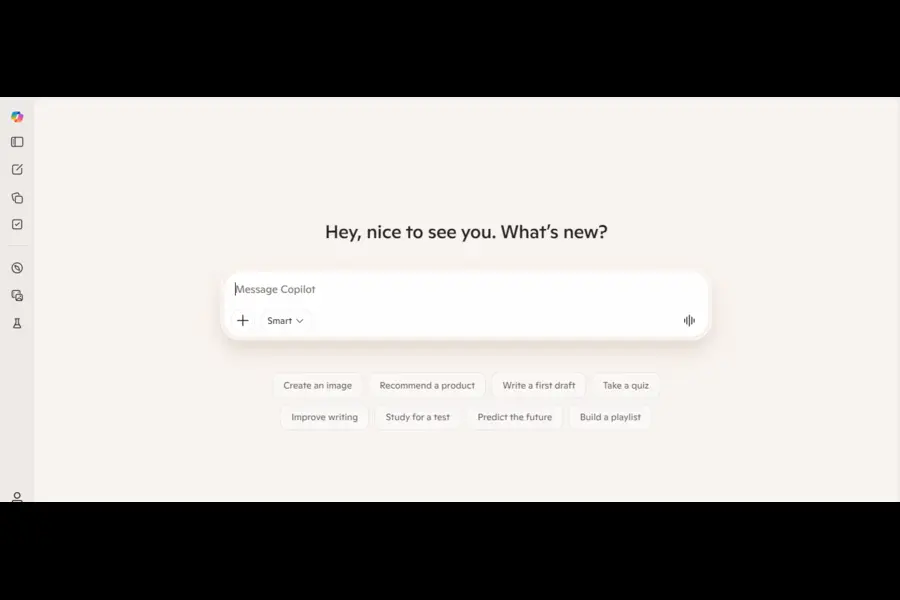
Best for: Email drafting, document summaries, writers embedded in Microsoft 365
Microsoft Copilot (the consumer version, not the enterprise M365 Copilot) is powered by OpenAI’s models and available for free with no hard daily limits — one of the most permissive free offerings on this list. It includes integrated web search through Bing, which means you get current information baked into responses without needing to switch tabs.
For writing tasks it handles the basics well: drafting emails, summarizing documents, generating article outlines, producing short marketing copy. The interface is clean and accessible, and the mobile apps make it easy to write on the go.
What you get for free:
- GPT-4o-powered responses with generous limits
- Real-time web search via Bing
- Image generation (limited free credits via Designer/DALL-E)
- Cross-device access (web, iOS, Android, Windows)
- No meaningful daily message cap for regular use
Limitations:
- Responses can feel more “corporate” in tone compared to Claude
- Less useful for creative or nuanced long-form writing
- The free tier doesn’t include the deeper integrations within Microsoft 365 apps like Word or Outlook (that’s a separate paid product)
Verdict: Copilot Free is a solid fallback tool — especially if you use Windows or have Microsoft accounts already. The lack of strict usage limits makes it worth keeping in your toolkit for days when you’ve maxed out ChatGPT or Claude.
5. Rytr Free — Best Budget Option for Short-Form Copy
Best for: Social media captions, short ad copy, quick email drafts on a tight limit
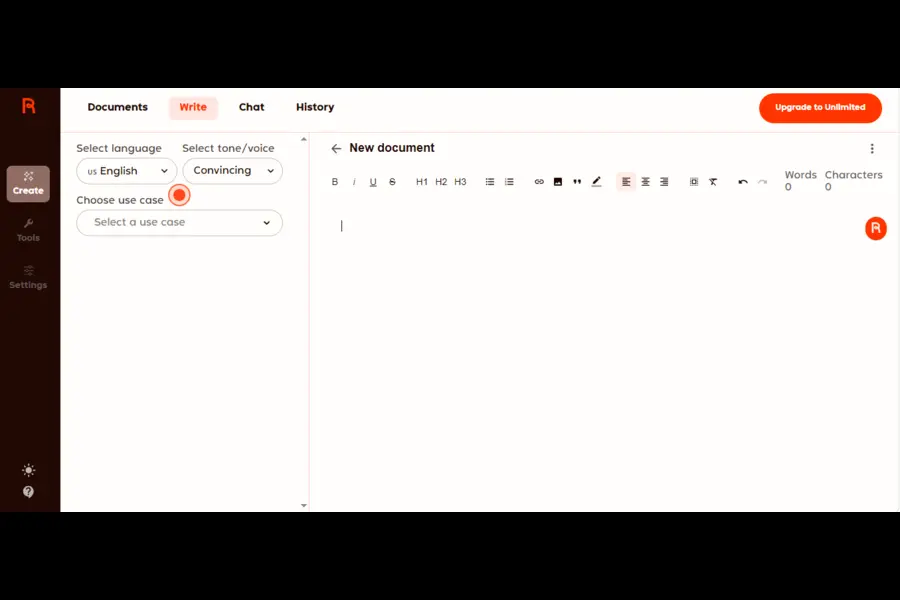
Rytr is a purpose-built AI writing platform that’s been around since the early days of AI writing tools. Its free plan gives you 10,000 characters per month — roughly 1,500 to 2,000 words — forever, with no credit card required.
That’s not a lot for serious content creators, but the tool’s real strength is in its structure. Rytr offers 40+ content templates (ad copy, product descriptions, blog intros, social captions, email subject lines), which makes it approachable for people who aren’t yet comfortable crafting detailed prompts from scratch.
What you get for free:
- 10,000 characters per month (resets monthly)
- 40+ content templates
- 20+ writing tones
- Built-in plagiarism checker
- Grammar checker
- Access in 30+ languages
Where it works well: Short, structured tasks — Instagram captions, LinkedIn posts, email subject lines, product taglines. The templates remove the blank-page problem, which some writers genuinely find valuable.
The catch: 10,000 characters disappears fast. If you’re producing regular content, you’ll likely exhaust the free allowance within a week or two. At that point, you’re either upgrading or switching to ChatGPT/Claude for the rest of the month.
Verdict: Rytr Free is worth having as a backup for quick short-form tasks. Don’t expect it to be a primary tool — the character limit is too restrictive for that.
6. Copy.ai Free — Best for Marketing Copy Templates
Best for: Marketers needing structured copy templates, sales emails, ad headlines
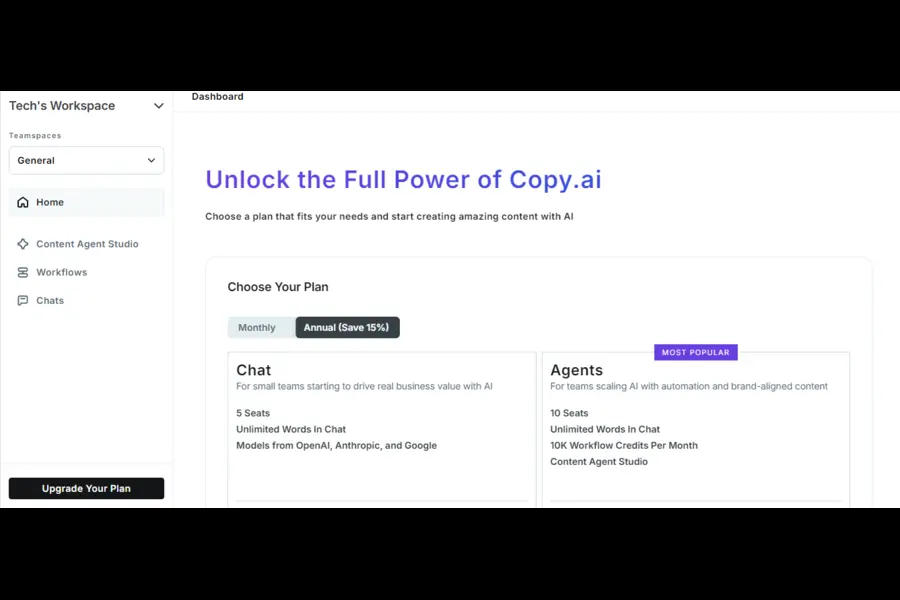
Copy.ai’s free plan offers 2,000 words per month — and those words are best spent on marketing copy rather than long-form content. The platform was built specifically for conversion-focused writing: ad headlines, product descriptions, cold email openers, sales landing page copy.
What sets it apart from Rytr is the depth of its template library and the overall design of the writing workflow. Copy.ai guides you through structured inputs before generating output, which tends to produce more targeted results than open-ended chat interfaces.
What you get for free:
- 2,000 words per month (permanent free tier)
- 90+ copywriting templates
- One brand voice setup
- Sentence rephraser and grammar tools
- Access to the Freestyle writing mode
Where it works: Cold email drafts, ad copy variations, product description batches, LinkedIn connection requests. If your writing needs are primarily marketing-focused and you only produce small volumes, the free tier is genuinely workable.
Where it doesn’t: Long-form content, blog posts, and anything requiring consistent voice across extended pieces. The word limit and template-driven approach aren’t suited for editorial writing.
Verdict: Copy.ai Free earns its place in a marketer’s toolkit, particularly for short-form conversion copy. For bloggers and content writers, the 2,000-word monthly cap will feel limiting quickly.
7. Grammarly Free — Best Free AI Editing Tool
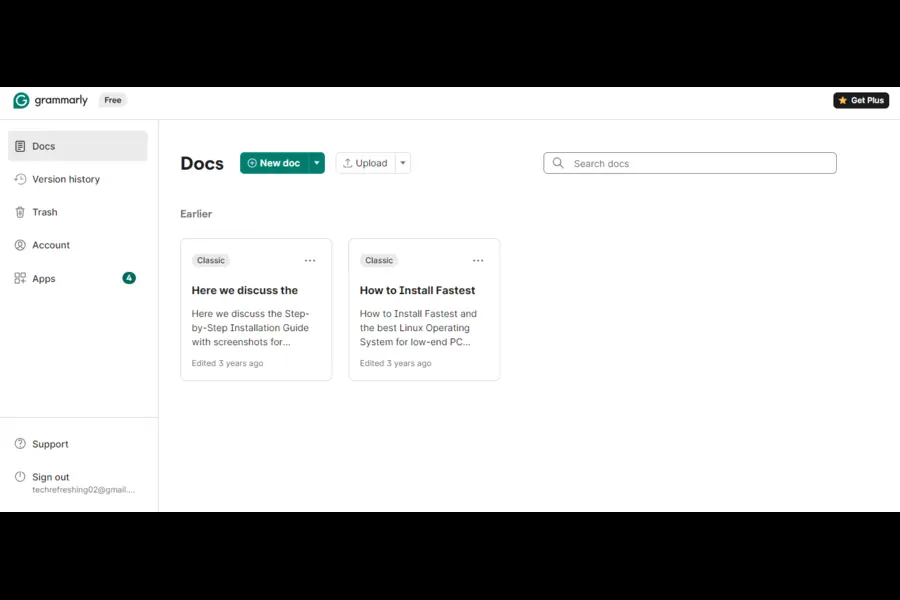
Best for: Proofreading, grammar correction, error-catching across all platforms
Grammarly occupies a different category from the tools above — it’s an editing tool, not a content generator. But for writers, it might actually be the most consistently useful free AI tool on this list, precisely because it fits invisibly into your existing workflow.
The free browser extension works across virtually every platform you write in — Gmail, Google Docs, CMS editors, LinkedIn, social media. It catches grammar errors, spelling mistakes, and punctuation issues in real time, without requiring you to copy and paste anything.
What you get for free:
- Grammar and spelling correction (best-in-class)
- Punctuation and clarity suggestions
- Browser extension for cross-platform editing
- Desktop apps for Mac and Windows
- Mobile keyboard integration
What requires Premium:
- Tone adjustment suggestions
- AI-generated rewrites and clarity improvements
- Plagiarism checker
- Full-sentence rephrasing
Verdict: Install Grammarly Free regardless of which other AI writing tools you use. It functions as a safety net under everything you write, catching the errors that slip through after your third proofread. It won’t replace a content generator, but it complements every tool on this list.
8. QuillBot Free — Best Free Paraphrasing Tool
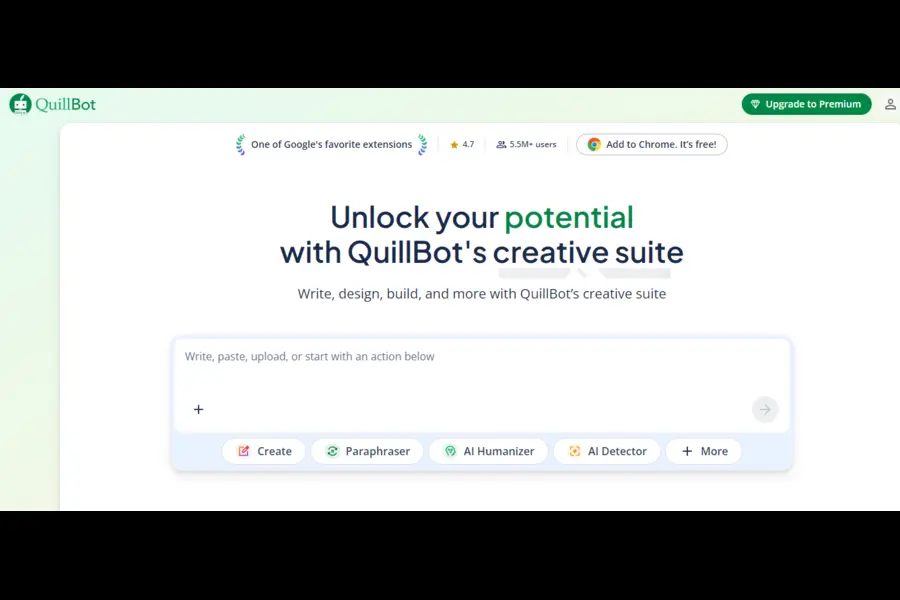
Best for: Paraphrasing, rewriting existing content, academic writing assistance
QuillBot fills a specific and genuinely useful niche: rewriting content you’ve already written (or source material you need to reference) into fresh phrasing. The free plan gives you access to two paraphrasing modes — Standard and Fluency — and can rewrite text up to a certain length per session.
What you get for free:
- Two paraphrasing modes (Standard and Fluency)
- Summarizer tool (condenses long content)
- Grammar checker
- Citation generator
- Basic sentence rephrasing
Where it excels: Academic writing, content repurposing, avoiding repetitive phrasing, and improving clarity in existing drafts. If you’ve written something and want to explore different ways to say it, QuillBot is the fastest tool for that job.
The limit: Premium unlocks six additional modes (Creative, Formal, Academic, Simple, Expand, Shorten), a higher character limit, and a plagiarism checker. The free tier is functional but noticeably restricted compared to the full product.
Verdict: QuillBot Free is the best free paraphrasing tool available, period. It’s not a content generator, but as a rewriting and editing companion, it has no real free competitor.
| Tool | Free Tier Limit | Best For | Writing Quality |
|---|---|---|---|
| ChatGPT | ~10 msgs / 5 hrs (GPT-5.3) | All-purpose writing | ★★★★☆ |
| Claude | Daily rate limits (Sonnet 4.6) | Long-form prose quality | ★★★★★ |
| Google Gemini | Daily limits (Gemini 3 Flash) | Research-integrated writing | ★★★☆☆ |
| Microsoft Copilot | Generous, no hard cap | Office writing, emails | ★★★☆☆ |
| Rytr | 10,000 chars / month | Short-form templates | ★★★☆☆ |
| Copy.ai | 2,000 words / month | Marketing copy | ★★★☆☆ |
| Grammarly | Unlimited (editing only) | Grammar & proofreading | N/A (editing) |
| QuillBot | Limited chars / session | Paraphrasing & rewriting | N/A (editing) |
How to Choose the Right Free AI Writing Tool
With eight strong options available, the decision comes down to what you’re actually trying to accomplish.
If you write blog posts and articles: Start with Claude Free for quality, ChatGPT Free for volume. Use Grammarly as your editing layer regardless.
If you’re a marketer producing ad copy and emails: Copy.ai’s templates are worth the 2,000-word limit. Supplement with ChatGPT for anything that runs over.
If you need current, research-backed content: Gemini’s real-time web integration makes it the best tool for the research phase, even if you ultimately draft in Claude or ChatGPT.
If you’re a student or academic writer: QuillBot’s free paraphrasing plus Grammarly’s grammar checker covers most bases. ChatGPT handles the drafting.
If you hit limits regularly: Rotate between tools strategically. ChatGPT’s 5-hour rolling window means you can often reset and get more messages within the same day. Copilot has no hard cap. Gemini has no meaningful word limit on the free tier.
The honest truth about free plans: No single free AI writing tool is designed for professional-level daily use. The limits exist precisely to push heavy users toward paid plans. But for occasional to moderate use — a few blog posts per week, a handful of emails per day, regular editing tasks — the free tiers available in 2026 are remarkably capable. Most writers can go months without needing to open their wallets.
Tips for Getting the Most Out of Free AI Writing Tools
Getting good output from any of these tools isn’t about the tool itself — it’s about how you use it.
Write specific prompts. “Write a 600-word blog introduction about sustainable packaging for e-commerce brands targeting environmentally conscious buyers aged 25–40” produces far better results than “write about packaging.” The more context you provide, the less editing you’ll need.
Use the editing tools for quality control. Generate with ChatGPT or Claude, then run the output through Grammarly and QuillBot before publishing. This two-step approach consistently produces cleaner final content than relying on a single tool for everything.
Save your best prompts. When you find a prompt structure that produces the kind of output you want, save it. AI tools are consistent — the same prompt reliably produces similar quality output. Building a personal prompt library is one of the highest-leverage habits a writer can develop.
Rotate tools when limits hit. If you’ve exhausted ChatGPT’s Instant message window, switch to Copilot or Gemini while the limit resets. Your workflow doesn’t have to stop.
Don’t publish first drafts. Every AI writing tool, regardless of price, produces drafts that require human judgment — fact-checking, voice adjustment, structural editing. The writers who get the most out of these tools treat them as intelligent first-draft machines, not final-output engines.
Final Thoughts
Comparing the best free AI writing tools reveals something reassuring: you don’t need to spend money to access capable AI writing assistance in 2026. The combination of ChatGPT Free, Claude Free, Grammarly Free, and QuillBot Free covers virtually every stage of the writing process — generating, editing, paraphrasing, and proofreading — at zero cost.
The tools have matured enough that the question is no longer whether free AI writing tools are worth using. They clearly are. The real question is which combination fits your specific workflow, and how to structure your usage so you’re never blocked by a limit at the wrong moment.
Start with Claude for quality, keep ChatGPT for volume and versatility, and layer Grammarly underneath everything. That combination alone will transform how efficiently you write — and it won’t cost you a thing.
Disclaimer
The information provided in this article is for general informational purposes only. While we strive to keep the content accurate and up to date, tool features, pricing, and free tier limits can change at any time without notice. We recommend visiting each platform’s official website to verify current details before making any decisions. This post does not constitute professional or financial advice.
🔗 Related Articles You May Like
-
How Cowork Agent is Changing the Way Teams Work
Discover how AI-powered cowork agents are transforming collaboration and productivity in modern teams.
-
What is TurboQuant? A Complete Beginner’s Guide
Learn the basics of TurboQuant, how it works, and why it’s gaining attention in AI and finance.
-
The Future of Deepfake Technology
Explore the evolution, risks, and future potential of deepfake technology in digital media.
About the Author