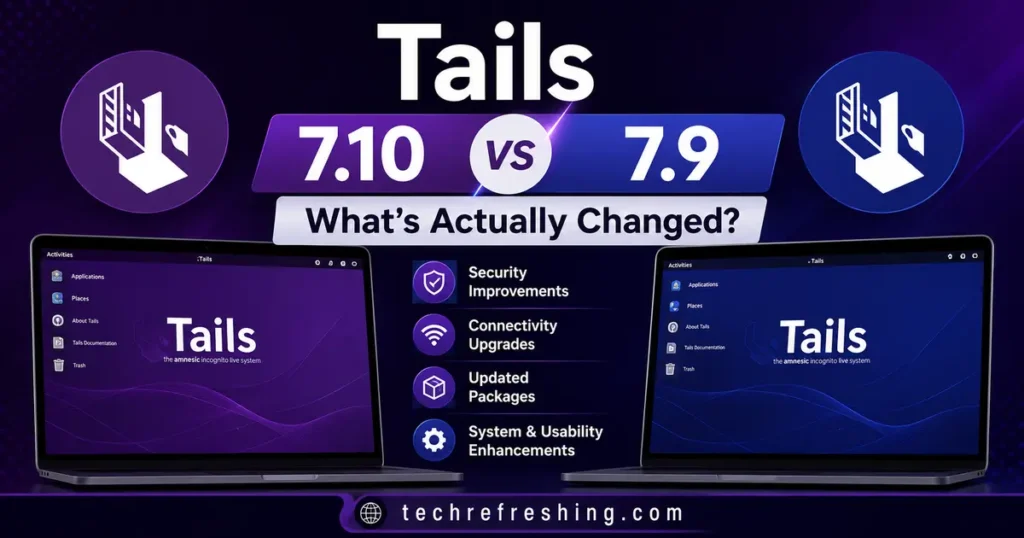
If you’ve been running Tails for any length of time, you already know the drill. A new point release drops, the changelog looks short, and you’re left wondering whether it’s actually worth the download and the USB reflash. That’s exactly the question behind Tails 7.10 vs Tails 7.9 — two releases that landed just over a month apart, in June and July 2026, and that look similar on the surface but behave quite differently once you actually boot into them.
I’ve gone through both official release announcements from the Tails project, cross-referenced the changelogs, and tested the upgrade path myself. This isn’t a rehash of the release notes — it’s a practical breakdown of what changed, why it matters, and whether you should upgrade today or wait.
Short answer: Tails 7.9 was a quiet maintenance release. Tails 7.10 is where the real changes are, including the first new default application swap in a while and a shutdown behavior change that affects literally everyone who uses the OS. Let’s get into it.
Quick Background: Why Point Releases Matter for Tails
Tails (The Amnesic Incognito Live System) isn’t a typical Linux distro. It’s a live, USB-based operating system built on Debian that routes all traffic through Tor, leaves no trace on the host computer by default, and is used by journalists, activists, researchers, and anyone who needs a genuinely private computing session. Because of that threat model, even “minor” version bumps matter more than they would on a regular desktop OS.
A missed Tor Browser update isn’t just an inconvenience for Tails users — it can be the difference between anonymous browsing and a fingerprinting or deanonymization risk. That’s why comparing 7.9 and 7.10 isn’t just changelog trivia; it’s genuinely relevant to how safely and smoothly you’re running the system. You can always cross-check the details below against the official Tails release notes if you want to see the source changelog for yourself.
Tails 7.9: The Quiet Maintenance Release
Tails 7.9 shipped on June 18, 2026, and it followed close behind Tails 7.8.1, which itself was an unplanned emergency release. That context matters. The 7.8.1 patch closed a Linux kernel vulnerability in the “Fragnesia” class along with a Tor client flaw that could have let an attacker bypass ZIP bomb checks or read memory outside its intended boundaries. Given that background, 7.9 was never going to be a flashy release — it was about consolidation and stability.
What actually shipped in 7.9
- Tor Browser updated to 15.0.16, built on Firefox ESR 140.12. This rolled in the security fixes that had accumulated since the previous browser update, without touching the custom about:tor start page or breaking existing browser behavior.
- Firmware package updates aimed at graphics and Wi-Fi hardware. This was a genuinely useful fix for people running Tails on newer laptops who’d been dealing with wireless adapters dropping out after driver updates on other distros.
- A Secure Boot notification bug fix. Before 7.9, some systems would get warned about outdated Secure Boot certificates even when the certificates were, in fact, current. It was a false-alarm bug rather than a security hole, but it was the kind of thing that erodes trust in the warnings you’re supposed to take seriously.
That’s it. No new applications, no interface changes, no workflow differences. If you were already comfortable on Tails 7.8.1, moving to 7.9 felt like nothing — which, for a security-focused OS, is often exactly the point. Boring releases are good releases when the goal is a stable, predictable environment.
Who should have cared about 7.9
Realistically, three groups of users:
- Anyone still on Tails 7.8 or earlier, since 7.9 folded in security fixes from Debian advisories published after 7.8.1.
- People on newer hardware who were hitting Wi-Fi or graphics driver issues.
- Anyone annoyed by false Secure Boot warnings interrupting their startup flow.
Everyone else could skip the deep dive and just run the automatic upgrade in the background.
Tails 7.10: Where Things Actually Change
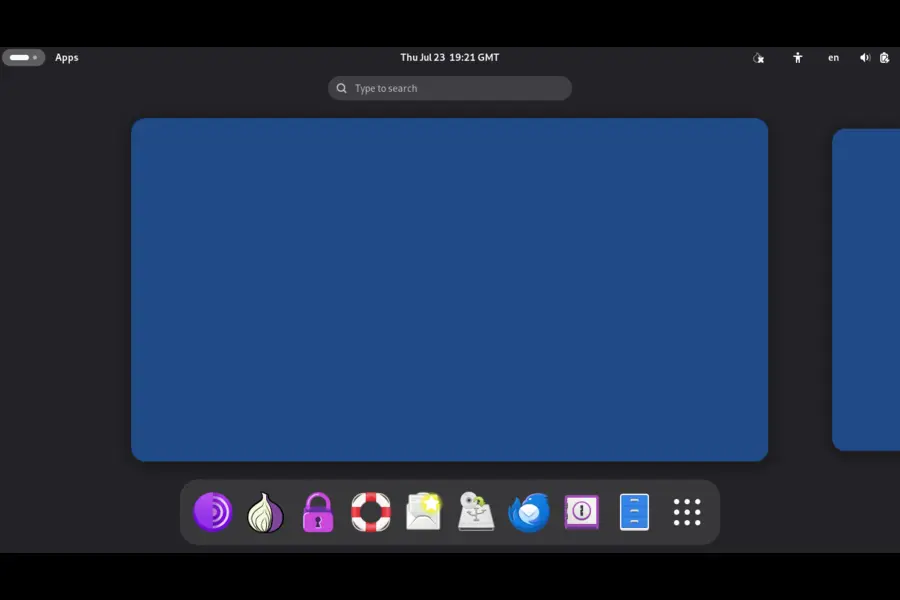
Tails 7.10 arrived on July 23, 2026, and unlike its predecessor, it’s not a pure maintenance drop. There are two changes here that genuinely alter how the operating system feels to use day to day, plus the usual round of browser and firmware updates.
1. A completely different shutdown procedure
This is the headline change, and it’s one every single Tails user will notice on their next session, whether they read the changelog or not.
Previously, Tails used a fast, somewhat abrupt shutdown process. Starting with 7.10, it switches to the standard GNOME shutdown procedure. It’s slower — noticeably so — but it’s designed to prevent data loss, which is a real problem on a system that’s meant to be run from a USB stick and closed down quickly and often.
Here’s what changed in practice:
- The Power Off confirmation dialog now tells you if an application still needs to close, or if a document you were editing hasn’t been saved.
- If you don’t respond to that dialog at all, Tails still shuts down automatically after 60 seconds — so it won’t leave you stuck waiting on a hung session.
- The old fast option hasn’t disappeared. The emergency shutdown shortcut is still available and works exactly as fast as before, for situations where you genuinely need the system to go dark immediately.
Why this matters: Tails has always emphasized amnesia — nothing persists unless you explicitly set up Persistent Storage, and shutting down should wipe RAM cleanly. But a fast, no-warning shutdown also meant it was easy to lose an unsaved document or interrupt a write operation to your Persistent Storage volume. The new default trades a few seconds of speed for a real reduction in accidental data loss, while keeping the rapid option available for people in higher-risk situations who need speed over convenience. That’s a sensible trade-off, and it’s the kind of change that shows the Tails team is thinking about real-world usage patterns, not just theoretical security posture.
If you’re someone who relies on the emergency shutdown as a matter of habit — for instance, if your threat model includes someone physically approaching your machine — nothing changes for you. If you’re an everyday user who just closes the lid or clicks Power Off, expect an extra several seconds before the screen goes black, and pay attention to that confirmation dialog the first few times you see it.
2. GNOME Videos is gone — say hello to Celluloid
The second big change in 7.10 is a default application swap. Tails has replaced GNOME Videos with Celluloid, a lighter, more actively maintained video player built on top of mpv.
This isn’t just a cosmetic switch. Celluloid was chosen specifically because it’s more reliable across the range of hardware Tails needs to support, and — critically for a privacy tool — it ships with no network access by design in this build. That’s a deliberate security decision: a video player with network access is a potential leak vector, whether through metadata requests, subtitle downloads, or streaming protocol handshakes that could bypass Tor routing if misconfigured.
Because Celluloid can’t reach the network, the Tails team has split video handling into two clearly defined paths:
- Local or downloaded video files (MP4, AVI, and similar formats) should be opened directly in Tor Browser, which already handles network-bound media playback safely within the Tor circuit.
- Streaming addresses, like IPTV or HLS links, need VLC, which isn’t part of the default install anymore but can be added through Additional Software in Persistent Storage.
One practical caveat worth knowing before you upgrade: Celluloid doesn’t work correctly on some computers manufactured in 2011 or earlier. If you’re running Tails on genuinely old hardware, you’ll want to install VLC as additional software instead, rather than relying on the new default player.
This is a small change on paper, but it reflects the general direction of privacy-focused software: minimize the attack surface of every default application, even ones as seemingly harmless as a video player, and make network access opt-in rather than assumed.
3. Tor Browser and firmware updates
Rounding out the release:
- Tor Browser updated to 15.0.19, the latest patch line beyond the 15.0.16 that shipped in 7.9. This closes the gap on any Firefox ESR security fixes that landed in the roughly five weeks between the two releases.
- Additional firmware package updates, again targeting graphics and Wi-Fi support for newer hardware — a continuation of the work started in 7.9 rather than a one-off fix.
Nothing revolutionary here, but consistent, incremental hardening of the exact components that matter most for a Tor-routed browsing session.
Tails 7.10 vs Tails 7.9: Side-by-Side Comparison
| Category | Tails 7.9 (June 18, 2026) | Tails 7.10 (July 23, 2026) |
|---|---|---|
| Tor Browser version | 15.0.16 (Firefox ESR 140.12) | 15.0.19 |
| Shutdown behavior | Original fast shutdown process | New GNOME-standard shutdown with unsaved-work warnings; auto shutdown after 60 seconds; emergency shutdown unchanged |
| Default video player | GNOME Videos | Celluloid (no network access; replaces GNOME Videos) |
| Video streaming workflow | Handled through default video app | Local files → Tor Browser; streaming links (IPTV/HLS) → VLC via Additional Software |
| Firmware updates | Graphics and Wi-Fi driver improvements | Continued graphics and Wi-Fi driver improvements |
| Secure Boot notifications | Fixed false warnings on up-to-date certificates | No changes in this area |
| New applications | None | Celluloid added as default |
| Upgrade path | Automatic from Tails 7.0 or later | Automatic from Tails 7.0 or later |
| Overall release type | Maintenance and stability | Feature update with UX and security-relevant changes |
Should You Upgrade From 7.9 to 7.10?
Yes — and not just because it’s the newer version. Here’s the honest reasoning.
The Tor Browser bump alone is worth it. Going from 15.0.16 to 15.0.19 closes several weeks of accumulated security patches in the single most important application on the system. If you’re using Tails specifically for anonymous browsing, running an outdated Tor Browser build undermines the entire point of the OS.
The shutdown change protects you from yourself. It sounds minor until you’ve actually lost an in-progress document or corrupted a Persistent Storage write because you powered off too fast. The new confirmation flow costs you a few seconds; the old behavior occasionally cost people their work.
Celluloid is a meaningful security improvement, even if you never noticed GNOME Videos existed. Reducing the network surface of default applications is exactly the kind of change that doesn’t show up in headlines but matters a lot in a real threat model.
The only reason to hold off is if you’re on hardware from 2011 or earlier and rely on the built-in video player for local files — in that case, plan to install VLC as additional software right after upgrading, rather than assuming Celluloid will work out of the box.
How to upgrade
If you’re running Tails 7.0 or later, the automatic upgrade path covers you directly to 7.10 — you don’t need to step through 7.9 first. Boot into your existing Tails USB stick, let it check for updates, and follow the prompts. If the automatic upgrade fails or the stick won’t boot afterward, fall back to a manual upgrade using a fresh USB image, and remember that a clean install (rather than an upgrade) will wipe any Persistent Storage on that stick, so back up anything important first.
Final Thoughts
Looking at Tails 7.10 vs Tails 7.9 side by side, the pattern is pretty typical for how the Tails project operates: a quiet, low-risk maintenance release followed by one that actually changes user-facing behavior. 7.9 kept things running safely in the background. 7.10 is the one that will make you pause the first time you shut down your laptop and see a new confirmation dialog, or the first time you double-click a video file and Celluloid opens instead of the old player.
Neither release is dramatic in isolation, and that’s arguably a good sign — Tails isn’t the kind of project that should be shipping sweeping changes every few weeks. But if you’re deciding whether to jump straight to the current version, the answer is straightforward: update to Tails 7.10, keep your Persistent Storage backed up as a habit regardless of version, and know that the extra few seconds during shutdown are there to protect your work, not slow you down for no reason.
Disclaimer
This article is based on the official Tails release announcements and changelogs available as of July 2026. Software details, version numbers, and behavior can change with future updates, so always confirm critical security information against the official Tails website before making decisions that affect your privacy or security setup.
Continue Reading
Want to learn more about Linux performance, desktop distributions, and audio technologies? These detailed guides will help you choose the right Linux distribution and understand the modern Linux audio stack.