Linux Apps
Does Microsoft Defender Now Work on Linux Desktops?
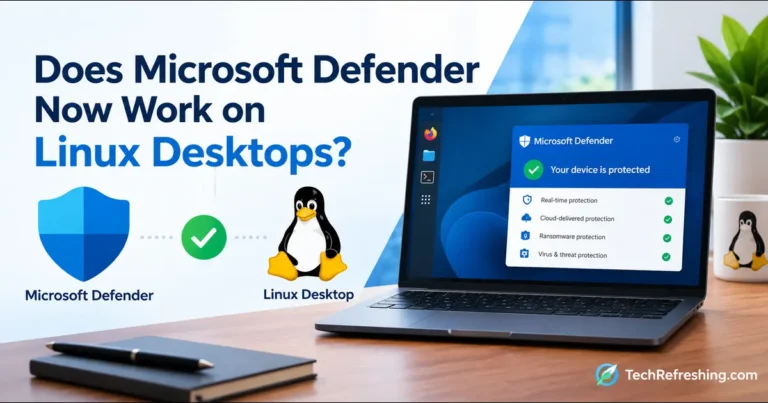
Microsoft Defender for Endpoint now supports Linux desktops in public preview. Here’s what it covers, what it costs, and who…

Explore
Welcome to the Linux section of TechRefreshing — your home for everything happening in the world of open-source computing. Whether you’re a beginner exploring Linux for the first time or an experienced user looking for deeper insights, this category brings you the latest news, distro reviews, tutorials, app recommendations, tips, and expert guidance. We cover all major distributions like Ubuntu, Fedora, Debian, Arch, Mint, and many others, with clear explanations and practical advice you can use right away.
Our goal is simple: to help you stay informed, learn faster, and get the most out of Linux—without complicated language or technical overload. Dive in, explore, and enjoy a clean, updated, and beginner-friendly Linux hub created for real users.
Microsoft Defender for Endpoint now supports Linux desktops in public preview. Here’s what it covers, what it costs, and who…
Linux 7.2 shipped with record-sized release candidates, and the kernel just dropped its AI disclosure tag. Here’s what it means…
SparkyOS 2026.10 is a portable, Arch-based Linux system that runs from a USB drive with no installation. Here is what…
A practical guide to diagnosing and fixing Linux permission errors on Ubuntu, Debian, Fedora, RHEL, Arch and openSUSE.
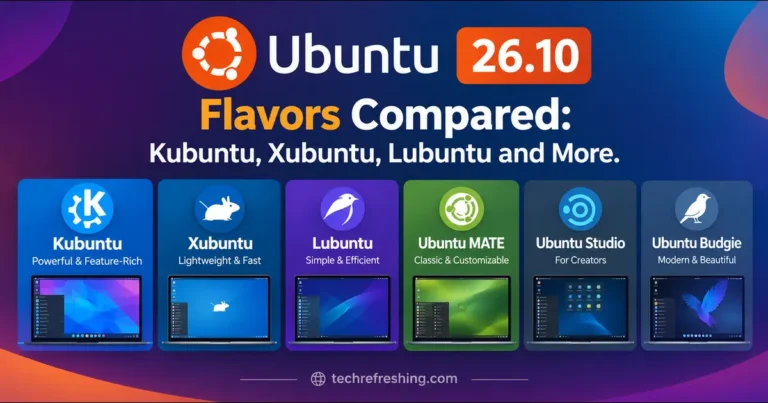
Ubuntu 26.10 is here with ten official flavors. Compare Kubuntu, Xubuntu, Lubuntu and more by desktop, features, pros and cons…
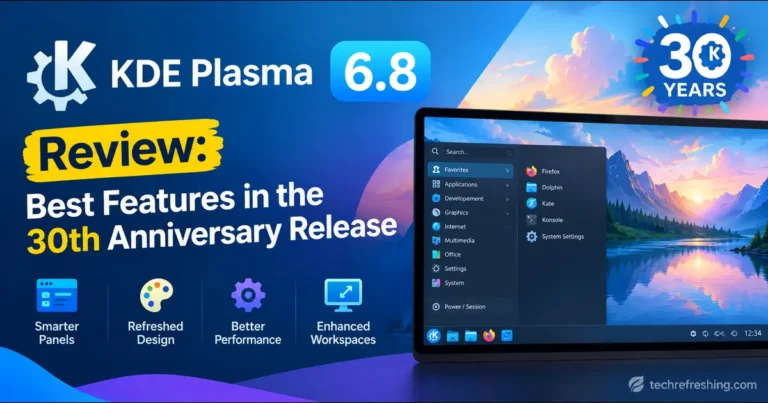
KDE turned 30 and shipped Plasma 6.8 with a Union theming beta, a built-in dwell clicker, and a Wayland-only future.…
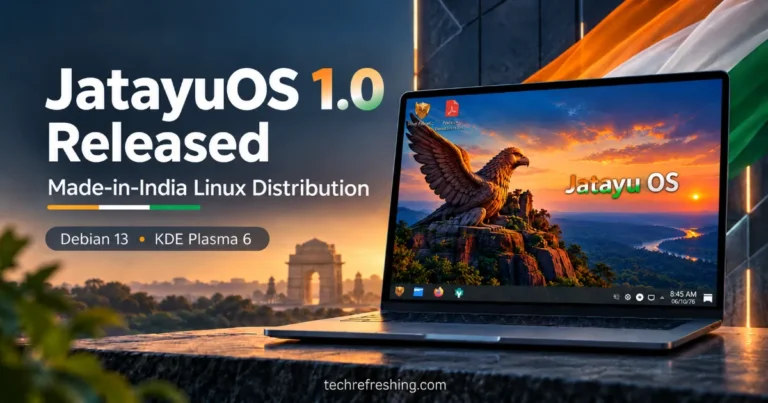
JatayuOS 1.0 Udaan is here! Discover this Made-in-India Linux distribution powered by Debian 13 and KDE Plasma 6, with custom…
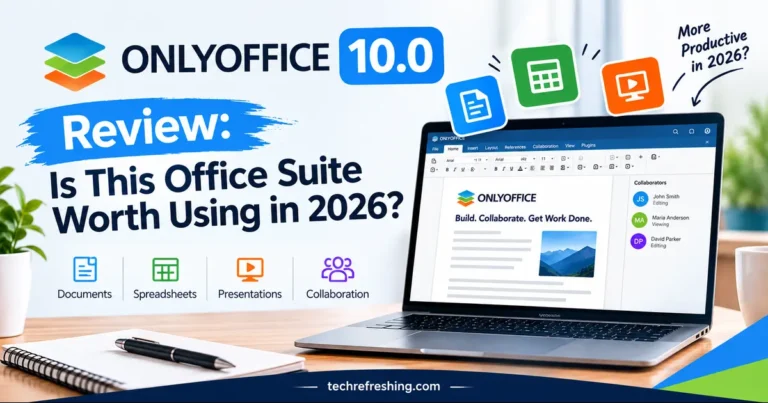
ONLYOFFICE 10.0 adds AI, modular Apps and smarter PDF tools. Here’s whether it’s worth using in 2026.
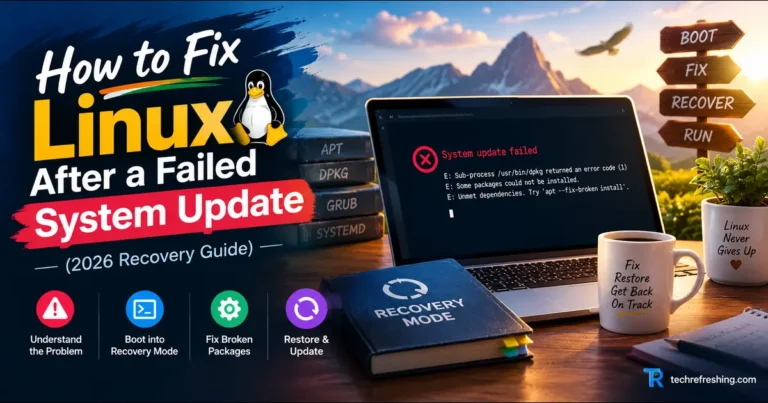
A failed update doesn’t mean a dead system. Here’s a clear, step-by-step recovery path for Ubuntu, Debian, Fedora and Arch,…
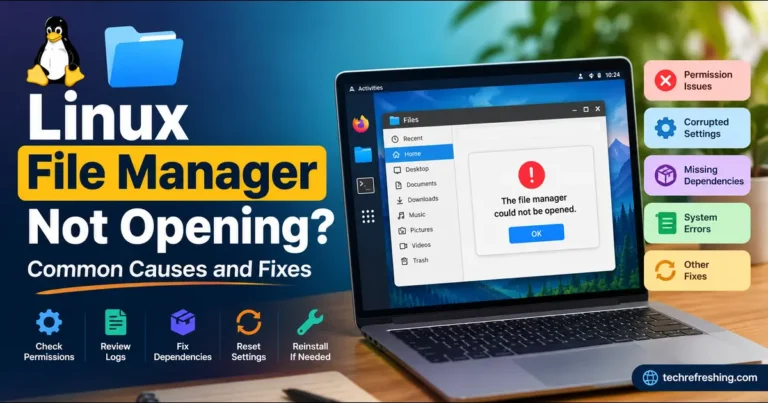
Linux file manager won’t open? Here are 9 common causes and step-by-step fixes for Ubuntu, Fedora, Debian, Mint and KDE.