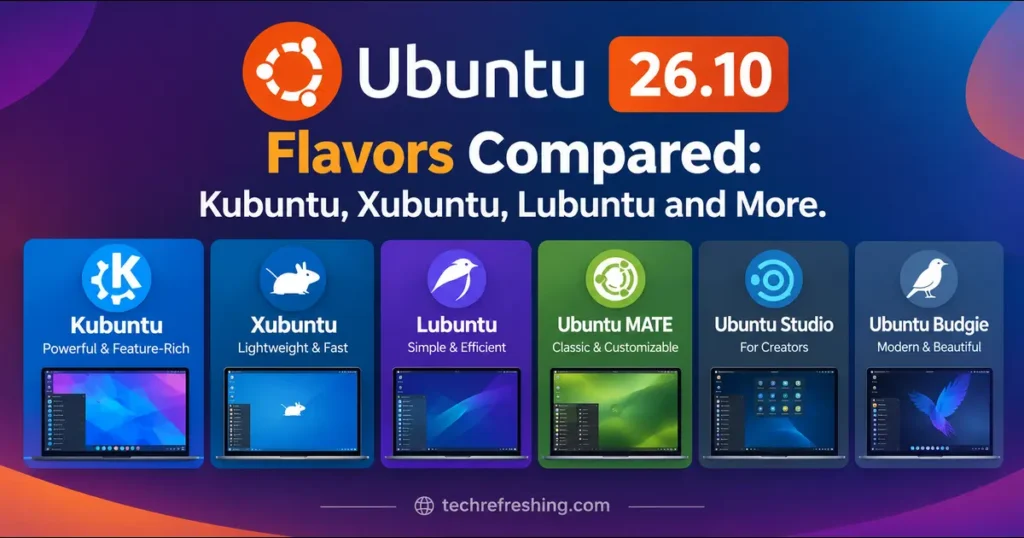
Canonical shipped Ubuntu 26.10 “Stonking Stingray” on 15 October 2026, and all ten official flavors landed the same day. If you’re staring at a list of names and wondering which ISO to download, this guide to Ubuntu 26.10 Flavors Compared is meant to save you an afternoon of tab-hopping.
How This Comparison Was Built
Every version number, date and known issue here comes from official release notes and the flavor teams’ own announcements, listed in the links throughout. None of these projects publish per-flavor performance benchmarks, so I haven’t invented any. Where something is general reputation rather than documented fact, I label it.
The Short Version
- Polished and customizable: Kubuntu.
- Light, steady and predictable: Xubuntu.
- Old or low-spec hardware: Lubuntu.
- Traditional or Windows-like layouts: Ubuntu MATE or Ubuntu Cinnamon.
- Music, video, graphics: Ubuntu Studio.
One caveat applies to all of them: 26.10 is an interim release, supported for nine months, until July 2027. For long-term stability, 26.04 LTS remains the safer pick.
What Every Flavor Shares
Underneath, the flavors share the base described in the official Ubuntu 26.10 release notes.
- Kernel: Linux 7.3. The release images carry 7.3.0-9.9, built from 7.3-rc6 because final upstream 7.3 arrived after launch.
- Core utilities: Rust-based uutils now covers all of coreutils, including
cp,mvandrm. - Package signing: Sequoia PGP replaces GnuPG for verifying APT repository signatures, which Canonical calls post-quantum ready.
- Plumbing:
dbus-brokerreplacesdbus-daemon; Mesa is 26.2. - Toolchains: Python 3.14.7, Go 1.27, GCC 15.2, LLVM 22, Rust 1.97.1.
Systems using TPM-backed full-disk encryption can’t upgrade from 26.04 LTS to 26.10 at launch, though Canonical expects to enable that during the 26.10 lifecycle.
Ubuntu 26.10 Flavors at a Glance
| Flavor | Desktop in 26.10 | Worth knowing | Best for |
|---|---|---|---|
| Ubuntu (reference) | GNOME 51 | New tiling popup, Drivers page in App Center | Mainstream default |
| Kubuntu | Plasma 6.7.5 | Wayland default; X11 unsupported | Customization fans |
| Xubuntu | Xfce 4.20 | Stability and Wayland fixes | Light, steady use |
| Lubuntu | LXQt 2.4 | X11 default; experimental Wayland | Older PCs |
| Ubuntu MATE | MATE | Returns after skipping 26.04 | Traditional desktop |
| Ubuntu Budgie | Budgie 10.10.3 | Radio widget, day/night wallpapers | Clean modern layout |
| Ubuntu Cinnamon | Cinnamon 6.6.9 | Nemo upgrades | Windows-like feel |
| Ubuntu Studio | Plasma 6.7.5 | Sonic Pi, SuperCollider added | Creators |
| Edubuntu | GNOME 51 | Age-group package sets | Schools |
| Ubuntu Unity | Unity 7.7 | Lomiri apps preinstalled | Unity loyalists |
| Ubuntu Kylin | UKUI 4.20 | Mostly a bug-fix release | Chinese-language users |
Wayland Status by Flavor
This is where flavors differ most, and where a wrong pick can bite.
| Flavor | Wayland situation in 26.10 |
|---|---|
| Kubuntu | Default and the only supported session. X11 package available, unsupported, and this is its last release |
| Xubuntu | Support improving (screenshots, panel recovery); the team calls it for the adventurous |
| Lubuntu | Experimental session based on Miriway; X11 stays default |
| Ubuntu Cinnamon | Muffin shows more progress toward Wayland protocol support, still in progress |
| Ubuntu Budgie | Optional Wayfire session via a backports PPA |
Kubuntu 26.10: Plasma at Full Strength
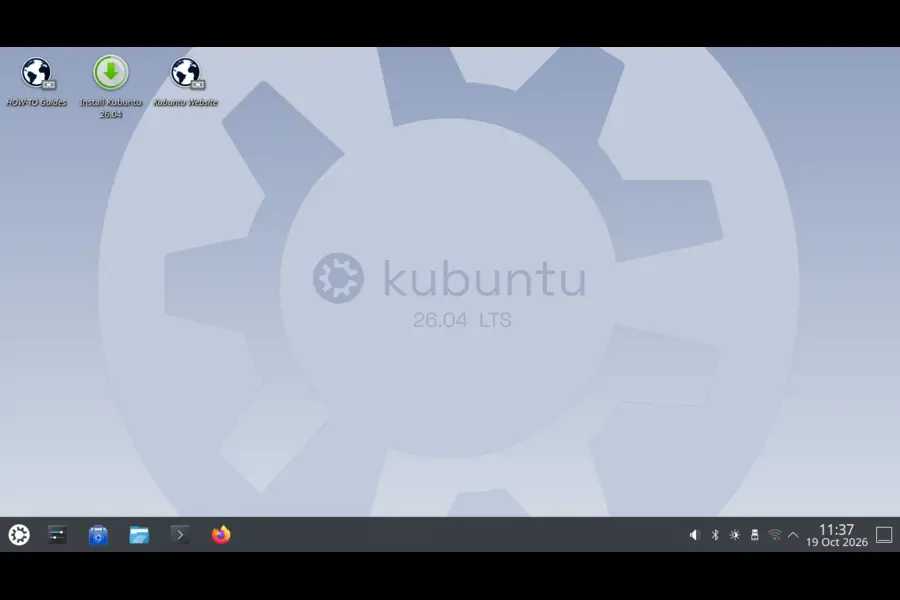
Kubuntu ships Plasma 6.7.5 with Qt 6.11.2, KDE Frameworks 6.29 and KDE Gear 26.08.1, per the Kubuntu 26.10 release notes. Plasma 6.8 is already out but isn’t included. You still get one version newer than 26.04, including per-screen virtual desktops, background apps in the system tray and type-ahead search on the desktop.
Pros
- Deepest customization of any flavor here
- Current KDE stack with real multi-monitor improvements
- Wayland is the supported default
Cons
- No X11 session by default, none supported, and the package ends after this release
- Plasma 6.8 isn’t shipped
- Settings depth can overwhelm newcomers
Pick it if you like tuning your desktop or run several monitors.
Xubuntu 26.10: Steady and Quietly Capable
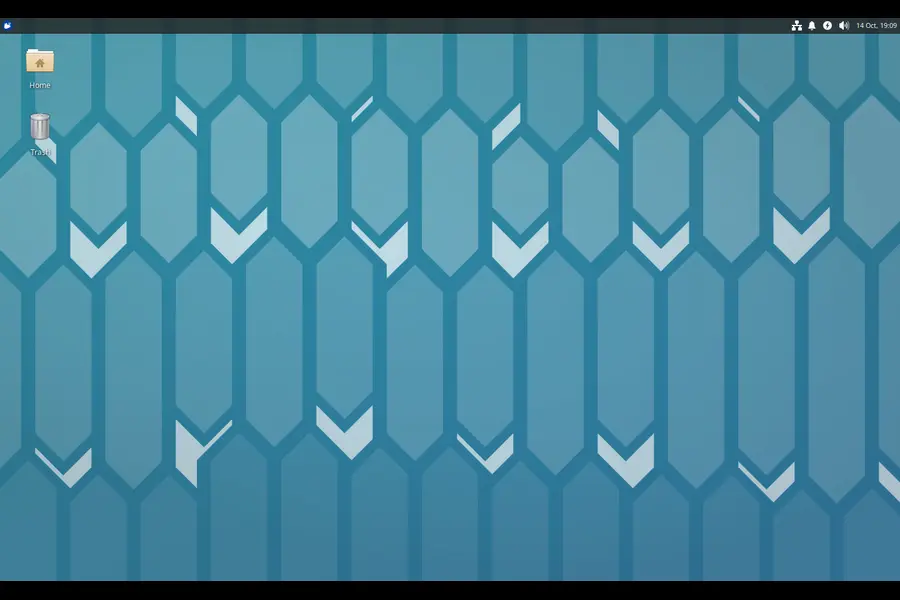
Xubuntu stays on Xfce 4.20, and the Xubuntu 26.10 notes focus on stability. Thunar fixes several crashes, the panel restarts itself on Wayland if it breaks, and the screenshot tool handles region and fullscreen captures on Wayland. The app stack is current: LibreOffice 26.8.1.1, GIMP 3.2.6, Firefox 157.0.1 (snap).
Pros
- Predictable behavior, short learning curve
- Solid bundled apps
- Real, if early, Wayland progress
Cons
- Graphical SSH agent currently unavailable
- Lock screen can show the wrong wallpaper
- Installer quirks: GRUB menu may not show on dual-boot installs; the installer may select two root partitions
Pick it if you want a classic panel-and-menu desktop that stays out of your way.
Lubuntu 26.10: Built for Modest Hardware
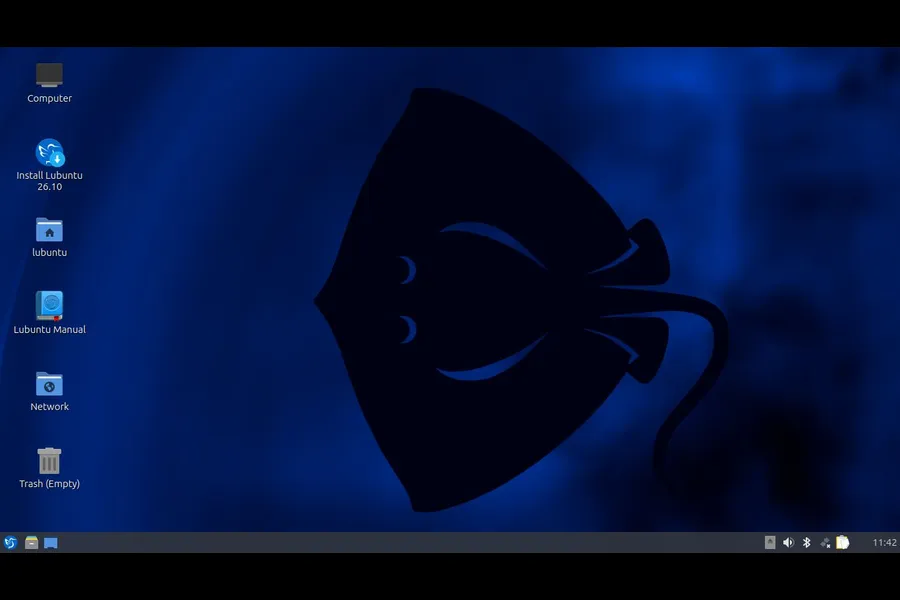
Lubuntu 26.10 is the 31st Lubuntu release and the 17th with LXQt by default. It ships LXQt 2.4, which upstream describes as mostly fixes and cleanup. X11 remains the default session; an experimental Wayland session is now included out of the box.
Pros
- LXQt’s general reputation is the lightest footprint of the official flavors (reputation, not a measured claim here)
- Consistent Qt look and feel
- Wayland available for early testers
Cons
- Wayland session is experimental
- KWallet and KWalletManager installed instead of gnome-keyring
- Alacritty ships alongside QTerminal
Pick it if your hardware struggles with heavier desktops. Canonical raised the Ubuntu Desktop minimum to 6 GB RAM with 26.04 LTS, so lighter flavors matter more than they used to.
The Other Seven, Briefly
Ubuntu MATE returns after skipping 26.04 LTS, the first release from its new maintainers. The team says not every MATE package could be upgraded, though what ships is stable. It moved to dracut, replaced ifupdown with netplan, and dropped gdebi. Several known issues are listed, so read them first.
Ubuntu Budgie centers on Budgie 10.10.3, with a new internet-radio widget and automatic day/night wallpapers. Its notes suggest 8 GB or more of RAM, so it isn’t aimed at tiny machines.
Ubuntu Cinnamon brings Cinnamon 6.6.9, a refreshed menu, a Thunderbolt/USB 4 settings module, working hot corners in fullscreen apps, and Nemo regex search. Zoitechat replaces HexChat.
Ubuntu Studio shares Kubuntu’s Plasma 6.7.5. New: Sonic Pi and SuperCollider, plus a package picker in its installer. Bundled tools include OBS Studio 32.2.2, Kdenlive 26.08.1, Krita 6.0.3 and Ardour 9.8.0. The ISO exceeds 4 GB, so it can’t live on a FAT32 USB stick.
Edubuntu runs GNOME 51 and its installer (version 1.1) adds per-age-group sets from preschool to tertiary, with system-wide or per-user defaults.
Ubuntu Unity is a maintenance release on Unity 7.7 that preinstalls Lomiri’s Calculator, Files and Terminal apps.
Ubuntu Kylin is mainly a bug-fix refresh on the same UKUI as 26.04, with a new stingray wallpaper.
Upgrade Paths: What Actually Happens
- Ubuntu Studio: 25.10 and 26.04 LTS users can upgrade, but LTS users must opt in to be prompted.
- Ubuntu Budgie: 26.04 LTS users aren’t prompted automatically; manual upgrade is possible by changing software sources.
- Ubuntu MATE: No offline upgrade option, so you need a network connection to an official or local mirror.
- Everyone: Back up first. PPAs get disabled during release upgrades.
Measure It Yourself Before You Commit
Reviews vary wildly with hardware, so test from a live USB or VM. Three quick checks:
- Open a terminal after boot and run
free -hto see idle memory. - After installing, run
systemd-analyzeto compare boot times. - Open the apps you actually use for ten minutes, then check
free -hagain.
Choosing by Situation
- Older laptop: Lubuntu, then Xubuntu.
- Multi-monitor desk: Kubuntu.
- Switching from Windows: Ubuntu Cinnamon (simpler) or Kubuntu (more configurable).
- Creative work: Ubuntu Studio.
- Classroom: Edubuntu.
- Wayland today: Kubuntu is the only flavor here where it’s the supported default.
- X11 long-term: Be cautious with Kubuntu.
A Fair Word on Interim Releases
Nine months is short, so plan on moving to 27.04 before July 2027. Check the known issues before installing: Wi-Fi instability on some Intel AX211 systems, display freezes on some AMD dual-GPU laptops, and unusable keyboards on some Snapdragon X2 Elite laptops due to a Linux 7.3 regression. Downloads and project background are on the official flavors page.
Frequently Asked Questions
What are the official Ubuntu 26.10 flavors?
Kubuntu, Xubuntu, Lubuntu, Edubuntu, Ubuntu Studio, Ubuntu Budgie, Ubuntu Cinnamon, Ubuntu MATE, Ubuntu Unity and Ubuntu Kylin.
When was Ubuntu 26.10 released and how long is it supported?
It was released on 15 October 2026 and is supported for nine months, until July 2027.
Which Ubuntu 26.10 flavor is best for old computers?
Lubuntu is generally the lightest option, with Xubuntu close behind.
Does Kubuntu 26.10 support X11?
Not officially; the X11 session isn’t installed by default, and 26.10 is the last release offering its package.
Should I choose 26.10 or stay on 26.04 LTS?
Choose 26.10 for newer software if you’ll upgrade regularly; stay on 26.04 LTS for long-term stability.
Is Ubuntu MATE still maintained?
Yes, it skipped 26.04 LTS but returned with 26.10 under a new maintainer team.
Final Thoughts
Ubuntu 26.10 Flavors Compared comes down to a few real trade-offs. Kubuntu gives you the newest customizable desktop but commits you to Wayland. Xubuntu offers steady daily use with a few known bugs. Lubuntu is the practical choice for tired hardware, with Wayland still experimental. The rest each serve a clear audience, from musicians to classrooms.
Pick the flavor that fits your hardware and habits, test it from a live USB, and read its release notes before you commit.
Disclaimer: This article summarizes publicly available release notes and announcements as of 17 October 2026. Versions, known issues and support details can change, so verify them on the official Ubuntu and flavor websites before installing or upgrading. Back up your data first.
Explore More from TechRefreshing
Discover the latest Linux desktop updates, new distributions, and productivity software reviews.