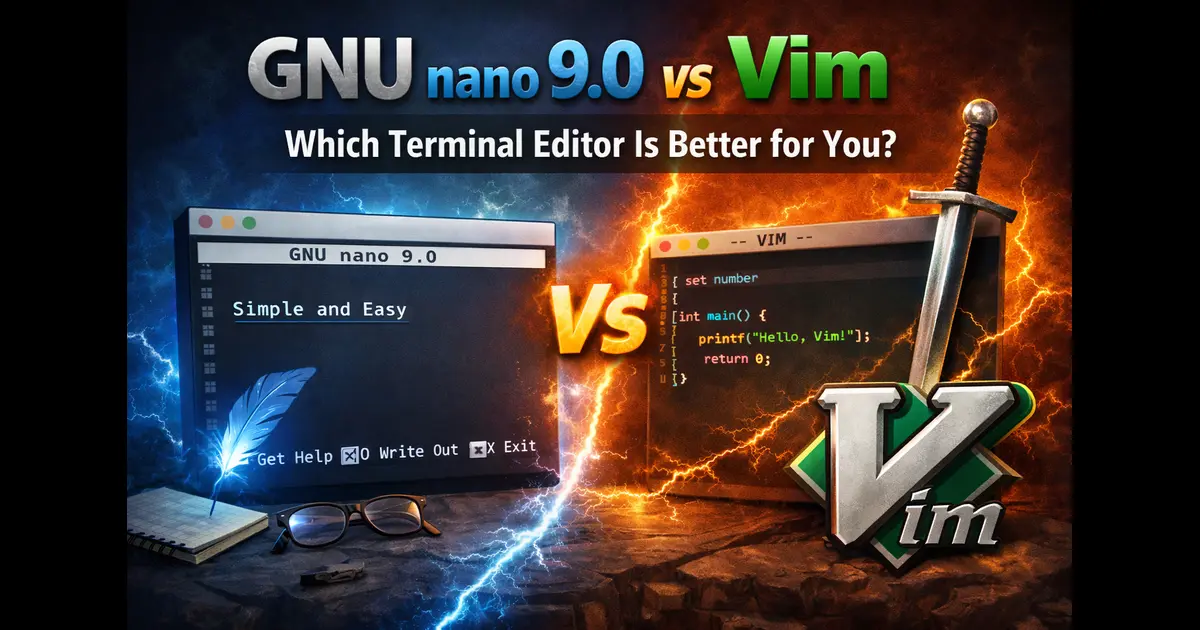
GNU nano 9.0 vs Vim: Which Terminal Editor Is Better for You?
Every Linux user eventually faces the same crossroads — you need to edit a file in the terminal, and suddenly the question hits: should I use nano or Vim? It’s one of those debates that’s been going on in forums and chat rooms for decades, and it still hasn’t gotten old. With GNU nano 9.0 vs Vim now being a very real comparison in April 2026 (thanks to the fresh nano 9.0 release just this week), it feels like the right time to lay everything out clearly.
This isn’t going to be a post that picks a “winner” in some fake, absolute sense. These are two tools with genuinely different design philosophies, and the right answer depends entirely on who you are and what you’re doing. That said, let’s get deep into the details — features, usability, power, performance, and who should actually use which.
What’s New in GNU nano 9.0 (April 2026)

Before getting into comparisons, it’s worth understanding what nano 9.0 actually brings to the table. Released two years after GNU nano 8.0, the nano 9.0 update makes all lines scroll sideways together when the cursor approaches the right edge of the screen — moving just enough to keep the cursor in view. That might sound like a minor tweak, but for anyone who’s worked with wide files or long lines in the terminal, smoother horizontal scrolling is a genuinely welcome quality-of-life improvement.
Users who prefer the previous per-line scrolling behavior can restore it using the –solosidescroll option or by adding set solosidescroll to their nanorc configuration file.
There’s more to nano 9.0 than just scrolling. The update adds direct sideways viewport scrolling via M-< and M->, moving in steps of one tab size, and the Meta arrow keys (M-Left, M-Right, M-Up, M-Down) are now fully rebindable, giving users more control over keyboard navigation.
Macro behavior also got a thoughtful fix. Stopping a macro recording immediately after starting it now cancels the recording instead of overwriting an existing macro — and feature toggles no longer interrupt a chain of ^K cuts or M-6 copies, except for the M-K cut-from-cursor toggle.
Even mouse support saw improvement: when running with both –mouse and –indicator flags enabled, users can click in the scrollbar area to jump roughly through the current buffer.
These aren’t earth-shattering features, but they show a project that cares deeply about polish and usability. GNU nano 9.0 is, in many ways, the most refined version of nano ever released.
A Quick Background on Both Editors
GNU nano
Nano started as a free replacement for Pico, the editor that shipped with the Pine email client. It was designed with one goal in mind: be easy to use. Like Pico, nano is keyboard-oriented and controlled with control keys — for example, Ctrl+O saves the current file, and Ctrl+W opens the search menu. There’s a persistent shortcut bar at the bottom of the screen that tells you exactly what keys do what. You never have to guess.
GNU nano puts a two-line shortcut bar at the bottom of the screen, listing many of the commands available in the current context, and pressing Ctrl+G pulls up the full help screen.
The project is currently maintained by Benno Schulenberg and remains a core part of most Linux distributions. It’s often the default editor on Debian, Ubuntu, and many other systems for a reason: beginners can open a file, make changes, and save — all without reading a manual.
Vim
Vim (Vi IMproved) is a different beast entirely. It’s been around since 1991, built on the foundation of the original vi editor from 1976. Vim operates on a modal editing concept — you switch between different modes (Normal, Insert, Visual, Command) to perform different tasks. In Normal mode, every key becomes a command. In Insert mode, you type text like usual. This paradigm is confusing at first, but once it clicks, it’s incredibly fast.
Vim has a massive ecosystem of plugins, a built-in scripting language (Vimscript), support for macros, split windows, tabs, a powerful command-line interface, and much more. It’s the editor of choice for a huge slice of professional developers, sysadmins, and power users who spend their lives in the terminal.
Interface and Learning Curve
This is where the two editors diverge most dramatically.
nano 9.0: Designed for Humans
Open nano 9.0 and you immediately see a clean editing area with a bar at the top showing the filename and a shortcut bar at the bottom. It works exactly like you’d expect a text editor to work. Press arrow keys to move. Type to insert text. Press Ctrl+S to save (or Ctrl+O if you want to “write out”). Press Ctrl+X to exit.
There’s no mode switching. No weird key sequences to memorize before you can type a single character. The learning curve is about five minutes, and that’s being generous.
The rebindable Meta arrow keys in nano 9.0 mean you can also customize navigation to better match your personal habits — a small but meaningful touch for users who want a bit more control without a steep configuration overhead.
Vim: Notorious (But Worthwhile) Learning Curve
Vim’s reputation for being hard to exit is the stuff of memes. (“I’ve been using Vim for two years. Mostly because I can’t figure out how to exit.”) That joke exists because the learning curve is real.
When you first open Vim, you’re dropped into Normal mode. Pressing keys doesn’t insert text — it issues commands. Just to start typing, you press i to enter Insert mode. To save and quit, you press Esc, then type :wq. It’s not intuitive, and the gap between “opened Vim” and “productive in Vim” can take days or weeks depending on the person.
However, once you clear that hurdle, Vim rewards you generously. The modal editing system means your hands rarely leave the home row. Commands like ci” (change inside quotes), dd (delete a whole line), or %s/foo/bar/g (global find and replace) let you accomplish complex edits in seconds. For repetitive tasks or large-scale text manipulation, experienced Vim users are genuinely faster than users of almost any other editor.
Verdict: For new users or people who just need to occasionally edit config files, nano wins this round easily. For developers who want to invest in terminal mastery, Vim’s upfront learning cost pays off over time.
Features Head-to-Head
Syntax Highlighting
Both editors support syntax highlighting, and both do it reasonably well. Nano’s syntax highlighting is configured via nanorc and covers common file types out of the box. Vim’s syntax highlighting is more comprehensive and automatically detects file types based on extensions, shebangs, and content — with support for hundreds of languages built in.
Edge: Vim, but nano 9.0 holds its own for everyday use.
Search and Replace
Nano offers a straightforward search and replace via Ctrl+\. It supports regular expressions and case-sensitive options. Vim’s search and replace is more powerful — its :s command supports full regex with grouping, lookaheads, and substitution flags. Vim also lets you confirm each replacement interactively with the /c flag.
Edge: Vim for complex patterns; nano for quick edits.
Macros
Nano 9.0 supports basic macro recording and playback. The improved macro cancellation behavior in 9.0 (stopping a recording right after starting no longer wipes an existing macro) is a thoughtful fix. But Vim’s macro system is significantly more powerful — you can record macros to named registers, replay them across visual selections, and chain complex sequences with precision.
Edge: Vim by a significant margin.
Undo/Redo
Both editors support unlimited undo/redo during a session. Vim goes further with persistent undo — it can remember your undo history even after you close and reopen a file, something nano doesn’t offer.
Edge: Vim for serious editing sessions.
Splits and Tabs
Vim supports horizontal and vertical window splits, multiple tabs, and buffer management. You can have multiple files open simultaneously and navigate between them fluidly. Nano doesn’t support window splits — it’s a single-buffer editor by design.
Edge: Vim, decisively.
Configuration
Nano is configured through a ~/.nanorc file with relatively simple options. Vim uses ~/.vimrc and supports a full scripting language, meaning your configuration can be as minimal or as elaborate as you want. Plugin managers like Vim-Plug or Packer (for Neovim) let you add language servers, fuzzy finders, Git integration, and more.
Edge: Vim, though nano’s simpler config is often the right call for lighter setups.
Performance and Resource Usage
Both editors are lightweight by modern standards — nothing like the memory footprint of VSCode or JetBrains IDEs. On a minimal server with 512MB RAM, both nano and Vim open files almost instantly.
For very large files (hundreds of megabytes), Vim handles them better due to its more sophisticated buffering. Nano can struggle with extremely large files, though for everyday use this distinction rarely matters.
In containers, embedded systems, or minimal cloud VMs, nano is often the only editor pre-installed, which is worth remembering when you’re working in constrained environments.
Use Cases: Who Should Use What?
Use nano 9.0 if you…
- Are new to Linux or the terminal
- Need to quickly edit config files (/etc/fstab, sshd_config, crontab) without fuss
- Work mostly with simple text files rather than code
- Administer servers where you want a predictable, no-surprises experience
- Prefer getting things done fast without investing time in tool mastery
- Share machines with others who shouldn’t have to know Vim to use them
Use Vim if you…
- Spend a significant portion of your day editing code or text in the terminal
- Want a fully scriptable, extensible editor that can grow with your workflow
- Are willing to invest a few weeks to achieve long-term productivity gains
- Need to work with multiple files simultaneously in split windows
- Rely on features like persistent undo, advanced macros, and plugin ecosystems
- Already use Vim and have a muscle-memory-based workflow built up
The Neovim Factor
It’s worth briefly noting Neovim, the modern Vim fork that has become enormously popular. Neovim keeps everything Vim offers while adding Lua-based configuration, a built-in language server protocol (LSP) client, async plugin support, and a cleaner architecture. Many developers have migrated from Vim to Neovim for its superior plugin ecosystem and active development pace.
If the Vim camp appeals to you, Neovim is worth evaluating alongside vanilla Vim — especially for software development.
| Feature | GNU nano 9.0 | Vim |
|---|---|---|
| Learning Curve | Very Easy | Steep |
| Modal Editing | No | Yes |
| Syntax Highlighting | Yes | Yes (Advanced) |
| Regex Search / Replace | Yes | Yes (Powerful) |
| Macro Recording | Basic | Advanced |
| Window Splits | No | Yes |
| Plugin Ecosystem | Minimal | Massive |
| Persistent Undo | No | Yes |
| Mouse Support | Yes | Yes |
| Default on Distros | Often Yes | Usually Available |
| Config Complexity | Simple | Complex |
| Best For | Beginners, Quick Edits | Power Users, Developers |
The “Editor War” Doesn’t Need a Winner
The nano vs. Vim debate has produced more heat than light over the years. The truth is that these tools solve different problems. Nano 9.0’s improved horizontal scrolling, rebindable keys, and refined macro handling make it a more polished, pleasant experience than ever before — without changing its core identity as a simple, accessible editor. That’s a good thing.
Vim, meanwhile, remains one of the most powerful editing environments available anywhere, and its modal paradigm rewards users who take the time to learn it properly.
If you’re a sysadmin who hops between dozens of servers, nano’s consistency and zero learning curve might genuinely serve you better than a half-configured Vim setup on a machine you don’t own. If you’re a developer who lives in the terminal and writes code all day, Vim’s efficiency multipliers become increasingly valuable over time.
Final Verdict
Choose GNU nano 9.0 when you want simplicity, immediate productivity, and a reliable editor that works the same way every single time you open it. The 9.0 release proves that the nano team isn’t standing still — it’s a genuinely capable editor that continues to improve in thoughtful, user-friendly ways.
Choose Vim when you’re ready to invest time in becoming more efficient, need advanced editing capabilities, or are building a terminal workflow that will serve you for years.
And if you want the best of both? Keep nano around for quick server-side edits, and run Vim (or Neovim) as your primary development environment. There’s no rule that says you can only pick one.
Disclaimer
This article is intended for informational purposes only. The feature comparisons and recommendations reflect the authors research and opinion based on publicly available information as of April 2026. Individual experiences with GNU nano 9.0 and Vim may vary depending on system configuration, use case, and personal workflow. All trademarks and editor names mentioned belong to their respective owners or projects.
🔗 Related Linux Articles
-
👉
KDE Plasma 6.6.4 Makes Linux Desktop Faster 🚀
Performance improvements that reduce CPU and GPU usage.
-
👉
Inside AerynOS 2026.03 Release – What’s New?
Key features and updates for Linux users.
-
👉
Elive 3.8.50 LTS Released – Lightweight Linux OS ⚡
A fast and lightweight distro ideal for older systems.
About the Author