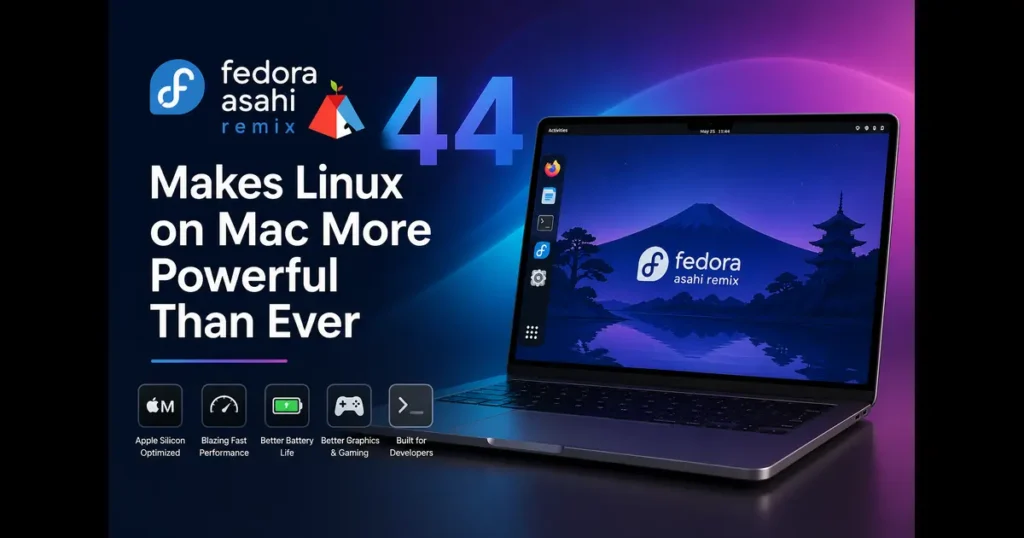
Running Linux on Apple Silicon has gone from a dream to a daily driver reality, and the latest release proves it. Fedora Asahi Remix 44 Makes Linux on Mac More Powerful Than Ever — and that’s not marketing language. Released on April 28, 2026, alongside the official Fedora Linux 44 launch, this release is the most mature, most integrated, and most capable version of the project to date. If you’ve been on the fence about ditching macOS on your M1 or M2 Mac, this might be the release that tips you over.
What Is Fedora Asahi Remix?
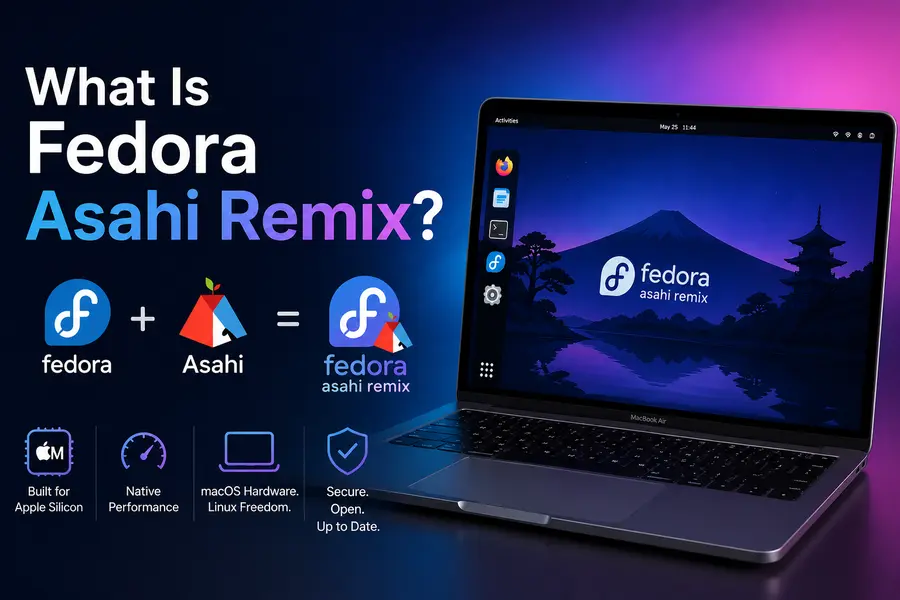
Before diving into what’s new, a quick primer for the uninitiated. Fedora Asahi Remix is the product of a multi-year collaboration between the Asahi Linux project and the Fedora Project. These two communities joined forces to bring a fully integrated Linux distribution to Apple Silicon hardware — something that Apple has never officially supported and never will.
The result is a distribution that treats your M1 or M2 Mac as a first-class Linux citizen, not an afterthought. Unlike earlier efforts that relied on heavy patching, workarounds, and custom-built packages just to get basic functionality working, Fedora Asahi Remix has progressively moved toward upstream integration. That means less custom code, faster updates, and a more stable experience over time.
With the release of version 44, that upstream-first philosophy has taken a significant step forward.
What’s New in Fedora Asahi Remix 44?
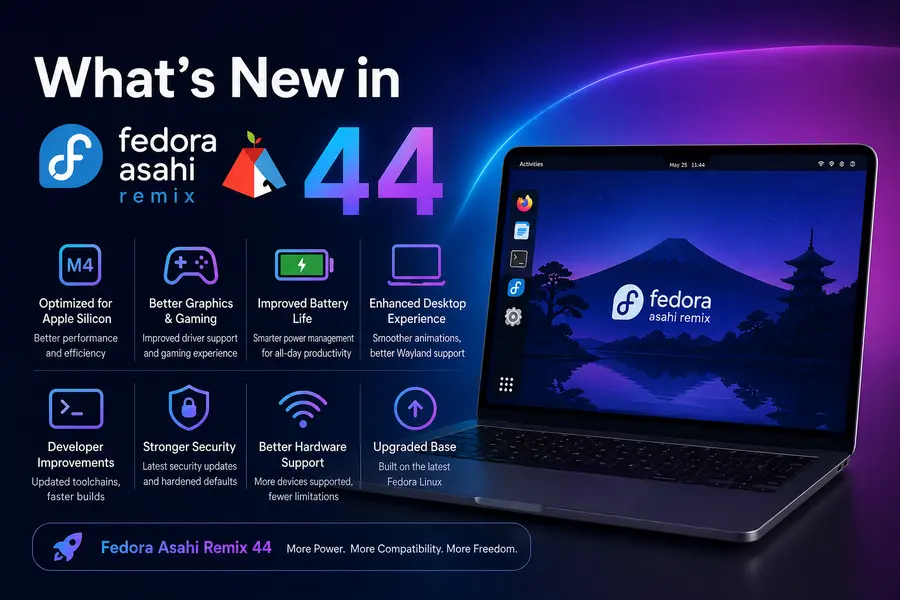
Upstream Mesa and Virglrenderer — Finally
This is arguably the biggest technical change in Fedora Asahi Remix 44. The project has retired its vendored Mesa and virglrenderer packages entirely. In plain English: the custom, heavily patched graphics stack that was maintained separately by the Asahi team is gone. Users are now automatically transitioned to the upstream Mesa and virglrenderer packages provided directly by the Fedora repositories.
Why does this matter? Because it means:
- Kernel updates no longer break the graphics stack. Previously, the vendored Mesa packages could fall out of sync with kernel updates, causing headaches.
- Fewer moving parts to maintain. The Asahi team no longer has to carry custom patches that diverge from upstream.
- Faster bug fixes. When Mesa gets a fix upstream, Fedora Asahi Remix users get it at the same time as everyone else on Fedora — no extra waiting.
This change reflects something the Asahi Linux project has been working toward since day one: reducing Apple Silicon-specific packaging divergence until the general Fedora stack can handle it natively. With version 44, that goal has been achieved for graphics.
KDE Plasma 6.6 as the Flagship Desktop
Fedora Asahi Remix has always led with KDE Plasma as its primary desktop, and version 44 brings KDE Plasma 6.6 — the same version shipping in Fedora KDE Plasma Desktop 44, with no heavy customization layered on top.
Plasma 6.6 is a refined release that builds on the strong foundation laid by the Plasma 6.x series. For Mac users, this translates to:
- Plasma Setup replaces the old Calamares-based setup wizard. New installs get a Plasma-native first-boot experience for user account creation and system configuration. It’s cleaner, more consistent with the rest of the desktop, and less jarring than the previous approach.
- Plasma Login Manager is now the default greeter and session manager, replacing SDDM on new installations. Existing users upgrading from Fedora Asahi Remix 42 or 43 will keep their current configuration unchanged — the project explicitly decided not to force this change on existing systems.
- Seamless HiDPI support across multiple displays with different scale factors. Anyone who has tried to use Linux on a Retina display with an external monitor knows how painful this can be elsewhere. Here, it just works.
- Night Color, trackpad customization, and display scaling are all available directly from System Settings with no manual config file editing required.
The KDE Wayland experience on Apple Silicon hardware is genuinely impressive. The ProMotion display on MacBook Pro models, the precise trackpad, the keyboard backlight — Plasma exposes all of it through standard settings panels.
GNOME 50 Variant Also Available
Not everyone wants KDE. The project also ships a GNOME 50 variant, matching exactly what Fedora Workstation 44 offers. GNOME 50 brings a polished GNOME Shell experience with the latest extensions ecosystem and a clean, distraction-free workflow.
One important caveat: if you’re upgrading from a previous Fedora Asahi Remix release and you use GNOME, do not use GNOME Software for the upgrade. The application drops dependencies during major desktop environment transitions and will leave your system in a broken state. Use KDE Discover or run the DNF System Upgrade command from a terminal instead. This is an upstream GNOME Software limitation, not an Asahi-specific bug.
Server and Minimal Images
Beyond the desktop variants, Fedora Asahi Remix 44 also provides:
- Fedora Server variant for server workloads and headless deployments. If you want to use an M1 Mac Mini as a low-power home server running a proper Linux stack, this is the image for you.
- Minimal image for users who want to build their own environment from scratch, choosing their own desktop, tools, and configuration without any defaults imposed.
The Graphics Story: World-First Certifications That Actually Hold Up
One of the most remarkable things about Fedora Asahi Remix — and something worth repeating in the context of version 44 — is its graphics compliance story. This distribution ships the world’s first and only certified conformant implementations of:
- OpenGL 4.6
- OpenGL ES 3.2
- OpenCL 3.0
- Vulkan 1.4
…all for Apple Silicon hardware.
These aren’t “pretty close” or “mostly compatible” implementations. They are tested against the official Khronos conformance test suites. That matters because it means applications that rely on standard OpenGL or Vulkan calls will render correctly and produce the expected output — no surprises, no weird rendering artifacts, no silent failures.
Apple’s own Metal API is proprietary and closed. By building an open, certified graphics stack, the Asahi project has unlocked graphics capabilities on Apple Silicon that go beyond what Apple itself allows developers to access through official channels. With the move to upstream Mesa in version 44, these capabilities are now maintained and updated as part of the regular Fedora release process.
100% Wayland, No Compromises
Every desktop variant in Fedora Asahi Remix 44 runs on pure Wayland by default. There is no fallback X11 mode, and there doesn’t need to be. The compositor handles everything cleanly:
- Zero screen tearing. The Wayland compositor syncs to the display refresh rate natively.
- HiDPI across mixed-resolution displays. Running a 5K display next to a 1080p monitor? Scale each independently without breaking anything.
- XWayland is available for legacy X11 applications that haven’t been ported yet.
- Future-ready. HDR support and display notch handling are on the roadmap as the Wayland ecosystem matures.
Apple Silicon hardware’s display pipeline is unusual — Apple tightly controls it. The Asahi team has spent years reverse-engineering the Apple Display Coprocessor (DCP) firmware to make standard Wayland compositing work correctly. In version 44, that work pays off in a desktop that genuinely feels as smooth as macOS.
Audio: The Best Linux Laptop Sound You’ve Ever Heard
Linux audio on laptops has a historically poor reputation. Asahi has flipped that narrative. Fedora Asahi Remix ships the world’s first fully integrated DSP solution for desktop Linux, built in collaboration with the PipeWire and WirePlumber projects.
Here’s what that means in practice:
- No setup required. Install the OS, plug in your headphones, and the audio works — with the correct speaker tuning for your specific Mac model.
- Individually calibrated DSP profiles have been created for 8+ different Mac models. Each machine gets its own filter configuration tuned to its speaker hardware.
- Bankstown bass boost technology is built in, developed in-house by the Asahi team.
- Smart Amp implementation safely drives the speakers at full loudness and dynamic range without risking hardware damage — something Apple’s own firmware handles invisibly, and something the Asahi team had to reverse-engineer and reimplement.
- Optimized DSP scheduling means the processing load doesn’t hammer your battery. You get great audio without paying for it in battery life.
The audio support in version 44 continues to improve. The CS42L84 headphone jack now supports additional sample rates: 44.1, 88.2, 176.4, and 192 kHz, added in the kernel work leading into this release.
Variable Refresh Rate: Coming Soon
For MacBook Pro users with ProMotion displays, variable refresh rate (VRR) support is on the horizon. The Asahi team has determined how Apple’s DCP firmware enables VRR and has tested it on both external VRR displays and MacBook Pro ProMotion panels.
The plan is to offer VRR as a force-enabled kernel module option (appledrm.force_vrr) once the work completes and merges. This didn’t make it into Fedora Asahi Remix 44, but it’s actively in development and expected in a future update.
Device Support: M1 and M2 Across the Lineup
Fedora Asahi Remix 44 supports the full M1 and M2 lineup:
MacBook Air (M1, M2) — Display, keyboard, trackpad, speakers, microphone, camera, Wi-Fi, Bluetooth, Thunderbolt/USB4, Touch ID
MacBook Pro (M1, M1 Pro, M1 Max, M2, M2 Pro, M2 Max) — All of the above plus HDMI, SD card, MagSafe, and Touch Bar (13-inch models). Local dimming works on 14″ and 16″ models.
Mac Mini (M1, M2, M2 Pro) — USB-A, USB-C, HDMI, Ethernet (1/10 Gbps), Wi-Fi, Bluetooth, Thunderbolt/USB4
Mac Studio (M1 Max, M1 Ultra, M2 Max, M2 Ultra) — Full peripheral support including 10 Gbps Ethernet
iMac (M1) — Display, camera, speakers, Ethernet, Thunderbolt/USB4
Mac Pro (M2 Ultra) — PCIe slots (GPU cards not yet supported), USB-A, HDMI, 10 Gbps Ethernet
What About M3?
M3 support is actively in development. The Asahi kernel tree now includes hardware enablement for M3 machines covering PCIe, keyboard, trackpad, SMC-based RTC and reboot controller, and NVMe controller support. The team describes M3 Linux support as now similar to where M1 was at the initial Asahi alpha release. However, M3 installation through the Asahi Installer is not yet available. If you have an M3 Mac, watch the project’s blog — it’s coming.
How to Install or Upgrade
Fresh Installation
Installing Fedora Asahi Remix 44 on a Mac is a single command run from macOS:
curl https://alx.sh | sh
The installer guides you through the process. You’ll need to boot into macOS Recovery at one point, and the overall process takes 15–30 minutes depending on your connection speed. The new Plasma Setup wizard handles the post-install configuration for KDE installs.
Upgrading from Fedora Asahi Remix 42 or 43
Existing users can upgrade using the standard Fedora upgrade process. The key rules:
- Use KDE Discover or DNF System Upgrade. Do not use GNOME Software — it will break your system during this particular upgrade path by silently dropping dependencies.
- Run the upgrade from a TTY or terminal to ensure repository metadata refreshes cleanly before packages swap out.
- After the upgrade, users who haven’t already done so will be automatically transitioned to upstream Mesa packages. No manual intervention needed.
If you run into issues with trackpad gestures or audio routing after an update, the Fedora Asahi Remix Discourse forum and the project’s Matrix room are active and well-moderated. The project maintains a dedicated issue tracker for Remix-specific bugs.
Why Fedora Asahi Remix 44 Makes Linux on Mac More Powerful Than Ever
The headline isn’t hype. Look at what this release actually delivers:
- Full upstream alignment. Custom Mesa builds are gone. Platform packages are in mainline Fedora. Apple Silicon is no longer a niche add-on but a first-class supported architecture.
- Certified, open graphics. OpenGL 4.6, Vulkan 1.4, OpenCL 3.0 — conformant, tested, upstream. No other platform offers this on Apple Silicon.
- Desktop environments without compromise. KDE Plasma 6.6 and GNOME 50 are the same versions everyone else runs on Fedora — not trimmed-down or heavily patched variants.
- Audio that actually works. The fully integrated DSP solution with per-model calibration makes Mac speakers sound genuinely good on Linux — something no other Linux distribution has achieved.
- Pure Wayland, buttery smooth. Apple hardware is built for high-refresh, tearing-free displays. Wayland makes Linux match that quality instead of fighting against it.
- A growing hardware footprint. M1 and M2 fully supported, Mac Pro added, and M3 support actively in development.
Final Thoughts
For anyone who has watched the Asahi Linux project from a distance, wondering when it would be “ready enough” — Fedora Asahi Remix 44 is a compelling answer. The gap between running Linux on a Mac and running macOS on a Mac has narrowed considerably. In some areas, like audio and graphics standards compliance, Fedora Asahi Remix actually does things macOS won’t let you do.
The upstream Mesa transition alone is a landmark achievement. It means the project is no longer maintaining a parallel graphics world for Apple Silicon — it’s contributed the necessary support into Fedora itself, so every Fedora user benefits and every Asahi user gets updates as fast as everyone else.
If you have an M1 or M2 Mac and you’ve been curious about Linux, now is the right time to try. The installer is a single command. The rollback path is clean. And the community — on Discourse and Matrix — is active and helpful.
Fedora Asahi Remix 44 Makes Linux on Mac More Powerful Than Ever, and the trajectory suggests version 45 will push even further.
Disclaimer
The information provided in this blog post is for general informational purposes only. While every effort has been made to ensure accuracy based on official sources available at the time of writing (April 2026), software projects evolve quickly. Features, device support, and installation steps may change in future updates. Always refer to the official Fedora Magazine and Asahi Linux websites for the most current information. We are not affiliated with the Fedora Project or the Asahi Linux project in any way.