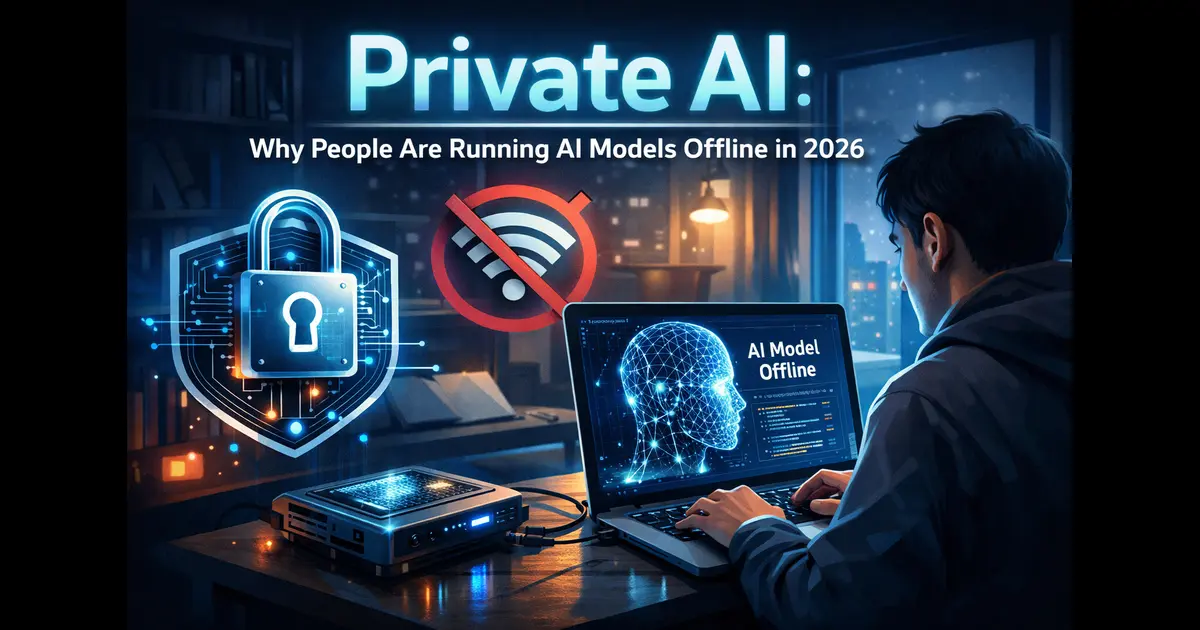
Private AI: Why People Are Running AI Models Offline in 2026
There’s a quiet revolution happening on laptops and home servers around the world. People are downloading AI models, running them locally, and deliberately cutting the cloud out of the equation. It’s not just developers doing this anymore — lawyers, healthcare professionals, researchers, and everyday users are joining in. The reason is simple: private AI puts you back in control of your own data.
As of March 2026, the global AI market has crossed the $514 billion mark, with over 1.35 billion people actively using AI tools worldwide. But a growing slice of that population is choosing to keep things local rather than sending every query to a distant server they’ll never see. This post breaks down exactly why that shift is happening, what tools make it possible, and whether private AI is the right move for you.
What Is Private AI, Exactly?

Private AI refers to running artificial intelligence models entirely on your own hardware — your laptop, desktop, or local server — without sending any data to cloud providers. No API calls to OpenAI. No prompts logged by Google. No third-party servers involved at all.
Think of it this way: when you use ChatGPT or Claude through a web browser, your words travel across the internet, get processed on someone else’s computer, and come back to you. With private AI, everything stays on your machine. You download the model once, run it locally, and nothing leaves your device.
The technology to make this practical has matured rapidly. Tools like Ollama, LM Studio, and Jan AI let you download and run powerful open-source models with minimal setup. Ollama, for instance, has crossed 100,000 stars on GitHub and allows you to get a large language model running locally in a single terminal command. LM Studio offers a polished desktop interface that works for people who’d rather click than type.
And the models themselves? Open-weight options like Meta’s Llama 3.1, Mistral, DeepSeek R1, and Qwen 2.5 have reached performance levels that would have required exclusive cloud access just two years ago. The Llama 3.1 70B model, running after quantization on a high-end workstation, trades blows with earlier GPT-4 versions on several benchmarks. The 8B version runs comfortably on a modern laptop with 16GB of RAM.
Why the Demand for Private AI Is Surging
1. Data Privacy Is No Longer Optional
This is the biggest driver — and it’s not paranoia, it’s practical. When you type a sensitive client email into a cloud AI service, that data travels to someone else’s server under someone else’s privacy policy. Those policies can change. Employees at AI companies may review conversations for safety or quality purposes. And if that data crosses international borders, you’re suddenly dealing with GDPR complications, HIPAA concerns, or sector-specific regulations you might not even know apply to you.
Private AI eliminates this exposure completely. Nothing leaves your machine. There are no data processing agreements to sign, no jurisdiction questions to navigate, and no logs being created somewhere you can’t audit. For healthcare providers, legal teams, financial analysts, and government contractors, this isn’t just appealing — it’s increasingly mandatory.
2. Regulatory Pressure Is Intensifying
Europe’s GDPR has been forcing companies to rethink data practices for years, but 2025 and 2026 have brought a new wave of enforcement and awareness, particularly around AI. Companies processing personal data through cloud AI APIs now face real scrutiny about where that data goes, how it’s stored, and who can access it. The EU AI Act, which kicked in across member states in stages through 2025, is pushing enterprises to document and control AI usage more rigorously than before.
In the US, healthcare organizations governed by HIPAA cannot simply feed patient information into a consumer AI chatbot and call it compliant. Legal firms handle privileged communications that cannot, by professional obligation, be shared with third parties — including cloud AI providers. Private AI sidesteps these compliance headaches by keeping everything in-house.
3. Cost Control at Scale
Cloud AI APIs are cheap for occasional use. They get expensive fast at scale. If you’re processing thousands of documents per day, running internal tools for a team of fifty people, or building a product that makes frequent AI calls, those per-token costs accumulate quickly.
Research cited in the AI infrastructure market shows that large enterprises running on-premise AI can trim operating costs by around 20% and cut inference latency by roughly 50% compared to equivalent cloud services when their hardware utilization is high. That math only works when usage is consistent and high-volume, but for organizations meeting that bar, the economic case for private AI is compelling. Once you’ve paid for the GPU, the inference itself costs nothing per query.
4. Offline and Air-Gapped Use Cases
Not everyone has a reliable internet connection. Not every deployment environment should have one. Defence contractors, industrial facilities, healthcare deployments in remote areas, field research teams — all of these have legitimate reasons to run AI completely disconnected from the internet.
Local AI models work with zero network dependency. They run in air-gapped environments with no friction, and they keep working during outages when cloud services go down. That reliability is worth real money in mission-critical environments.
5. Intellectual Property and Competitive Sensitivity
If you’re working on proprietary code, unreleased product designs, confidential financial models, or internal strategic documents, the last thing you want is to feed that information through a third-party AI service — even with strong contractual protections in place. Private AI means your most sensitive work never touches infrastructure you don’t control.
This concern is especially pronounced in competitive industries. A law firm researching a case strategy, a biotech company working on a drug formulation, a startup pre-patent — these organizations have concrete reasons to keep their data inside their own walls.
Popular Tools for Running Private AI
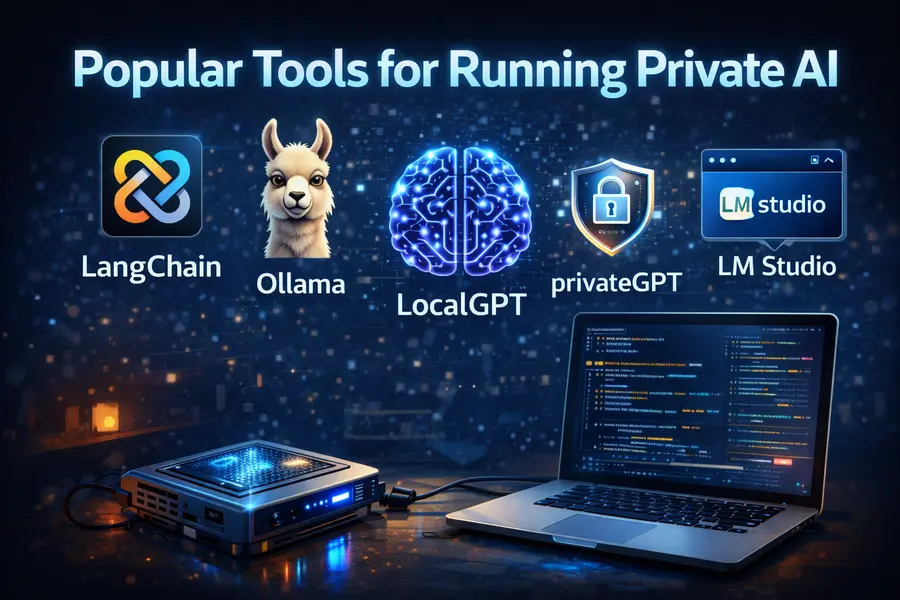
The ecosystem for running local LLMs has matured significantly. Here are the main options people are actually using in 2026:
Ollama — The most popular tool for developers. Open-source, MIT licensed, and runs as a background service across macOS, Linux, and Windows. Supports a wide model library including Llama, Mistral, Gemma, Phi, and Qwen. Its OpenAI-compatible API means you can drop it into existing codebases with minimal changes. Best for developers who want automation and integration.
LM Studio — A polished desktop GUI aimed at non-developers. Excellent for browsing and testing models without touching the command line. Supports GGUF quantized models and includes a built-in chat interface with parameter sliders. Runs well on Apple Silicon Macs and consumer GPUs. Best for users who want to explore without building.
vLLM — Production-grade inference server for teams and enterprises. Supports continuous batching for concurrent users, tensor parallelism for multi-GPU setups, and high-throughput scenarios. More complex to configure but significantly more capable at scale. Best for organizations running shared inference infrastructure.
Jan AI — Fully open-source desktop client with a plugin architecture. Prioritizes transparency and auditability. Good for privacy-focused users who want to inspect every part of the stack. Less advanced in tool-calling than vLLM or Ollama, but strong as a personal offline assistant.
GPT4All — Designed specifically for running smaller models on consumer hardware, including CPUs with no GPU required. Lower ceiling on model capability, but very accessible for users with modest hardware.
Hardware: What Do You Actually Need?
Running private AI doesn’t require a data center. But it does require reasonable hardware, and expectations need to match the machine.
| Hardware Tier | What You Can Run | Performance |
|---|---|---|
|
Modern Laptop 16GB RAM |
Llama 3.1 8B Mistral 7B Phi-3 | Adequate for chat, summarization, and basic coding tasks. |
|
Desktop GPU System RTX 3090 / RTX 4080 24GB VRAM | Llama 3.1 70B (quantized) | Solid performance with quality approaching advanced cloud models. |
|
Apple Silicon Mac M3 / M4 Pro 32GB+ Unified Memory |
Llama 70B Qwen 72B | Excellent efficiency thanks to unified memory architecture. |
|
Multi-GPU Server 80GB+ VRAM |
Llama 405B DeepSeek V3 | Production-grade performance suitable for large-scale deployments and team usage. |
Apple Silicon Macs have emerged as a sweet spot for private AI. Their unified memory architecture allows models to be distributed across CPU and GPU memory seamlessly, making them disproportionately capable relative to their price and power consumption.
Private AI vs. Cloud AI: A Direct Comparison
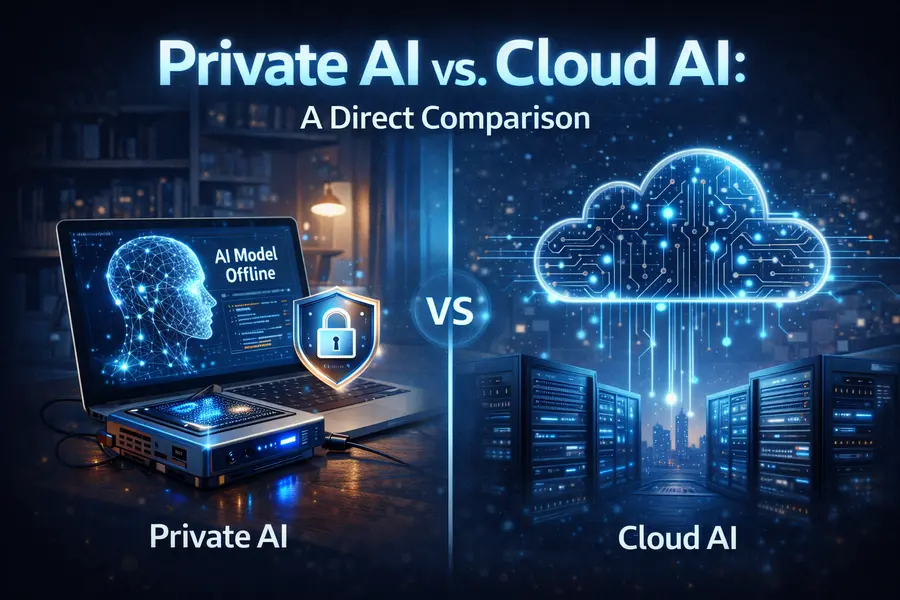
| Feature | Private AI (Local) | Cloud AI |
|---|---|---|
| Data Privacy | Complete — nothing leaves the device | Data transmitted to third-party servers |
| Compliance | Air-gapped by default, easier HIPAA/GDPR alignment | Requires formal data processing agreements |
| Performance (Quality) | Good to excellent for routine tasks | Best-in-class for complex reasoning |
| Latency | Low — no network round trip | Depends on internet connection |
| Cost at Scale | Hardware cost only, no per-query fees | Expensive at high usage volume |
| Uptime Dependency | Works offline, no outage risk | Dependent on provider uptime |
| Model Updates | Manual — you control when to update | Automatic updates, sometimes breaking changes |
| Setup Complexity | Moderate — requires hardware and configuration | Minimal — browser or API access |
| Context Window | Limited by local hardware RAM | Often 128K–1M tokens |
| Multimodal Capability | Growing ecosystem, still evolving | Advanced support for vision, audio, and code |
| Customization | Full control — fine-tuning and modification possible | Limited to provider-supported features |
Pros and Cons of Private AI
Pros
Total data sovereignty. Your conversations, documents, and queries never leave your machine. No third party logs them, analyzes them, or can subpoena them. For professionals handling sensitive work, this alone justifies the switch.
Zero recurring cost after setup. Once your hardware is in place, inference is free. No monthly subscriptions, no per-token billing, no surprise invoices when usage spikes.
Works completely offline. No internet required. Runs in remote locations, air-gapped environments, or simply when your connection drops. Consistent availability regardless of cloud provider status.
Full model control and customization. You choose which model version to run and when to update. You can fine-tune models on your own data. You can modify system prompts, adjust parameters, and build entirely custom configurations using tools like Ollama’s Modelfile system.
No rate limits or throttling. Cloud APIs impose rate limits that can interrupt production workflows. Local inference has no such constraints — your hardware is your only bottleneck.
Reduces third-party IP exposure. Proprietary code, legal briefs, financial models, and other sensitive documents never touch external infrastructure.
Cons
Upfront hardware investment is significant. A capable private AI setup — particularly one that handles larger models smoothly — requires a modern GPU with adequate VRAM, or a high-RAM Apple Silicon machine. Entry costs range from several hundred to several thousand dollars.
Model quality lags behind frontier cloud models. As of March 2026, models like GPT-4o, Claude Opus, and Gemini Ultra still outperform most local alternatives on complex reasoning, long-context tasks, nuanced instruction-following, and multimodal capabilities. The gap has narrowed, but it hasn’t closed.
Limited context windows on modest hardware. Cloud models routinely offer 128,000-token or million-token context windows. Local models running on consumer hardware are often limited to 8K–32K tokens depending on VRAM available, which restricts use on long documents or extended conversations.
You own the maintenance. Model updates, quantization choices, hardware drivers, and software configurations are your responsibility. There’s no helpdesk. If something breaks, you fix it.
Security risks if misconfigured. Research from Cisco Talos identified over 1,100 Ollama servers publicly exposed on the internet with no authentication, making them vulnerable to unauthorized model access and data exfiltration. Running local AI securely requires network isolation and proper access controls — something that needs deliberate attention.
Not practical for every use case. Tasks that genuinely require the reasoning depth of frontier models — complex multi-step analysis, cutting-edge coding, nuanced creative work — will produce lower quality results locally, and that gap matters when the output quality is critical.
Who Is Private AI Actually For?
The honest answer is: not everyone — and that’s fine.
Private AI makes a lot of sense for:
- Healthcare providers handling patient data under HIPAA
- Legal professionals working with privileged communications
- Security researchers and penetration testers who can’t share their work with cloud providers
- Enterprises with strict data sovereignty requirements
- Developers building AI-powered products who want to control costs at scale
- Journalists and activists in high-surveillance environments
- Anyone working with trade secrets, unreleased products, or competitive intelligence
- Remote and field deployments where internet access is unreliable
Cloud AI still makes more sense for:
- Users who need maximum reasoning quality for complex tasks
- Teams that need to collaborate around a shared, always-up-to-date model
- Applications requiring very long context windows
- Organizations without the hardware budget or technical staff for local setup
- Tasks requiring multimodal capabilities like vision, voice, or real-time data access
The most pragmatic approach in 2026 is a hybrid setup: run local models for routine tasks, sensitive documents, and high-volume processing — and reach for cloud models when the complexity genuinely demands it.
The Open-Source Model Ecosystem Powering Private AI
The private AI movement wouldn’t be possible without the open-weight model revolution. A few years ago, running a competitive language model locally was impractical. That changed dramatically.
Meta’s Llama 3.1 family remains the benchmark for what’s possible locally. The 8B model runs on most modern laptops and handles everyday tasks well. The 70B model, running quantized on a high-end workstation, is genuinely competitive for many professional tasks.
DeepSeek R1, released by the Chinese lab DeepSeek, generated enormous attention early in 2025 for delivering strong reasoning performance at a fraction of the compute cost of comparable models. It runs locally, and its release demonstrated that strong AI capability no longer requires frontier lab resources.
Mistral and Qwen 2.5 round out a lineup that gives local AI users a genuine portfolio of capable, specialized models to choose from depending on their task — code generation, summarization, multilingual support, mathematical reasoning, and more.
The quantization techniques used by tools like Ollama and LM Studio — compressing models from full 16-bit precision to 4-bit or 8-bit representations — mean a 70B parameter model that would require 140GB of memory at full precision can run in under 40GB in a quantized form, with relatively modest quality loss.
What’s Coming Next
The trajectory of private AI points clearly toward more capability on less hardware. Neural processing units (NPUs) are now shipping in consumer laptops from Apple, Qualcomm, and Intel. Qualcomm’s on-premise appliance line, for example, is specifically targeting enterprise customers who want predictable cost curves and low latency for AI workloads. Google’s Coral NPU, launched in October 2025, targets low-power edge AI with full open-source support.
Industry projections suggest that hybrid AI architectures — routing tasks between local and cloud processing based on sensitivity and complexity — will become the dominant pattern by late 2026 and beyond. Some estimates suggest that 90% of new applications will incorporate some degree of on-device AI capability, even if they also use cloud services for certain tasks.
Edge AI is also moving into wearables, earbuds, and embedded devices, extending the private AI paradigm from laptops and servers to always-on personal devices that never phone home.
Final Thoughts
Private AI isn’t a fringe phenomenon or a passing trend. It’s a rational response to real concerns about data privacy, regulatory compliance, cost control, and autonomy over the tools you depend on for your work.
The gap between local models and frontier cloud AI is real and matters for genuinely complex tasks. But for the majority of everyday AI use — summarizing documents, generating drafts, assisting with code, answering questions about your own files — local models in 2026 are more than capable.
If you handle sensitive data, work in a regulated industry, care about where your information goes, or simply want AI that costs nothing per query and works offline, private AI deserves a serious look. The hardware is accessible, the tools have matured, and the open-source model ecosystem is thriving.
The cloud still has advantages. But for a growing number of people, the case for keeping AI close to home has never been stronger.
Also Read
About the Author