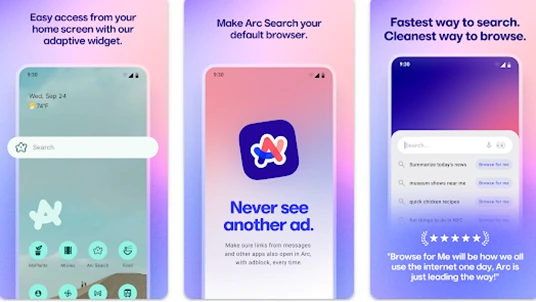
After an extensive open beta phase last month, Arc Search has officially rolled out for all Android users. Developed by The Browser Company, Arc Search positions itself as “the fastest way to search,” offering a streamlined alternative to traditional browsers like Chrome.
Features That Set Arc Apart
Arc Search boasts advanced features, including ad-blocking and an AI-driven tool called “Browse for Me,” which summarizes search results for a more efficient browsing experience.
According to Browser Company CEO Josh Miller, while Arc was initially envisioned as a “laptop-first” search engine, its recent developments highlight a significant push into the mobile arena.
Enhancements Post-Beta
During the beta phase, over 100,000 Android users tested Arc Search, providing feedback that led to crucial improvements. These include:
- Full support for Android 12 (originally limited to Android 13 or higher).
- Voice search functionality for hands-free browsing.
- Landscape mode for horizontal viewing.
- A revamped incognito mode with a cleaner design.
- Additionally, Arc Search introduces several home screen widgets and Android-exclusive icons, allowing users to personalize their experience further.
Expanding Its Mobile Reach
Arc’s Android release is the latest step in its mobile strategy. Initially launched as a Mac-only desktop browser, Arc extended to iOS in January and Windows in April.
With its growing presence across platforms, Arc Search aims to redefine how users interact with browsers, emphasizing speed, privacy, and customization. Users with Android 12 or higher can now download Arc Search from the Google Play Store.