I’ve spent the better part of a decade jumping between operating systems for AI work — training runs on a Linux box under my desk, quick prototyping on a MacBook Pro at a coffee shop, and yes, more Windows/WSL2 troubleshooting sessions than I’d like to admit. So when people ask me what the best OS for AI development is in 2026, I never give a one-word answer. The honest answer depends on what GPU you own, whether you’re training or just running local models, and how much patience you have for fighting driver installs at 11 PM.
AI development has changed a lot in the last two years. Local LLMs are mainstream now, Apple Silicon has genuinely closed the gap for a lot of inference work, and AMD’s ROCm stack finally works outside a handful of blessed data-center GPUs. That means the old advice — “just use Linux, always” — isn’t quite as universal as it used to be. Let’s get into the details.
A note on how this guide was put together: every driver, toolkit, and OS version referenced below reflects what was officially shipping as of July 2026. This space moves fast — check the linked official documentation before you buy hardware or plan a deployment around any specific claim here.
Why Your Operating System Matters for AI Development
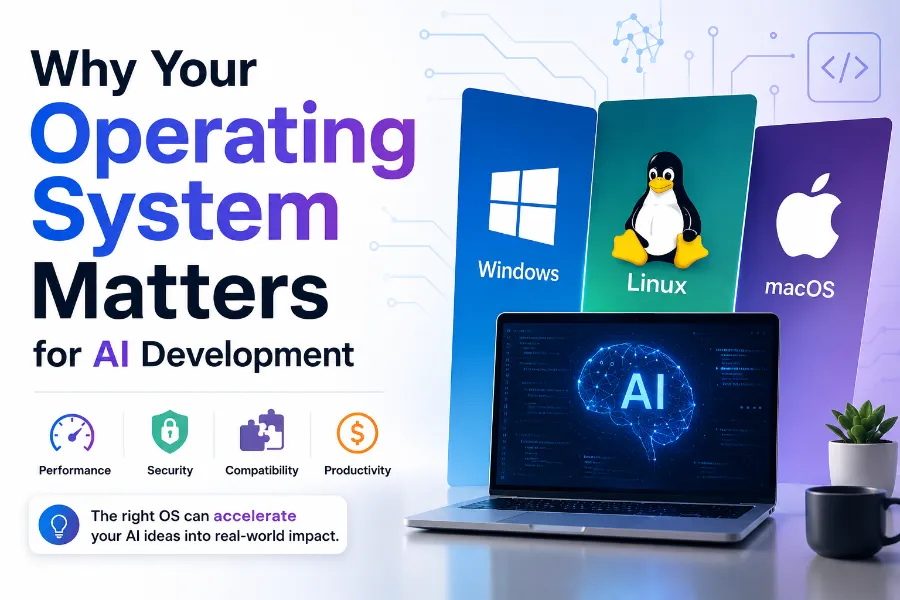
Your OS isn’t just a launcher for VS Code. It decides which GPU acceleration paths are even available to you, how painless your package management is, and whether you’ll spend your weekend debugging a driver instead of a model.
Python ecosystem. Nearly every AI framework assumes a POSIX-like environment somewhere in its build chain. Linux gets first-class support because that’s what the framework maintainers develop and test on. macOS is Unix-based too, so most pure-Python tooling behaves. Windows is the outlier — it works, but you’ll hit path-length issues, missing compiler toolchains, and packages that only ship pre-built wheels for Linux.
GPU acceleration. This is the single biggest factor. NVIDIA’s CUDA has the deepest, most mature support on Linux, with Windows a close second through native drivers and WSL2. Apple Metal only exists on macOS, obviously. AMD’s ROCm was Linux-only for years and has only recently extended real support to Windows.
Drivers. Linux driver installs can be either trivial (Ubuntu’s apt repos handle NVIDIA drivers well now) or a genuine headache (Arch users know the pain of a kernel update breaking their GPU driver overnight). Windows drivers are simpler to install but historically lag behind Linux in raw CUDA performance for training workloads.
Development tools. VS Code runs identically well on all three. Docker Desktop works everywhere, though its Linux VM backend on Windows and macOS adds a layer of overhead that native Linux doesn’t have.
Package management. apt, dnf, and pacman on Linux beat winget and Homebrew for reliably getting exact CUDA/cuDNN version combinations. This matters more than people think — a mismatched CUDA/PyTorch version pairing is still the number one cause of “why won’t my GPU show up” support threads.
Containers. Docker and Kubernetes are native citizens on Linux. On Windows, Docker runs through WSL2’s Linux kernel underneath, which works well but adds a translation layer. On macOS, containers run inside a lightweight Linux VM no matter what, since macOS itself can’t run Linux containers directly.
Performance and long-term stability. For sustained multi-day training runs, Linux servers without a desktop environment remain the standard — less background overhead, better support for headless remote access, and it’s what almost every cloud GPU instance runs by default anyway.
Quick Comparison Table
| Category | Windows 11 | Linux | macOS |
|---|---|---|---|
| Ease of Setup | Moderate (WSL2 adds a step) | Varies by distro | Easiest out of the box |
| CUDA Support | Strong (native + WSL2) | Best-in-class | Not supported |
| Apple Metal Support | No | No | Native, deeply integrated |
| AMD ROCm | Public preview (Radeon 7000/9000) | Full, most mature | Not supported |
| Docker | Via WSL2 backend | Native | Via lightweight Linux VM |
| Python | Good, some packaging friction | Excellent | Excellent |
| VS Code | Excellent | Excellent | Excellent |
| Jupyter | Good | Excellent | Excellent |
| TensorFlow | Good (GPU via WSL2 recommended) | Excellent | Good (via tensorflow-metal) |
| PyTorch | Good | Excellent | Good (via MPS backend) |
| Gaming | Excellent | Weak-to-moderate | Weak |
| Battery Life | Moderate | Moderate (varies by driver) | Excellent |
| Local LLM Performance | Strong on NVIDIA GPUs | Strongest overall | Very strong on unified memory |
| Driver Stability | Good, occasional update friction | Excellent on LTS distros | Excellent |
| Best For | Gamers who also do AI work | Servers, research, production | Laptops, on-the-go inference |
| Winner | — | Best overall for training | Best for portable inference |
Windows for AI Development
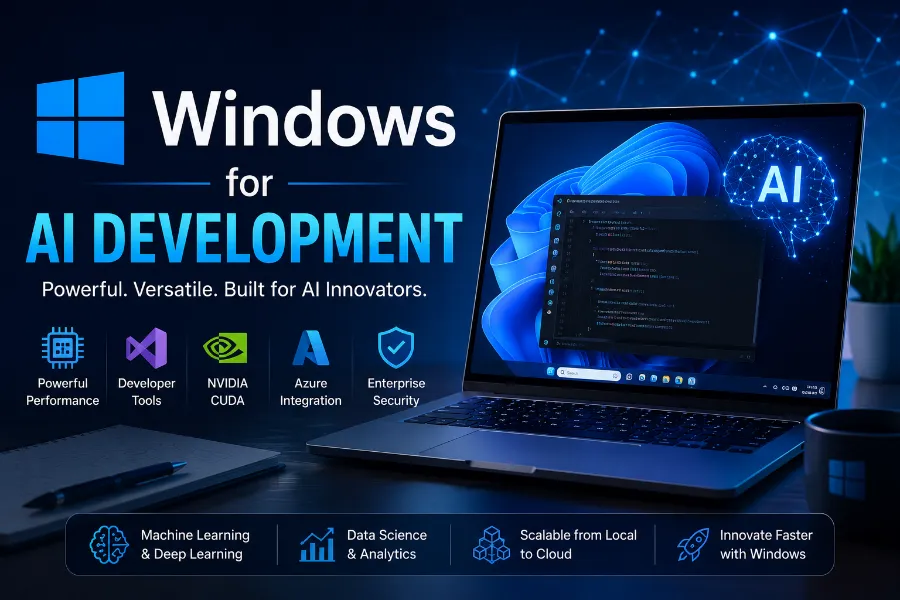
Windows in 2026 is a genuinely capable AI development platform, mostly because of WSL2 (Windows Subsystem for Linux). WSL2 runs a real Linux kernel alongside Windows, and NVIDIA’s CUDA drivers pass through to it cleanly, so you get Linux-grade CUDA performance without leaving your Windows desktop.
Advantages. You keep your existing gaming rig or work laptop and still get solid GPU acceleration. Visual Studio and VS Code are first-party citizens here. Driver installation through GeForce Experience or the NVIDIA app is about as painless as it gets for a non-technical user. If you already own a high-VRAM gaming GPU, Windows lets you use it for both gaming and local LLM experimentation without dual-booting.
Disadvantages. Pure-Windows (non-WSL2) Python environments still trip people up — long file paths, missing build tools for packages that need to compile C extensions, and inconsistent GPU passthrough for Docker unless you’ve set up WSL2 correctly. AMD ROCm on native Windows is still a public preview as of mid-2026, covering only Radeon 7000/9000 series cards and a handful of Ryzen AI APUs, so it’s not yet a drop-in replacement for the Linux ROCm stack.
Best use cases. Students and hobbyists who own a gaming PC and want to dabble in local LLMs with Ollama or LM Studio. Developers who need Windows-only software (Adobe suite, certain enterprise tools) alongside AI experimentation. Anyone prototyping who doesn’t want to give up gaming performance.
Performance and developer experience. With WSL2 and a recent NVIDIA driver, PyTorch and TensorFlow training throughput gets close to native Linux numbers for most workloads. The gap that remains shows up mostly in filesystem I/O — reading large datasets from the Windows filesystem into WSL2 is noticeably slower than keeping everything inside the Linux filesystem itself.
Linux for AI Development
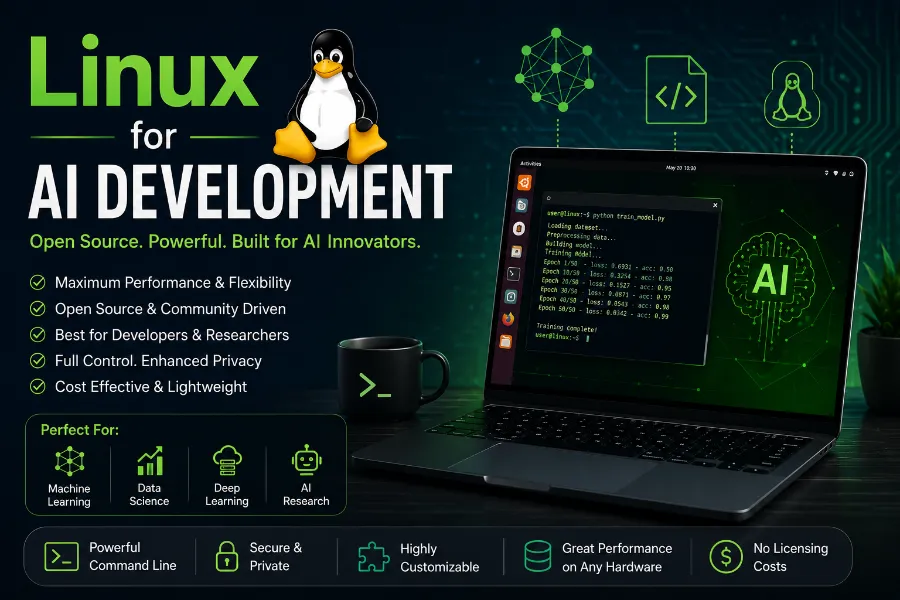
Linux remains the reference platform for AI development, and for good reason — it’s what almost every cloud GPU instance, research paper’s reproduction repo, and production inference server runs.
Distributions. Ubuntu LTS is the default recommendation for a reason: NVIDIA, Docker, and most AI framework maintainers test against it first, and its apt repositories track CUDA driver releases reliably. Fedora appeals to people who want newer kernels and package versions without the bleeding edge of Arch. Arch Linux (and Arch-based distros) gives you the newest driver and library versions almost immediately, at the cost of occasionally breaking something after an update — not ideal on a machine you rely on for a training run at 2 AM.
Package managers. apt on Ubuntu/Debian, dnf on Fedora, and pacman on Arch all handle CUDA toolkit and cuDNN installs more predictably than Windows’ package ecosystem, mainly because NVIDIA publishes official repos for each of them.
CUDA and ROCm. Both are most mature here. AMD’s ROCm has been Linux-first since day one, with official Docker images and PyTorch wheels validated against specific ROCm releases. If you’re running an AMD GPU for serious ML work, Linux is still the safer bet over Windows’ newer, preview-status ROCm support.
Docker and Kubernetes. Both run natively without a VM layer, which matters a lot if you’re building reproducible training pipelines or deploying inference servers at scale.
AI servers and research. Nearly every research lab’s cluster, every cloud GPU rental service, and every serious MLOps pipeline defaults to headless Linux. If you’re going to eventually deploy what you’re building, developing on the same OS family removes an entire category of “works on my machine” bugs.
Pros. Best driver support for both CUDA and ROCm, native containers, lowest overhead for long training runs, and it’s free.
Cons. More setup friction for beginners, occasional driver/kernel conflicts on rolling-release distros, and weaker gaming and general desktop app support if that matters to you.
Who should choose Linux. Machine learning engineers, deep learning researchers, anyone doing multi-GPU training, and developers who plan to deploy on Linux infrastructure anyway.
macOS for AI Development
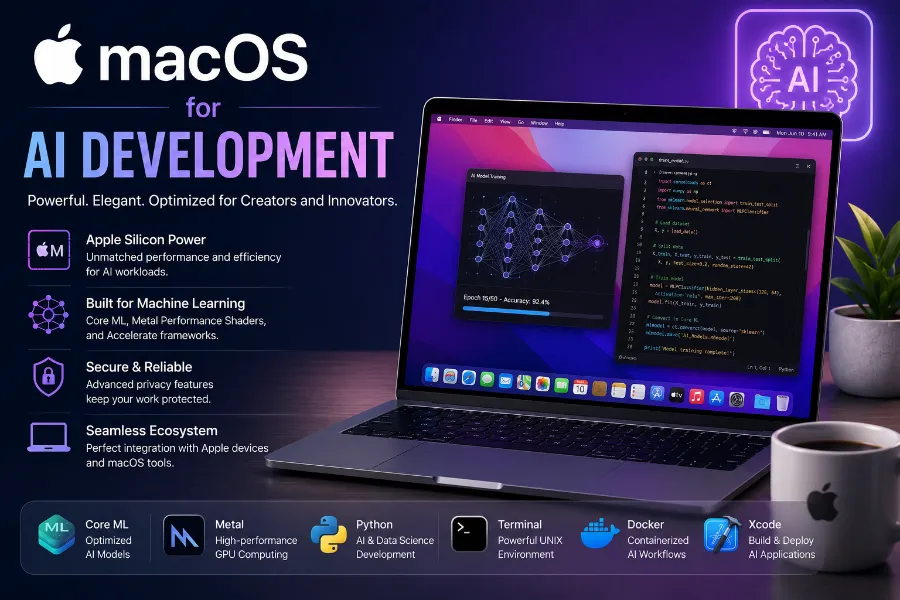
Apple Silicon changed the macOS AI story completely. The M-series chips use a unified memory architecture, meaning the CPU and GPU share the same pool of RAM instead of a GPU with its own separate, limited VRAM. That’s a genuinely different tradeoff than the NVIDIA/AMD model.
Apple Silicon and Metal. PyTorch supports Apple’s Metal Performance Shaders through its MPS backend, and TensorFlow has the tensorflow-metal plugin. Both let you run GPU-accelerated training and inference without CUDA at all. Core ML lets you convert and run models optimized specifically for Apple’s Neural Engine, which is excellent for on-device inference in shipped apps.
Battery life and thermals. This is where macOS wins outright. A MacBook Pro with an M-series chip can run local LLM inference for hours on battery with a level of quiet, cool operation no Windows or Linux laptop with a discrete GPU comes close to matching.
Memory. Because memory is unified, a MacBook Pro with 64GB or 128GB of RAM can load genuinely large quantized language models that would need an equivalent amount of dedicated VRAM on an NVIDIA card — VRAM that expensive workstation GPUs are the only ones providing. For local LLM inference with tools like Ollama or llama.cpp, this is a real advantage.
Limitations. No CUDA, full stop — meaning research code, papers, and libraries built with CUDA-specific kernels won’t run natively. Training large models from scratch is still slower than an equivalent NVIDIA setup for most architectures. ROCm doesn’t exist on macOS either, since it’s an AMD-and-Linux/Windows-only stack. If your workflow depends on a specific CUDA library with no Metal equivalent, macOS simply isn’t an option.
Pros. Excellent battery life, quiet operation, large unified memory pools well suited to local LLM inference, first-class Unix-based development experience.
Cons. No CUDA or ROCm, generally weaker for large-scale training, and Apple Silicon-only — Intel Macs are increasingly a dead end for anything GPU-accelerated in current macOS releases.
Best users. Developers doing local LLM inference and prototyping on the go, iOS/macOS app developers using Core ML, data scientists who mostly work with smaller models or do CPU-heavy data wrangling, and anyone who values battery life and portability over raw training throughput.
GPU Performance Comparison
CUDA (NVIDIA) is still the deepest, most feature-complete GPU compute stack for AI. Every major framework — PyTorch, TensorFlow, JAX — treats CUDA as the primary backend, meaning new features and optimizations land there first. It runs on Linux and Windows, either natively or through WSL2.
Apple Metal takes a different architectural approach. Instead of competing on raw training throughput, it leans on unified memory and efficient inference. PyTorch’s MPS backend and tensorflow-metal cover the mainstream framework use cases well, though coverage of newer or more exotic operations sometimes lags behind what CUDA supports on day one.
AMD ROCm has made real progress. It’s fully mature on Linux, with official PyTorch, TensorFlow, and JAX support validated through AMD’s own Docker images. Windows support arrived as a public preview in 2025, extending native PyTorch to Radeon 7000/9000 series cards and select Ryzen AI hardware — a meaningful shift after years of ROCm being effectively Linux-and-data-center-only.
For local LLM tools specifically: Ollama runs well across all three operating systems, with GPU acceleration through CUDA, Metal, or ROCm depending on your hardware. llama.cpp is famously portable and often the fastest way to get a quantized model running on whatever GPU you happen to own, including Apple Silicon via its Metal backend. ComfyUI and Stable Diffusion workflows lean most heavily on CUDA for speed, though Metal and ROCm both work for lighter workloads. vLLM, built for high-throughput serving, is primarily a CUDA-and-Linux tool at this point.
I won’t quote specific throughput numbers here — GPU generation, VRAM, quantization level, and model architecture all swing results too much for a single figure to be meaningful. Check the official benchmarks published by NVIDIA, AMD, and Apple for your specific hardware before making a purchasing decision.
How to Benchmark Your Own Setup
If you want numbers you can actually trust, run them yourself. Published benchmarks get outdated within a driver release or two, and they rarely match your exact combination of GPU, quantization format, and framework version. Here’s the test I run on any new machine before I commit to it as a daily driver, along with a template for logging your own results:
- Pick one fixed model and one fixed task. A 7–8B parameter LLM at Q4 quantization through Ollama or llama.cpp is a good baseline — small enough to run on most hardware, large enough to expose real differences.
- Measure tokens per second on a cold load and a warm load separately. Cold-load timing captures disk and memory-mapping speed; warm-load timing isolates raw compute throughput.
- Log VRAM (or unified memory) usage at peak, not just at idle. This tells you how much headroom you actually have for a bigger model or a longer context window.
- Time a short fine-tuning or training step, even a toy one, if you’re evaluating a machine for anything beyond inference. Inference-only benchmarks don’t predict training performance well.
- Repeat the same test after a driver or OS update. This is the step almost everyone skips, and it’s the one most likely to catch a regression before it costs you a production run.
| Metric | Windows | Linux | macOS |
|---|---|---|---|
| Cold-load time (7–8B model, Q4) | log your result | log your result | log your result |
| Warm inference (tokens/sec) | log your result | log your result | log your result |
| Peak memory usage | log your result | log your result | log your result |
| Fine-tuning step time (toy run) | log your result | log your result | log your result |
| Idle power draw | log your result | log your result | log your result |
Fill this in with your own hardware and you’ll have a more useful reference than any generic benchmark chart, since it reflects your actual driver version, thermal envelope, and background load — all of which move the needle more than most people expect.
Which OS Is Best for Popular AI Frameworks?
| Framework/Tool | Windows | Linux | macOS |
|---|---|---|---|
| PyTorch | Good (native + WSL2) | Best | Good (MPS backend) |
| TensorFlow | Good (WSL2 recommended for GPU) | Best | Good (tensorflow-metal) |
| JAX | Limited | Best | Experimental support |
| Docker | Good (via WSL2) | Best (native) | Good (via Linux VM) |
| VS Code | Excellent | Excellent | Excellent |
| Ollama | Good | Best | Excellent |
| LM Studio | Excellent | Good | Excellent |
| ComfyUI | Good | Best | Moderate |
| Stable Diffusion | Good | Best | Moderate |
| vLLM | Limited | Best | Not supported |
| TensorRT | Good | Best | Not supported |
Best Operating System Based on Your Needs
Students — Windows or macOS, depending on what you already own. Both handle coursework, Jupyter notebooks, and small model experimentation fine.
Beginners — macOS if you want the smoothest setup experience with zero driver fuss; Windows with WSL2 if you already own an NVIDIA GPU.
Python developers — Any of the three works, but Linux gives you the fewest packaging surprises long-term.
Machine learning engineers — Linux, particularly Ubuntu LTS, for the most predictable framework and driver behavior.
Deep learning researchers — Linux with an NVIDIA GPU, matching what most published research code assumes.
LLM developers — Linux for serving and fine-tuning infrastructure; macOS is a strong secondary machine for local inference and quick iteration thanks to unified memory.
AI startups — Linux for production and training infrastructure, with team laptops split between macOS (for portability) and Windows/Linux (for anyone doing local GPU-heavy dev work).
Enterprise teams — Depends entirely on existing IT policy, but Linux servers behind the scenes regardless of what’s on people’s desks.
Data scientists — macOS or Windows for day-to-day analysis and visualization work; Linux when it’s time to scale up training.
Content creators using AI tools — Windows for the widest support of GPU-accelerated creative tools like Stable Diffusion and ComfyUI, unless you’re already invested in the Apple ecosystem.
Common Mistakes to Avoid
Choosing a gaming GPU over CUDA compatibility. Not every “gaming” GPU is created equal for AI — check that the card you’re buying has enough VRAM and current driver support before assuming it’ll handle model training well.
Ignoring VRAM entirely. VRAM capacity, not just GPU speed, is usually what determines whether a model fits at all. This trips up more beginners than any other single spec.
Buying hardware with poor AI framework support. Older or budget GPUs sometimes fall outside the officially supported compute capability range for current CUDA or ROCm releases — always check the compatibility matrix before buying.
Assuming macOS supports everything. No CUDA and no ROCm means some research code and libraries simply won’t run, no matter how much RAM your Mac has.
Choosing Windows Home for serious or enterprise workflows. Windows Home lacks some remote management, virtualization, and Group Policy features that Pro and Enterprise editions include — worth checking before you standardize a team on it.
Conclusion
There’s no universal best OS for AI development — there’s only the best fit for your hardware and your workflow. If you’re training models, running multi-GPU jobs, or deploying to production, Linux remains the strongest all-around choice, and it’s not particularly close. If you want one machine that handles gaming, general desktop work, and solid CUDA-accelerated AI experimentation, Windows with WSL2 gets you there without much compromise. And if portability, battery life, and local LLM inference on a laptop matter most to you, Apple Silicon Macs have earned a real place in that conversation in a way they hadn’t a few years ago.
My honest setup, for what it’s worth: Linux for anything that touches training or deployment, and a MacBook Pro for writing code and running quick local model tests on the go. Pick based on what you’re actually building, not what forum threads insist is the “correct” choice.
Disclaimer
Software compatibility, framework support, and hardware performance may change as operating systems and AI frameworks receive updates. Always verify the latest official documentation before making purchasing or deployment decisions.