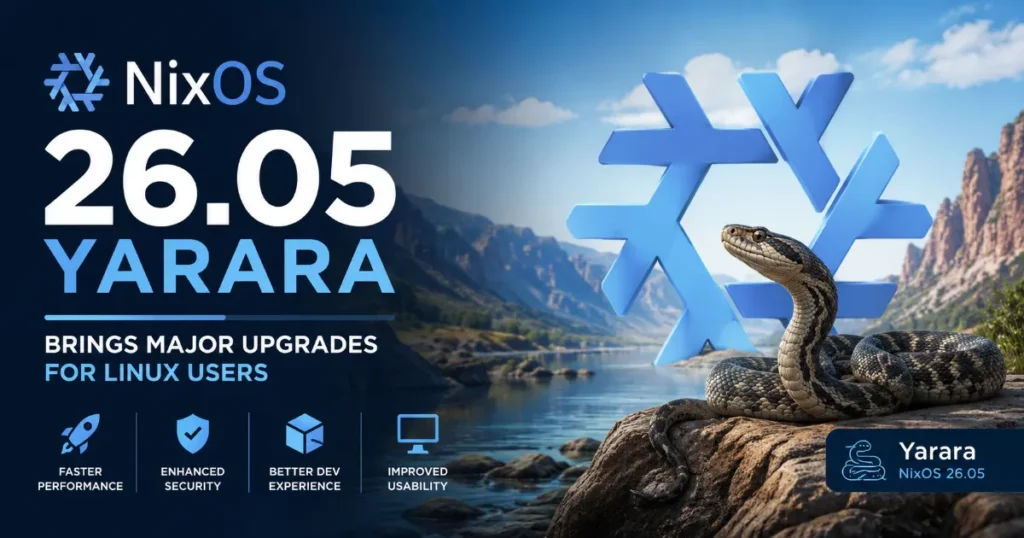
If you’ve been keeping an eye on the Linux world lately, you already know that NixOS releases are always worth paying attention to. But this one? It’s a big deal. NixOS 26.05 Yarara brings major upgrades across the board — from a completely revamped boot system to a fresh GNOME desktop, an enormous package library expansion, and a slew of new system modules. Whether you’re a longtime NixOS user or someone who’s been curious about reproducible Linux systems, this release has something genuinely exciting for you.
Released on May 30, 2026, and managed by community contributors yayayayaka and jopejoe1, NixOS 26.05 is named after the Yarara — a South American pit viper known for its precision. That feels fitting. This release is sharp, focused, and purposeful.
Let’s break down what’s new, what’s changed, and what it all means for the everyday Linux user.
What Is NixOS and Why Does This Release Matter?
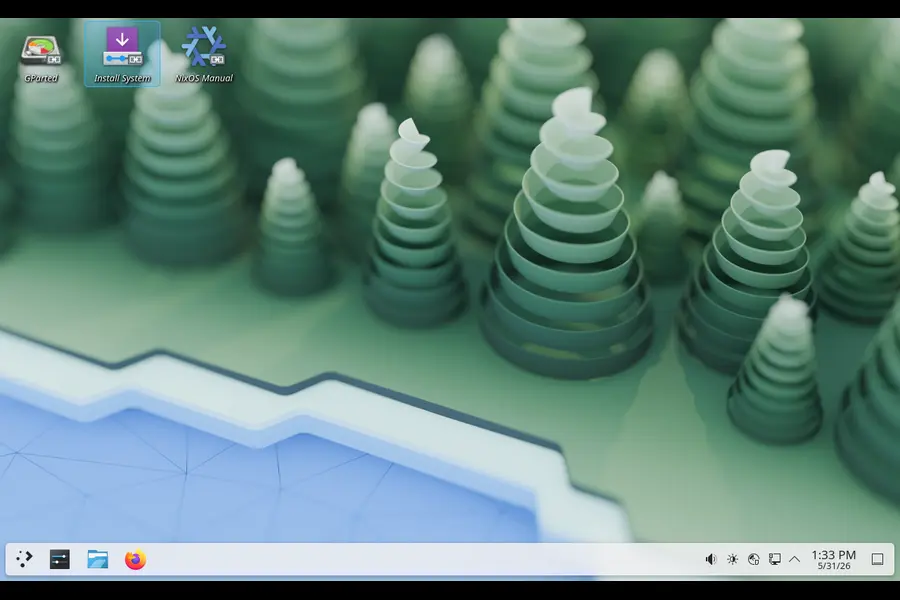
Before jumping into the features, a quick primer for those newer to the ecosystem. NixOS is a Linux distribution built on top of the Nix package manager. What makes it different from Ubuntu, Fedora, or Arch is its fundamentally declarative approach — you describe your entire system configuration in a file, and NixOS builds it exactly that way, every time. No surprise updates breaking things. No dependency hell. Just reproducible, reliable systems.
The underlying package repository, Nixpkgs, can also be used on other Linux distributions and macOS, making NixOS’s releases relevant far beyond its own user base.
So when a new NixOS release drops, it’s not just “some packages got updated.” It can mean fundamental changes to how the OS boots, how software is managed, and how developers and sysadmins interact with their machines.
The Numbers: A Release Built by Thousands
The scale of community effort behind this release is genuinely impressive. Here’s a snapshot of what went into NixOS 26.05:
- 2,842 contributors participated in building this release
- 59,703 commits were authored since the previous release (25.11 “Xantusia”)
- 20,442 new packages were added to Nixpkgs
- 20,641 existing packages were updated
- 17,532 outdated packages were removed to keep things lean and secure
- 85 new NixOS modules were introduced
- 1,547 new configuration options were added
Those aren’t just statistics — they reflect an active, healthy open-source community pushing the distro forward at a serious pace.
This release will receive bugfixes and security updates through December 31, 2026 — a seven-month support window. Meanwhile, the previous release, 25.11 “Xantusia,” has officially been deprecated and will reach end-of-life on June 30, 2026.
The Biggest Change: systemd Takes Over Stage 1
If there’s one headline change in NixOS 26.05 Yarara that brings major upgrades to the core system experience, it’s the transition to systemd-based initrd by default.
What Is Stage 1 (initrd)?
Stage 1, also called the initrd (initial RAM disk), is the very first environment that loads when you boot your computer — before the main operating system takes over. It handles critical tasks like mounting the root filesystem, setting up encryption, and preparing the system to hand off to Stage 2.
Historically, NixOS used a hand-crafted scripted implementation for this phase. That system worked, but it was essentially a collection of shell scripts stitched together, which made it harder to maintain and debug.
Why systemd initrd Is a Game Changer
Starting with 26.05, the initrd is now powered by systemd — the same init system used throughout modern Linux. This means:
- The boot process is more consistent, using the same tools and paradigms as the rest of the system
- Debugging boot issues becomes significantly easier, since systemd’s journaling and tooling applies from the very start
- It opens the door to features like better Plymouth integration, faster parallel service startup, and more predictable boot ordering
The old scripted implementation is still available but has been deprecated and is scheduled for removal in the next release, NixOS 26.11. If you have any boot configurations that rely on the legacy scripted initrd, now is the time to start planning your migration.
GNOME 50 “Tokyo” Lands in NixOS 26.05
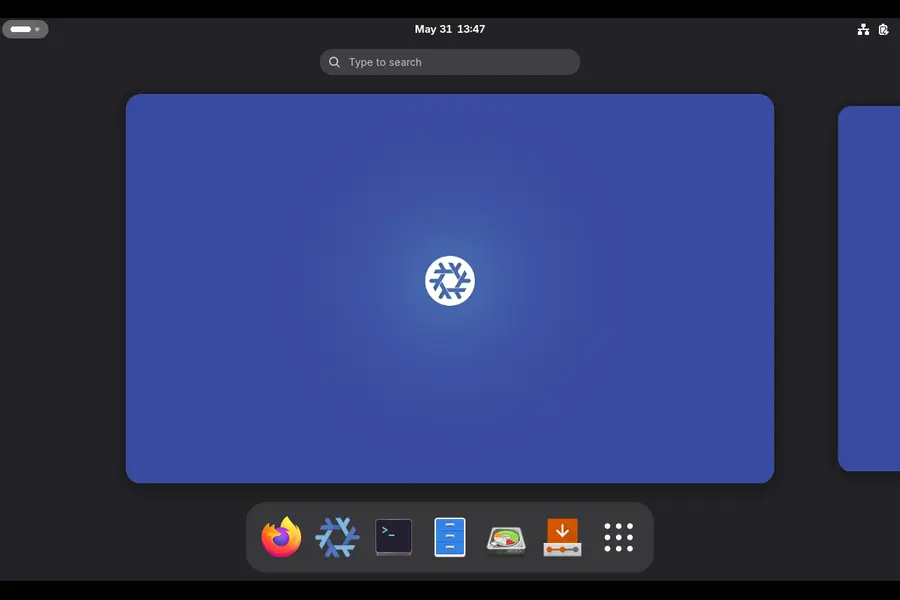
Desktop users have a lot to be excited about. NixOS 26.05 ships with GNOME 50, codenamed “Tokyo” — a significant step forward for one of the most popular Linux desktop environments.
GNOME 50 brings:
- Accessibility enhancements — improved support for assistive technologies, making the desktop more usable for people with disabilities
- Display handling improvements — better multi-monitor support and more reliable display configuration
- General polish across apps and the core shell experience
GNOME has been on a solid improvement streak lately, and version 50 continues that momentum. For NixOS users who run a desktop workstation or laptop, the upgrade to GNOME 50 alone makes this release worth taking seriously.
Compiler Upgrades: GCC 15 and LLVM 21
If you do any kind of development work on NixOS — whether that’s C/C++, Rust, or anything that compiles down to native code — you’ll want to know about the toolchain changes in this release.
GCC 15
GCC (the GNU Compiler Collection) has been updated to version 15. This brings:
- New language standard improvements and better C23/C++26 support
- Performance optimizations in generated code
- Improved diagnostics and warning messages that help catch bugs earlier
For most users this is a transparent upgrade — things just work better. But if you maintain packages or compile code from source, it’s worth checking for any new deprecation warnings that GCC 15 might surface.
LLVM 21
LLVM remains at version 21 in this release. LLVM is the compiler infrastructure behind Clang and many other modern language toolchains (including Rust’s backend). Keeping it at 21 while moving GCC to 15 maintains a tested, stable setup that the NixOS maintainer community has validated extensively.
End of an Era: x86_64-darwin Support Being Dropped
This is a significant deprecation announcement worth flagging for any macOS users in the Nix ecosystem.
NixOS 26.05 will be the last release to support x86_64-darwin — that is, Intel-based Macs. Starting with NixOS 26.11, the project will no longer build packages for Intel Macs or support building them from source.
The reasons are practical:
- Apple itself has deprecated Intel Mac support in its latest platforms
- The NixOS community has limited build infrastructure and developer time for maintaining x86_64-darwin packages
- Apple Silicon (arm64-darwin) support remains healthy and well-supported
If you’re running Nix on an Intel Mac, you’ll continue to get security updates through the end of 2026 (when 26.05 reaches end-of-life), but after that you’ll need to either migrate to an Apple Silicon machine or switch to a Linux environment.
What’s New in Nixpkgs: Packages Galore
Beyond the headline features, the Nixpkgs package collection received a massive overhaul. With over 20,000 new packages added and a similar number updated, this release expands what you can install directly from the NixOS repository dramatically.
Some of the newly available packages and modules in the NixOS 26.05 ecosystem cover areas like:
- Self-hosted tools: URL shorteners, document signers, file managers, monitoring dashboards
- Media servers: Personal IPTV servers, WebRTC broadcasting tools
- Security tools: Collaborative intrusion prevention systems with firewall bouncers
- Developer utilities: HTTP testing servers, interface management tools
- Home automation: HomeKit emulation servers for smart home enthusiasts
The removal of 17,532 outdated packages is equally important — this kind of pruning keeps the repository maintainable and reduces the attack surface for security vulnerabilities.
85 New NixOS Modules: More Ways to Configure Your System
One of NixOS’s biggest strengths is its module system — the ability to declaratively enable and configure services, programs, and system features through a unified configuration interface. NixOS 26.05 adds 85 new modules, giving users even more control over their systems without leaving the NixOS configuration paradigm.
A sampling of what’s new includes:
- services.crowdsec — Enable the open-source collaborative intrusion prevention system directly from your NixOS config
- services.docuseal — Run a self-hosted DocuSign alternative for digital document signing
- programs.gtklock — A GTK-based Wayland screen locker configurable at the system level
- hardware.fw-fanctrl — Fan control for Framework Laptops, now a first-class NixOS module
- services.homebridge — HomeKit emulation server support built right into NixOS configuration
- services.ente.api and services.ente.web — End-to-end encrypted photo hosting, self-hosted
Each of these modules means you can enable and configure the service with a few lines in your configuration.nix, and NixOS handles the rest — installation, service management, and integration with the rest of the system.
Upgrading to NixOS 26.05 Yarara
If you’re already on NixOS, upgrading is relatively straightforward. The general process looks like this:
- Update your channel to point to 26.05 by running nix-channel –add https://nixos.org/channels/nixos-26.05 nixos
- Run nix-channel –update
- Rebuild your system with nixos-rebuild switch –upgrade
That said, there are a few things to keep in mind before upgrading:
- Review the backward incompatibilities in the official release notes. The switch to systemd initrd is the most significant change, and while it’s largely transparent, custom boot configurations may need adjustment.
- Check deprecated options in your configuration.nix. The release removes 25 outdated modules and 355 configuration options — if you’re using any of these, your build will fail until you update them.
- Back up your system before major upgrades — this is just good practice regardless of distro.
- If you’re on macOS with an Intel chip, start planning your migration path away from x86_64-darwin before end-of-life hits.
The full upgrade instructions are available at the official NixOS upgrade documentation.
ISO Downloads and Fresh Installations
If you’re new to NixOS and want to start fresh with 26.05, installation images are available at nixos.org/download. The standard ISO includes the GNOME 50 desktop by default, and there’s also a minimal installer for those who prefer to build their environment from scratch.
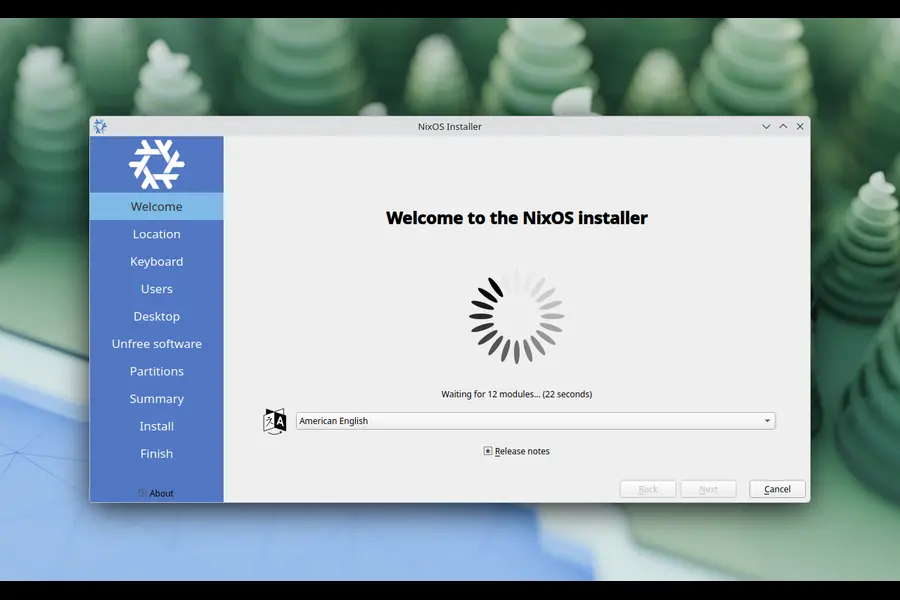
Fresh installations benefit immediately from all the 26.05 defaults — including the systemd initrd, GCC 15 toolchain, and the full GNOME 50 experience — without needing to migrate anything.
Looking Ahead: NixOS 26.11 “Zokor”
The release managers closed their announcement by looking forward to the next release: NixOS 26.11 “Zokor”, expected around November 2026. A few things we already know are on the horizon:
- The legacy scripted initrd will be removed — systemd initrd will be the only option
- x86_64-darwin support ends — Intel Mac users will need to plan their exit
- The NixOS rebuild tool rewrite (nixos-rebuild-ng) introduced in 25.11 will likely see further consolidation
NixOS has a consistent six-month release cadence, which means you can count on another significant release before the year is out.
Final Thoughts
NixOS 26.05 Yarara brings major upgrades that touch nearly every layer of the system — from how it boots, to what desktop environment it runs, to how many packages are available and how the compiler toolchain works. It’s one of the more consequential NixOS releases in recent memory.
For existing users, the path forward is clear: upgrade soon, check for incompatibilities, and enjoy a noticeably more capable system. For newcomers considering their first NixOS installation, 26.05 is an excellent entry point — stable, well-tested, and packed with modern software.
The 2,842 contributors who made this release possible have delivered something genuinely impressive. If you’ve ever been on the fence about giving NixOS a try, now’s a pretty good time to jump in.
Disclaimer
The information provided in this article is for general informational purposes only. While every effort has been made to ensure accuracy based on official NixOS 26.05 release notes published May 30, 2026, software features, timelines, and support windows may change. Always refer to the official NixOS documentation before making upgrade or migration decisions. This article is not affiliated with or endorsed by the NixOS project or Anthropic.
Discover the major storage, performance, and open-source improvements introduced in OviOS Linux V6 POLARIS. Fedora Hummingbird Linux Review
Explore Fedora Hummingbird’s features, performance, desktop experience, and Linux compatibility. What’s New in MX Linux 25.2?
Learn about the latest MX Linux 25.2 updates, package upgrades, bug fixes, and user experience enhancements.