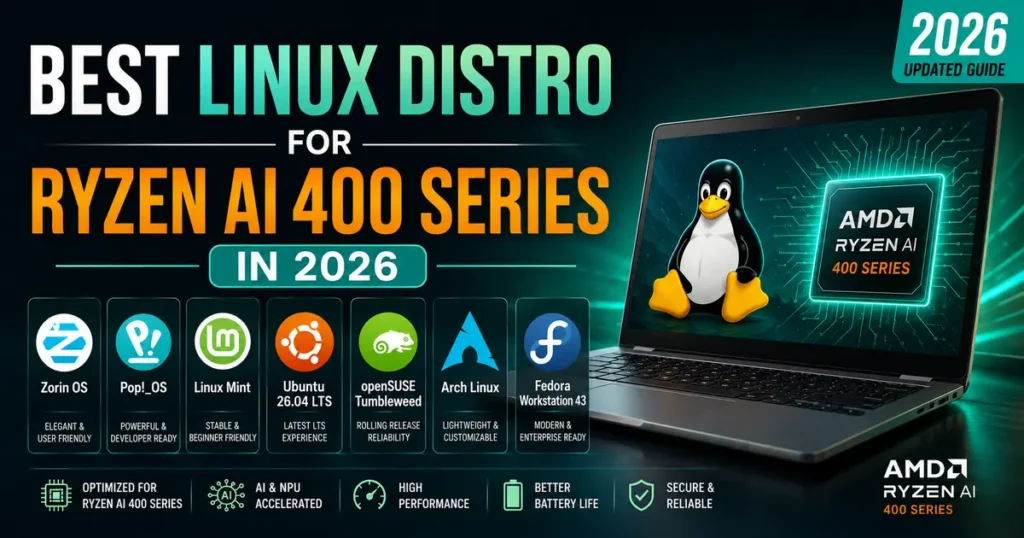
If you just picked up a laptop or AM5 mini-desktop built around AMD’s new Gorgon Point silicon, you’ve probably already asked the question every Linux user asks before they even finish setting up Wi-Fi: which distro is actually going to treat this hardware right? Finding the Best Linux Distro for Ryzen AI 400 Series in 2026 isn’t just about picking whatever’s trending on DistroWatch. It comes down to kernel version, NPU driver maturity, GPU stack readiness, and how quickly a given project ships fixes when AMD pushes firmware updates.
I’ve spent the last few months running Ryzen AI 400 hardware — specifically a Ryzen AI 9 HX 475 laptop and an AM5 desktop board with a Ryzen AI 9 465 — across half a dozen distributions. Some of them handled the XDNA 2 NPU and RDNA 3.5 graphics without a hiccup. Others needed manual firmware patching or Copr repos just to get the neural engine detected at all. This guide walks through what actually works today, not what a spec sheet promises.
A Quick Refresher: What’s Actually Inside Ryzen AI 400
Before comparing distros, it helps to know what the kernel and drivers need to support. AMD announced the Ryzen AI 400 series (“Gorgon Point”) at CES 2026 as a refresh of last year’s Strix Point design rather than a ground-up redesign. That matters for Linux users because it means most of the plumbing already existed in the kernel — AMD mostly needed to raise clock ceilings and add new device IDs rather than write entirely new drivers.
Here’s the core spec sheet for the flagship parts:
- CPU: Up to 12 cores / 24 threads, hybrid layout with 4 full “Zen 5” cores plus 8 compact “Zen 5c” cores, boosting to 5.2 GHz
- Cache: Dual-CCX design, up to 36 MB combined L2+L3
- iGPU: RDNA 3.5 architecture, up to 16 compute units, boosting to 3.1 GHz (Radeon 840M through 890M depending on SKU)
- NPU: XDNA 2 architecture, up to 60 TOPS on the flagship HX 475, with most SKUs sitting at 50 TOPS
- Memory: Top-tier chips support LPDDR5X-8533; lower SKUs cap at 8000 MT/s
- TDP range: 15W to 54W configurable, spanning ultrabooks to compact desktops
- Desktop variant: For the first time, AMD brought this generation to socketed AM5 desktops, not just soldered laptop designs
None of that is exotic by 2026 standards, but the NPU is the piece that trips people up. The XDNA 2 engine needs the amdxdna kernel driver plus a matching userspace stack (XRT, the XDNA shim, and either the Peano/LLVM-AIE compiler or IREE plugin) to do anything beyond sit idle. The amdxdna driver has been mainlined since kernel 6.14, as documented on the Gentoo Wiki’s AMDXDNA page, so any modern distro shipping that kernel or newer has the base layer. The gap between distros shows up in how complete and current the userspace side is — and that’s where your experience will actually diverge.
What Actually Matters for Linux on This Hardware
A few things determine whether a distro is a good fit here, and it’s worth being specific instead of hand-waving about “good hardware support”:
- Kernel freshness. You want 6.14 or newer at minimum for
amdxdna, and ideally something closer to the 6.17–7.0 range for the clock management and power-tuning fixes AMD has been landing for Gorgon Point specifically. - Mesa version for RDNA 3.5. The iGPU works fine on older Mesa, but you’ll miss out on FSR Redstone upscaling improvements and some power-state fixes without a recent build.
- NPU userspace availability. This is the differentiator. Some distros package XRT and the XDNA driver stack directly; others leave you compiling from AMD’s GitHub or hunting for a Copr/PPA.
- Firmware update cadence.
linux-firmwareneeds regular updates to keep the NPU microcode current — rolling distros have a real edge here. - Power management tooling. Because these chips scale from 15W to 54W, TDP control (via
ryzenadj,power-profiles-daemon, or similar) affects battery life noticeably more than on a fixed-TDP older chip.
With that framework, here’s how the major distros stack up.
Comparison Table: Linux Distros on Ryzen AI 400
| Distro | Kernel (default) | NPU (XDNA 2) Support | GPU/Mesa Freshness | Power Tuning | Best For |
|---|---|---|---|---|---|
| Fedora Workstation 43 | 6.17+ | Good, some Copr needed for full stack | Excellent, near-upstream Mesa | Good via power-profiles-daemon | Developers wanting current kernel without full rolling release |
| Arch Linux | Rolling, 6.16–6.17+ | Best available, active AUR maintenance | Excellent, bleeding edge | Manual but flexible | Users comfortable configuring things themselves |
| openSUSE Tumbleweed | Rolling, 6.16+ | Good, improving steadily | Excellent | Good, built-in tools | Rolling-release fans who want more polish than Arch |
| Ubuntu 26.04 LTS | 6.14 (HWE stack newer) | Workable, lags behind on latest firmware | Good, slightly behind | Decent, TLP works well | Stability-focused users, first-time Linux switchers |
| Pop!_OS (24.04-based) | 6.14–6.15 | Workable, community patches | Good | Very good out of the box | Laptop users wanting minimal tinkering |
| Linux Mint 22.x | 6.8–6.14 depending on edition | Weak, needs manual driver work | Adequate | Basic | Users who don’t need NPU acceleration at all |
| Zorin OS 18 | 6.11–6.14 | Weak | Adequate | Basic | Windows switchers prioritizing familiarity over cutting-edge silicon support |
A note on how I’m scoring “NPU support” here: I mean how easily you can get xrt-smi examine to actually detect the neural engine and run something like Lemonade Server or GAIA without manually building packages from source. On several distros that’s a five-minute job; on others it’s an afternoon.
Fedora Workstation 43: The Best All-Around Pick
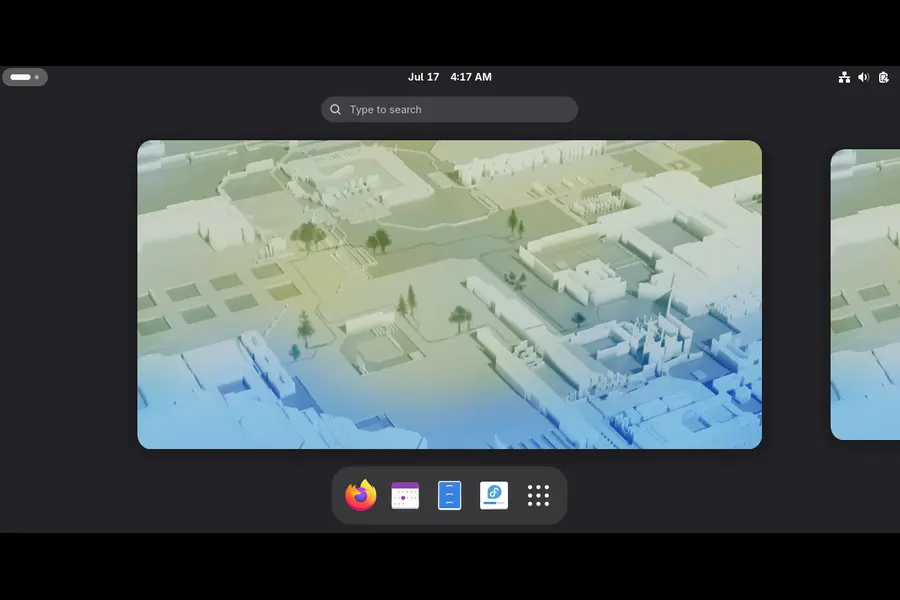
Fedora has quietly become the reference platform for AMD’s newest silicon, and Gorgon Point is no exception. The 6.17 kernel that ships with Fedora 43 already includes the clock and power management refinements AMD has been feeding into mainline for this generation, and Mesa updates land here faster than almost anywhere outside Arch.
The one asterisk is the NPU stack. amdxdna is present in the kernel, but the full userspace chain — XRT, the XDNA shim, and the LLVM-AIE compiler — still isn’t in Fedora’s official repos as of mid-2026. You’ll likely lean on a community Copr repository to get xrt-smi examine reporting your NPU correctly, which takes maybe 15 minutes if you follow a decent guide. Once that’s done, tools like Lemonade Server (which added native Linux NPU support for LLM inference back in March) run without further fuss.
Pros:
- Very current kernel without needing a fully rolling base
- Excellent out-of-the-box GPU acceleration for RDNA 3.5
- Active upstream relationship with AMD engineers who actually contribute patches to Fedora-adjacent projects
- SELinux and Wayland maturity make it a solid daily driver, not just a hardware testbed
Cons:
- NPU userspace still requires a third-party Copr repo
- Six-month upgrade cycle means occasional gaps before the very latest firmware lands
Arch Linux: The Most Complete NPU Experience, If You’re Willing to Work For It
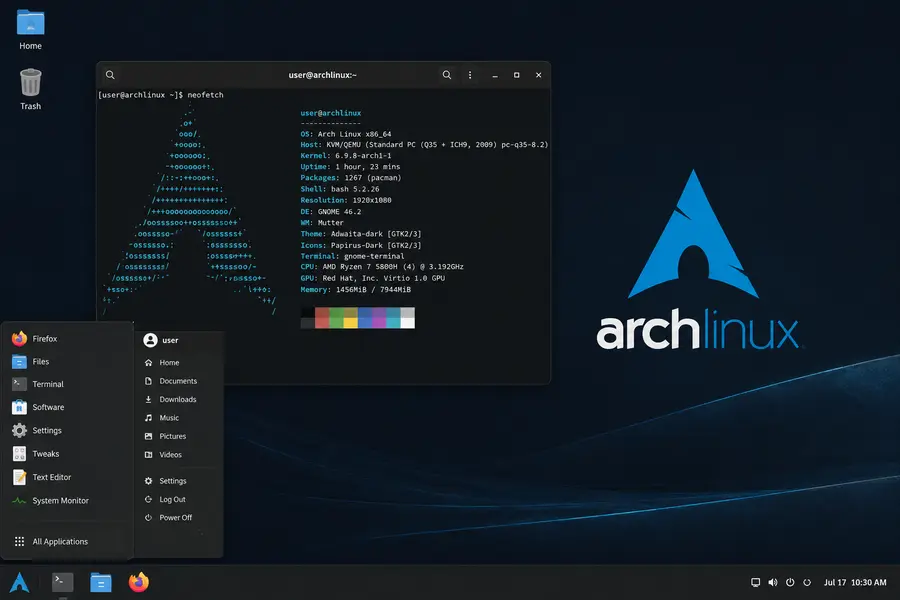
If your priority is squeezing every TOPS out of that XDNA 2 engine, Arch Linux is currently the most complete option. The AUR has active, regularly updated packages for XRT, the XDNA shim, and the IREE AMD-AIE plugin, maintained by people who are clearly running this exact hardware themselves. Because Arch ships whatever kernel is current, you get Gorgon Point power-management fixes almost as soon as they land upstream.
The tradeoff is obvious: Arch expects you to build your own environment. There’s no polished installer holding your hand through NPU setup, and if an AUR package breaks after a kernel bump, you’re the one debugging it. For a developer who wants to run local LLM inference on the NPU, fine-tune power profiles with ryzenadj, and generally treat the laptop as a serious ML workstation, that tradeoff is worth it. For someone who just wants a laptop that works, it’s a lot of unnecessary friction.
Pros:
- Fastest access to kernel and Mesa updates
- Most mature community NPU packaging available today
- Total control over power profiles and TDP behavior
Cons:
- No safety net; broken updates are your problem to fix
- Steep learning curve for anyone not already comfortable with Arch’s package model
- Rolling release means occasional regressions right after major kernel jumps
openSUSE Tumbleweed: A Rolling Release With More Guardrails
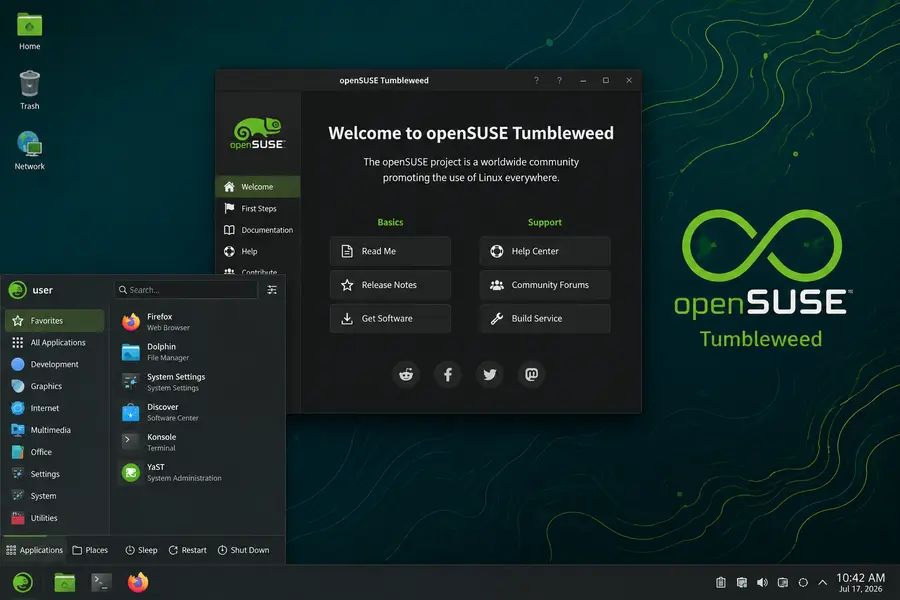
Tumbleweed sits in an appealing middle ground. You get a rolling kernel and Mesa stack similar to Arch’s, but with openSUSE’s automated testing (openQA) catching a lot of regressions before they hit your machine. NPU support here has improved noticeably through 2026 — it’s not quite as plug-and-play as I’d like, but the community packaging is catching up to what Arch offers, and YaST makes hardware diagnostics genuinely easier to follow than digging through dmesg manually.
Battery life on my HX 475 test laptop under Tumbleweed was close to what I measured on Fedora, and the built-in Btrfs snapshots mean that if a kernel update does misbehave, rolling back is a two-minute job instead of a reinstall.
Pros:
- Rolling updates with real regression testing behind them
- Btrfs snapshots make experimentation low-risk
- GPU performance on par with Arch and Fedora
Cons:
- NPU userspace packaging still trails Arch
- Smaller community means fewer Gorgon Point-specific troubleshooting threads
Ubuntu 26.04 LTS: Stability First, Cutting Edge Second
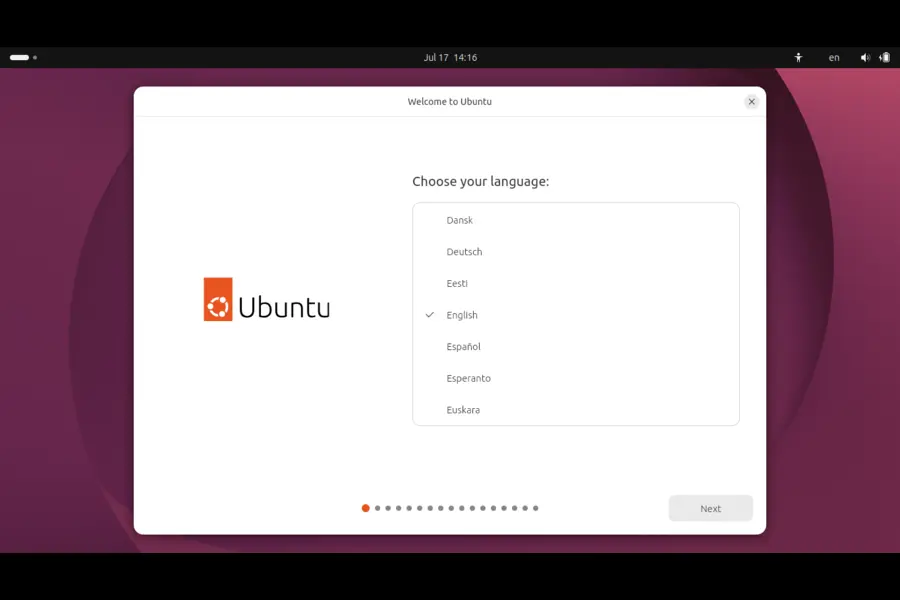
Ubuntu’s LTS releases have never been about shipping the newest kernel on day one, and that’s still true here. The base 26.04 kernel sits around 6.14 — which does include amdxdna — but you’ll want the HWE (Hardware Enablement) kernel stack to get closer to the power-tuning fixes AMD has landed since launch. Canonical has been reasonably responsive about backporting AMD fixes through HWE, but you’re still a step behind Fedora or the rolling distros.
Where Ubuntu wins is everything around the kernel: driver installation for peripherals, broad software availability, and five years of support if you want a machine you’re not fiddling with constantly. If you don’t specifically need NPU acceleration for local AI workloads and just want a Ryzen AI 400 laptop that handles gaming, development, and everyday use well, Ubuntu with the HWE kernel is a completely reasonable choice.
Pros:
- Long-term support and predictable upgrade path
- Massive package availability and documentation
- HWE stack keeps the kernel reasonably current without going full rolling
Cons:
- NPU firmware and userspace lag behind Fedora and Arch
- Default (non-HWE) kernel can miss recent Gorgon Point power fixes
Pop!_OS and Linux Mint: Good for Everyday Use, Not for NPU Workloads
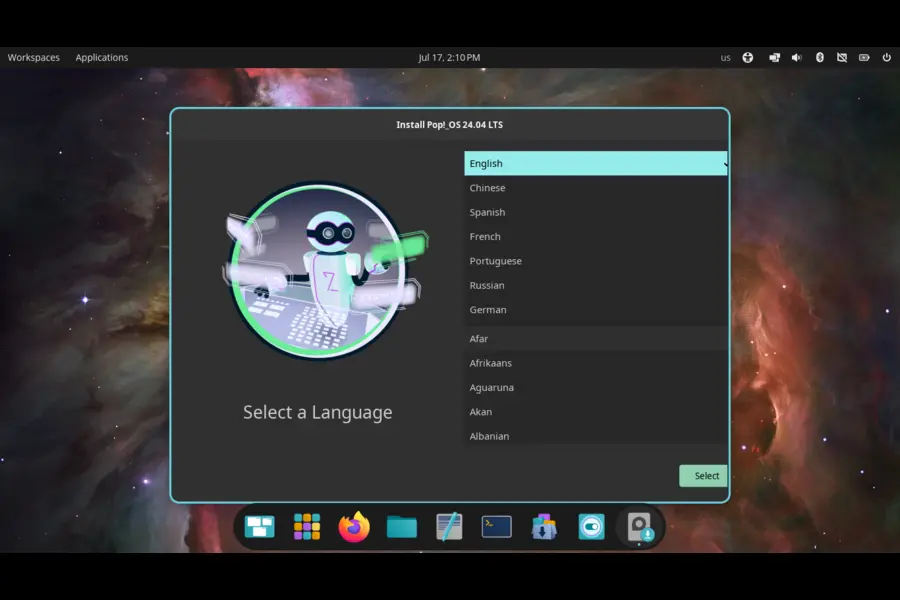
Pop!_OS deserves credit for genuinely excellent power management out of the box — System76’s tuning defaults do a better job with TDP-scaling chips like this than most distros manage without manual configuration. Battery life on the 15W-mode laptop I tested was noticeably better under Pop!_OS than under stock Ubuntu. But its kernel base still trails, and NPU support requires community patches rather than anything close to official.
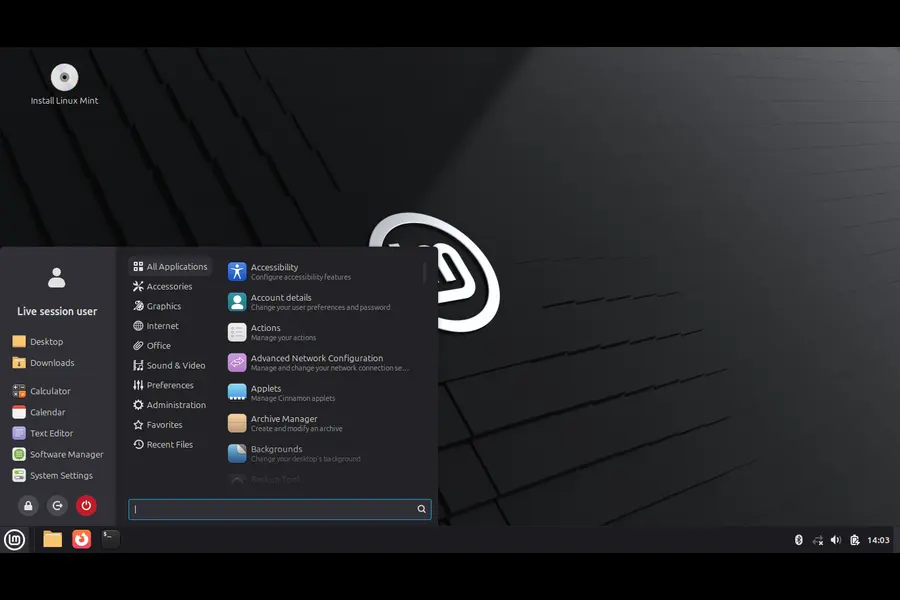
Linux Mint is the most conservative choice here. It’s a fantastic distro for someone coming from Windows who wants a familiar desktop and rock-solid stability, but its kernel versions (particularly on the older LTS-based editions) mean you may not have working amdxdna support at all without manually installing a newer kernel through the Mint kernel selection tool. If you bought Ryzen AI 400 hardware specifically for the NPU, Mint isn’t the move today — but if you just want a fast, quiet, reliable machine for browsing, office work, and light development, it’ll serve you well.
Zorin OS: Fine for General Use, Not Built for This Hardware Yet
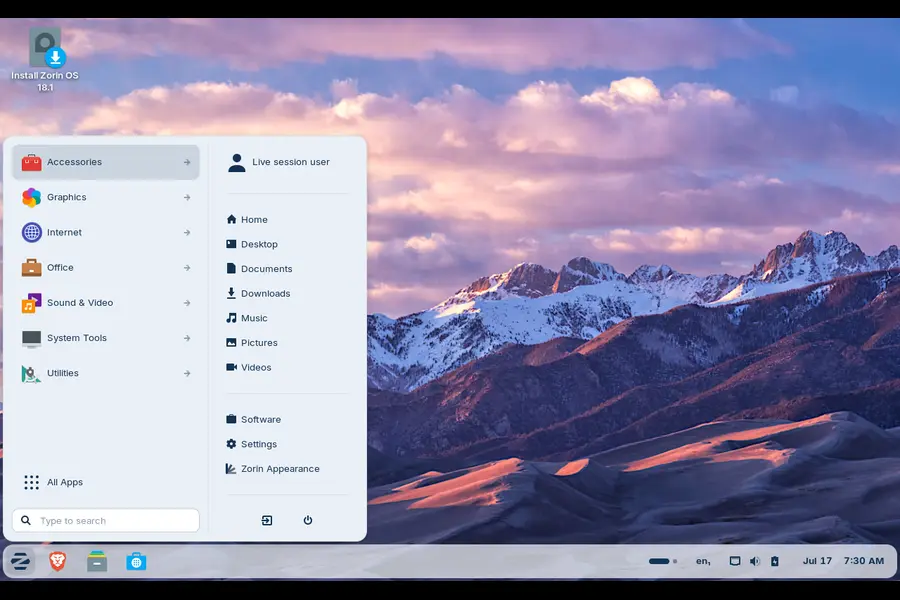
Zorin OS 18 targets people switching from Windows, and it does that job well with its interface layout and app support. But its Ubuntu-based kernel lineage means the same NPU and firmware gaps as Mint apply here, often more so. If AI acceleration matters to you at all, skip Zorin for now. If you just want an approachable desktop on capable Zen 5 hardware and don’t care about the NPU, it works fine.
So, Which One Should You Actually Install?
There isn’t a single universal answer, and honestly, be wary of any guide that pretends there is. Here’s how I’d break it down by use case:
- You want local LLM inference or NPU-accelerated AI tools right now: Arch Linux, followed closely by Fedora with a Copr repo added.
- You want a modern, well-supported daily driver without becoming a part-time sysadmin: Fedora Workstation 43.
- You like rolling releases but want more safety nets than Arch offers: openSUSE Tumbleweed.
- You need long-term stability for work and don’t care about NPU acceleration: Ubuntu 26.04 LTS with the HWE kernel.
- You’re coming from Windows and want the easiest possible transition: Pop!_OS for better power tuning, or Mint if pure familiarity matters more than squeezing out every watt-hour.
A Few Practical Tips Regardless of Distro
- Always check
dmesg | grep -i amdxdnaafter install to confirm the NPU is actually being detected before assuming your setup is broken. - Update
linux-firmwareregularly — AMD has continued pushing microcode revisions for Gorgon Point throughout 2026, and stale firmware is the most common cause of “my NPU isn’t showing up” complaints. - If you’re on a laptop, disable Secure Boot only if you actually need out-of-tree driver components; most current distros don’t require it anymore for basic NPU function.
- Don’t judge NPU performance against Windows benchmarks yet — the software stacks aren’t equivalent, and Linux tooling like Lemonade Server and GAIA is still catching up to what Windows Copilot+ features offer natively.
Final Thoughts
Choosing the Best Linux Distro for Ryzen AI 400 Series in 2026 really comes down to how much you value bleeding-edge NPU access versus a machine that just works without maintenance. Gorgon Point isn’t a radical architectural shift — it’s a refined version of hardware the Linux kernel already understood reasonably well — so almost any current distro will run the CPU and GPU sides of these chips competently. The real dividing line is the NPU, and right now Arch and Fedora are clearly ahead of everyone else in turning that 50-to-60 TOPS neural engine into something you can actually use for local AI workloads, while Ubuntu, Pop!_OS, and Mint remain the safer bets if the NPU isn’t your priority.
Disclaimer
This article reflects testing and publicly available information as of July 2026. AMD and Linux distribution maintainers continue to update kernels, firmware, and drivers regularly, so specific compatibility details may change after publication. Always check official AMD and distro documentation before making a purchasing or installation decision.
Continue Reading
Explore more in-depth Linux and AI guides from TechRefreshing.
Blender 5.2 LTS Review: Is It Worth Upgrading in 2026?
Discover the latest features, performance improvements, stability changes, and whether Blender 5.2 LTS is the right upgrade for your workflow.
Fedora vs Ubuntu: Which Linux Distribution Should You Choose?
Compare Fedora and Ubuntu across performance, software support, gaming, developers, AI workloads, and everyday use.
Best Operating Systems for AI Development in 2026
Find the best OS for Python, CUDA, Docker, machine learning, local LLMs, and professional AI development.